7 Best Free Menu Makers for Restaurants (Printable and Digital Compared)
A menu maker is a tool that turns your dishes and prices into a designed menu you can print or share. For printable menus, Canva, Adobe Express and Visme give you the most design freedom on a free plan. For a menu guests read on their phones, a QR menu generator fits better. Most restaurants end up using one of each. This guide compares seven options, with limits and prices checked on each vendor's own pages as of October 2026.
Key Takeaways
- Design tools make print menus. Canva, Adobe Express, Visme and Microsoft Word templates export files you take to a printer.
- Free plans have catches. Examples: premium-only templates, a paid PDF with bleed marks and a Visme logo on free downloads (Visme), or a watermark on larger free downloads (PosterMyWall).
- A PDF is not a digital menu. It cannot update itself, and it reads badly on a phone.
- Use both. Print a short card for the table. Put the full, current menu behind a QR code.
- You can convert. Upload a Canva PDF or a photo to an AI menu import and get a structured digital menu.
Table of Contents
- 1. Canva - the default design pick
- 2. Adobe Express - free templates with PDF export
- 3. Visme - menus with QR codes built in
- 4. MustHaveMenus - made for restaurants, paid
- 5. PosterMyWall - quick posters and boards
- 6. Microsoft Word menu templates - the plain option
- 7. QR Menu Generator - the digital and QR pick
- Comparison table
- How to choose in two minutes
- Print vs digital: when you need both
- How to turn a Canva PDF into a QR menu
Method: I read each vendor's own pricing or product page in October 2026. When a page does not state a fact, the table says "not listed". Prices change, so check the link before you buy.
1. Canva - the default design pick
Canva is the tool most restaurant owners already know. Its restaurant menu maker page offers a library of menu templates you can search by color, layout and theme. You swap in your own logo, photos, fonts and colors. You can export a print-ready PDF for a print shop.
Strengths: A large template library and an easy editor that many staff pick up quickly. It is also the usual answer to "canva menu template" searches.
Watch out for: Many Canva template listings carry a "Pro" label, so not every template is free. Canva's prices load via JavaScript, so I could not read them here. Check the current plans on canva.com/pricing before you commit. A Canva design is a static page: a price change means you edit, export and reprint.
Best for: Printed menus, table cards and social posts.
Need layout ideas that work in any of these tools? Our guide to luxury restaurant menu design covers spacing, type and photo choices.
2. Adobe Express - free templates with PDF export
Adobe Express is the closest rival to Canva. Its menu maker page says you can "design menus for free" and download "as a high-quality JPG, PDF, or PNG". It says the free plan includes a library of templates and a selection of royalty-free Adobe Stock photos.
On its main page Adobe lists the Free plan at US$0.00, "free to use, no credit card required", with limited generative AI credits. Premium is listed at US$9.99 per month, billed monthly, with a 30-day free trial.
Strengths: Clean PDF export, Adobe fonts and stock photos, and a low-priced paid tier.
Watch out for: The pages I read do not state watermark rules for the free plan, so treat that as "not listed" and test an export. The menu page does not describe QR code creation.
Best for: Owners who want Canva-style design with Adobe fonts and photos.
3. Visme - menus with QR codes built in
Visme's menu maker page says "it's 100% free" and that you can print on card paper at home or at a local printer. The editor lets you add QR codes that link to an online menu or to ordering.
There is one clear catch, in Visme's own words: "If you need to download it as a PDF with bleed marks, you will need to upgrade." Bleed marks matter if a print shop trims your menu.
On the pricing page, the free Basic plan lists unlimited projects, JPG, PNG and PDF downloads, 500MB storage and 50 slides or pages per project. Starter is US$12.25 per month per person, billed annually ($147 per year). The page lists "No Visme Logo" only on paid plans, so expect a Visme logo on free downloads.
Strengths: QR codes, shareable links and embed options in the same editor.
Watch out for: Starter pricing is per person. Visme is a general design tool, so there is no menu database: each change is a new design edit.
Best for: A single menu that mixes print and a simple shared link.
4. MustHaveMenus - made for restaurants, paid
MustHaveMenus is built only for restaurant menus. The pricing page lists a Design plan at $24 per month (billed annually) with templates, a brand kit, print-ready PDFs, QR codes and web links. The Pro plan is listed at $50 per location per month (billed annually). It adds Toast and Square POS sync and website menus that update on publish. Digital signage is an add-on.
The page lists no free plan. It mentions free trials without terms. One FAQ line on the same page quotes "$59/month or $600/annually". That is the same Pro plan: $50 per month billed annually ($600 a year), or $59 per month billed monthly. Confirm the final price with the vendor.
Strengths: Restaurant-specific templates, print-ready output and POS sync on Pro.
Watch out for: It is not a free option. Per its help center, QR codes and online menus deactivate when you cancel.
Best for: Restaurant groups that want print, web and POS in one paid tool.
5. PosterMyWall - quick posters and boards
PosterMyWall lets you start from a menu template or its Menu Maker. Its FAQ says menus can be printed, shared online or shown on screens.
Free downloads are basic quality. The FAQ says a PosterMyWall watermark appears on previews and free downloads of larger designs, "but never on paid downloads or prints". Social-media-size free downloads have no watermark. High-resolution downloads cost $5.99 for up to 9 pages on the free plan. Premium is $13 per month or $109 per year, with unlimited high-quality downloads.
Strengths: Fast, poster-style designs for specials and events.
Watch out for: A free A4 menu will likely carry a watermark. Plan to pay per download or subscribe.
Best for: Event flyers, daily specials and screen displays.
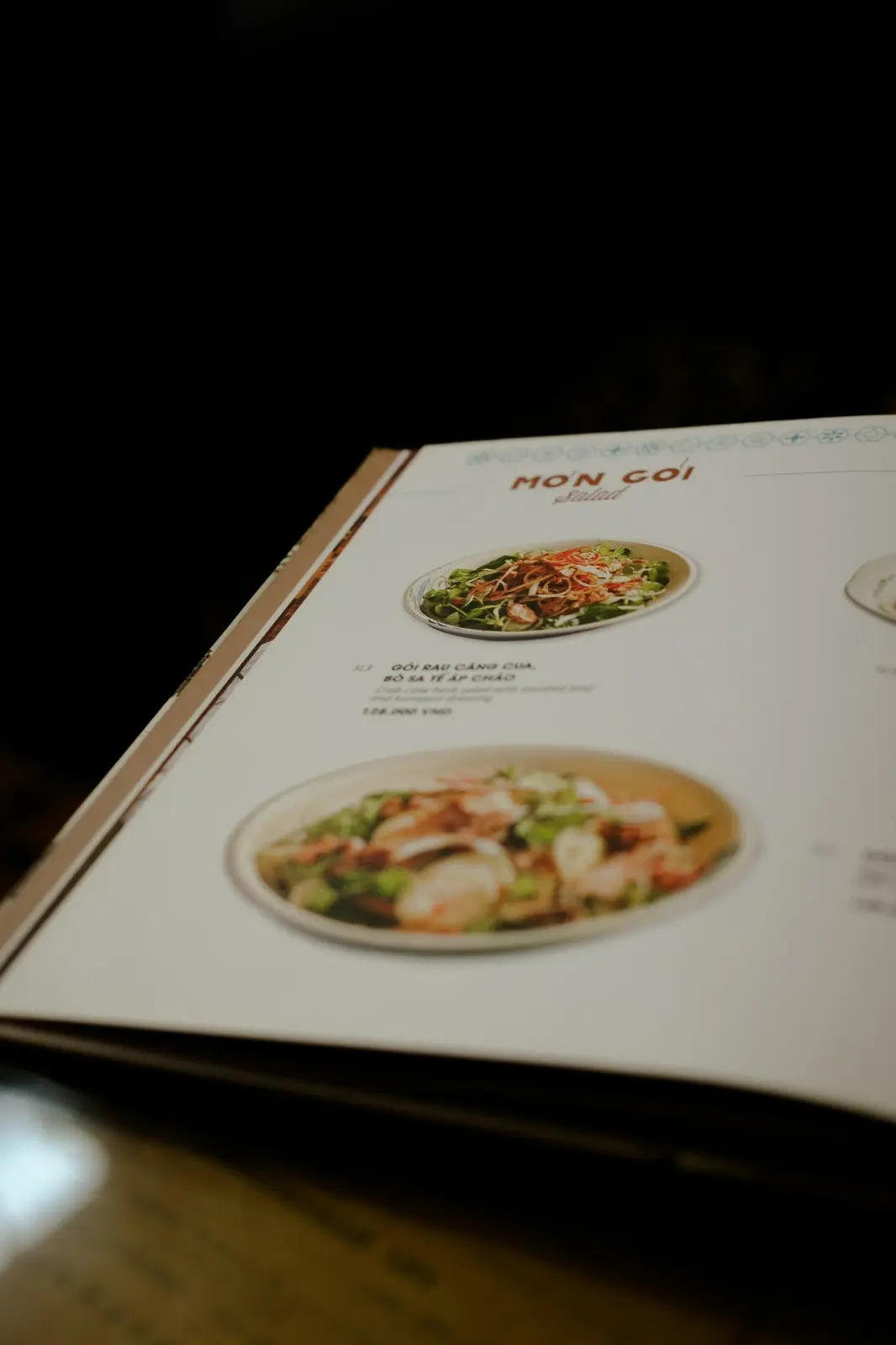
6. Microsoft Word menu templates - the plain option
Microsoft publishes free printable menu templates for Word. The page tells you to open Word for web to explore them. It does not say whether a Microsoft account is required, so that is "not listed".
Strengths: No new tool to learn if your team already uses Word. Easy to edit text and prices.
Watch out for: Fewer modern designs. No QR features, no brand kit.
Best for: A simple text menu you print in-house.
7. QR Menu Generator - the digital and QR pick
This is our own product, so read it with that in mind. QR Menu Generator does not design print pages. It builds a mobile menu with categories, prices and photos (plus allergen tags on Pro), and gives you a QR code that opens it. You edit in a dashboard, and changes show at once with no reprint.
The free plan includes 1 restaurant, up to 10 categories, up to 30 products and 10,000 monthly views. It shows ads on your menu. Pro and Pro Plus lift these limits; see the pricing page for current prices. There is a 14-day money-back guarantee.
Other features: 8 menu themes, custom QR code design, multilingual menus with AI translation (Pro), and AI menu import from a photo or PDF.
Strengths: Instant updates, plus translations and allergen filters on Pro that a print file cannot do.
Watch out for: Menus use themes, not free-form layouts. The free plan fits a small menu only (30 products). It is not the tool for a printed wine list with custom artwork.
Best for: Cafes, bars and restaurants that change prices often or serve guests in more than one language. See also our guide to the best free QR menu makers and the online restaurant menu maker guide.
Comparison table
Free-tier facts as listed on each vendor's pages in October 2026.
| Tool | Free tier | PDF / print export | QR or digital menu | Watermark | Best for |
|---|---|---|---|---|---|
| Canva | Free menu maker; some templates labelled Pro | Print-ready PDF | Not verified | Not listed | Print and social |
| Adobe Express | Free, no card; limited AI credits | JPG, PDF, PNG | Not on menu page | Not listed | Design with Adobe assets |
| Visme | Free Basic: 500MB, 50 pages per project | PDF; bleed marks need upgrade | QR codes and share links | Visme logo on free downloads | Print plus simple link |
| MustHaveMenus | None listed (from $24/mo annual) | Print-ready PDFs | QR codes, web menus | Not applicable | Paid restaurant suite |
| PosterMyWall | Free basic-quality downloads | Paid HD from $5.99 | Share online, screens | Yes, on larger free downloads | Specials and flyers |
| Word templates | Free printable templates | Print from Word | No | Not listed | Plain text menus |
| QR Menu Generator | 1 restaurant, 10 categories, 30 products, ads shown | Not a print tool | Yes, mobile menu and QR | Not applicable | Digital menu, many languages |
How to choose in two minutes
- You print a menu once or twice a year. Use Canva or Adobe Express. Export PDF and give it to the print shop.
- You change prices or dishes every month. Add a QR menu. Reprinting each time costs more than it saves.
- You serve tourists or several language groups. Use a digital menu with translation. A print file holds one language.
- You run a multi-location group with POS. Look at MustHaveMenus Pro, and compare it with QR menu software in our QR menu software guide.
- You need only a poster for tonight's special. Use PosterMyWall or Canva.
Print vs digital: when you need both
A printed menu has real strengths. It works with no phone and no signal. Some guests, often older ones, prefer paper. A well-designed card also sets the mood of a venue.
A digital menu fixes what paper cannot:
- Price and stock changes. Edit once. No reprint.
- Languages. One menu, many languages.
- Allergen info. Tags per dish, plus a diner-side filter.
- Photos. Show the dish without crowding the page.
The common setup is a hybrid. Print a one-page card with your signature dishes. Put a QR code on it that opens the full menu. Staff update the QR menu, and the printed card changes only when the concept changes. For the cost side, see how much restaurants save by stopping paper menu reprints.
One warning: do not link your QR code straight to a PDF. We compare both in QR code menu vs PDF menu.
How to turn a Canva PDF into a QR menu
You do not need to retype your menu. Use this process:
- Export. In your design tool, download the menu as PDF. A clear photo of the printed menu also works.
- Import. In a QR menu tool with AI import, upload the file. In QR Menu Generator, create a free account and use the AI menu import. It reads categories, dishes, descriptions and prices.
- Review. Check every price and name. AI can misread a decorative font.
- Add details. Add photos to bestsellers and allergen tags. Choose a theme and style the QR code.
- Print the QR code. Put it on table cards or stands. Test it with two different phones.
Note the free plan limit: 30 products and 10 categories. A longer menu needs a paid plan. You can see a finished result first in the live demo.
Keep the design. Add a menu that updates itself.
Use Canva or Adobe Express for your printed card. Then build the digital version free, with 1 restaurant, 10 categories and 30 products. Create your free menu. Compare plans on the pricing page.
Sources (all read in October 2026): Canva, Adobe Express menu maker, Visme pricing, MustHaveMenus pricing, PosterMyWall FAQ, Microsoft Word menu templates. Vendors change prices often. Confirm on their pages.
Frequently Asked Questions
- Is there a truly free menu maker?
- Yes, with limits. Canva, Adobe Express and Visme all describe a free way to design a menu, and Microsoft offers free printable menu templates for Word for web. The limits sit in premium templates, export options and storage. Check what the free plan exports before you design.
- What is the best free menu maker for printing?
- For print, pick a design tool that exports PDF: Canva, Adobe Express or Visme. Visme states that a PDF with bleed marks needs an upgrade, so ask your print shop whether it needs bleed. Test one export on your printer before you design all pages.
- Can I turn a Canva or PDF menu into a QR code menu?
- Yes. Export your design as PDF or take a photo, upload it to a tool with AI menu import, and review the extracted dishes and prices. QR Menu Generator offers AI import from a photo or PDF. A QR code linked straight to a PDF is simpler, but it is harder to read on phones.
- Do I still need a printed menu if I have a QR menu?
- Often yes. Some guests prefer paper, and printed menus work without a phone or signal. Many venues use both: a short printed card and a QR menu that holds the full, current list and every language.
- What is the difference between a menu maker and a QR menu generator?
- A design menu maker lays out a page for print or PDF. A QR menu generator builds a structured, mobile web menu with categories, prices, photos and allergen tags (on Pro), and gives you a QR code that points to it. Prices change in a dashboard, not in a design file.
- Which free menu maker is best for a small cafe?
- If you print weekly specials, a design tool such as Canva or Adobe Express is enough. If you change prices often or serve tourists in several languages, add a QR menu. The free plan of QR Menu Generator covers 1 restaurant, 10 categories and 30 products.
About the author
Evrenus Fırat Polat
Restaurant technology expert and founder of QR Menu Generator. Passionate about helping restaurant owners harness digital tools to grow their business.