5 Free QR Menu Makers for Restaurants: Limits Compared (2026)
A free QR menu maker should let you keep a usable menu online, not just generate a code that points somewhere else. The right choice depends on whether you need a hosted menu, table ordering or a link to a menu you already own.
This guide compares five options whose official pages advertise a free offering. We separate menu builders from QR-only tools and show the limits that matter before you print table cards.
Disclosure and method: This article is published by QR Menu Generator, which is included in the comparison. We reviewed the linked official product and pricing pages on September 9, 2026. This is a documentation comparison, not a claim that we independently tested every service. Availability, taxes, processing fees and plan terms should be checked at signup.
Free QR menu makers at a glance
| Option | What the free offering covers | Check before choosing |
|---|---|---|
| QR Menu Generator | Hosted menu: one restaurant, five categories, 20 products, 10,000 monthly views | Item and view limits; paid features are separate |
| MENU TIGER | Freemium: one store, seven categories with seven items each, ten table codes | Ordering limits and payment processing |
| Menubly | Free card lists a mini website, menu, QR access and ordering | The same page also describes a Pro trial; confirm the free entitlement |
| GloriaFood | Free ordering service with optional paid services | Availability and online-payment add-on costs |
| QRCode Monkey | Static QR code generation | You must provide and maintain the destination menu |
1. QR Menu Generator: a hosted menu for a small catalogue
Choose this option if you want to manage dishes, descriptions and prices in a menu editor. The free plan covers one restaurant, five categories, 20 products and 10,000 monthly views. It is suitable for trying a short cafe or restaurant menu. Pro removes the category and product limits; paid features include allergen and dietary tags and analytics. Check the current plan details for your needs.
Explore the menu features, then create your own menu. Guests open the menu in their browser.
2. MENU TIGER: a free tier with ordering limits
The official MENU TIGER pricing page lists a freemium tier with seven categories, seven food items per category and ten table QR codes for one store. It also lists monthly allowances of 200 QR orders and 250 online orders. That makes order volume a relevant comparison point, not just item count.
3. Menubly: check the free plan and trial distinction
Menubly's pricing page shows a free mini website with an online menu, QR access and ordering. Its FAQ also describes a 30-day trial followed by Pro pricing. Confirm which features remain available on the free plan before moving a working menu or printing permanent materials.
4. GloriaFood: consider the ordering workflow
GloriaFood's official page describes free ordering with optional paid services. It does not describe a commission on every order as the basis of its free plan. Online credit-card payment connectivity is listed separately at US$29 per month; payment processing is a separate consideration. Confirm service availability for your restaurant before planning a migration.
5. QRCode Monkey: for a menu already hosted elsewhere
QRCode Monkey creates free static QR codes for commercial use. The encoded content cannot be changed after printing. If the code points to your own stable menu URL, you can still update that page without changing the code. This tool does not supply the restaurant menu editor and hosting in this comparison.
How to choose without discovering a limit after printing
- Count your real menu. Include drinks, extras and seasonal sections. Check how variants count toward your allowance.
- Distinguish free from trial. A trial may unlock features that disappear unless you subscribe.
- Test a price change. Scan the same printed code after editing a dish. Check the guest view on another phone.
- Check the full workflow. Menu display, online ordering and card payments are different services.
- Keep control of your destination. Know what happens to the menu URL if you cancel or change provider.
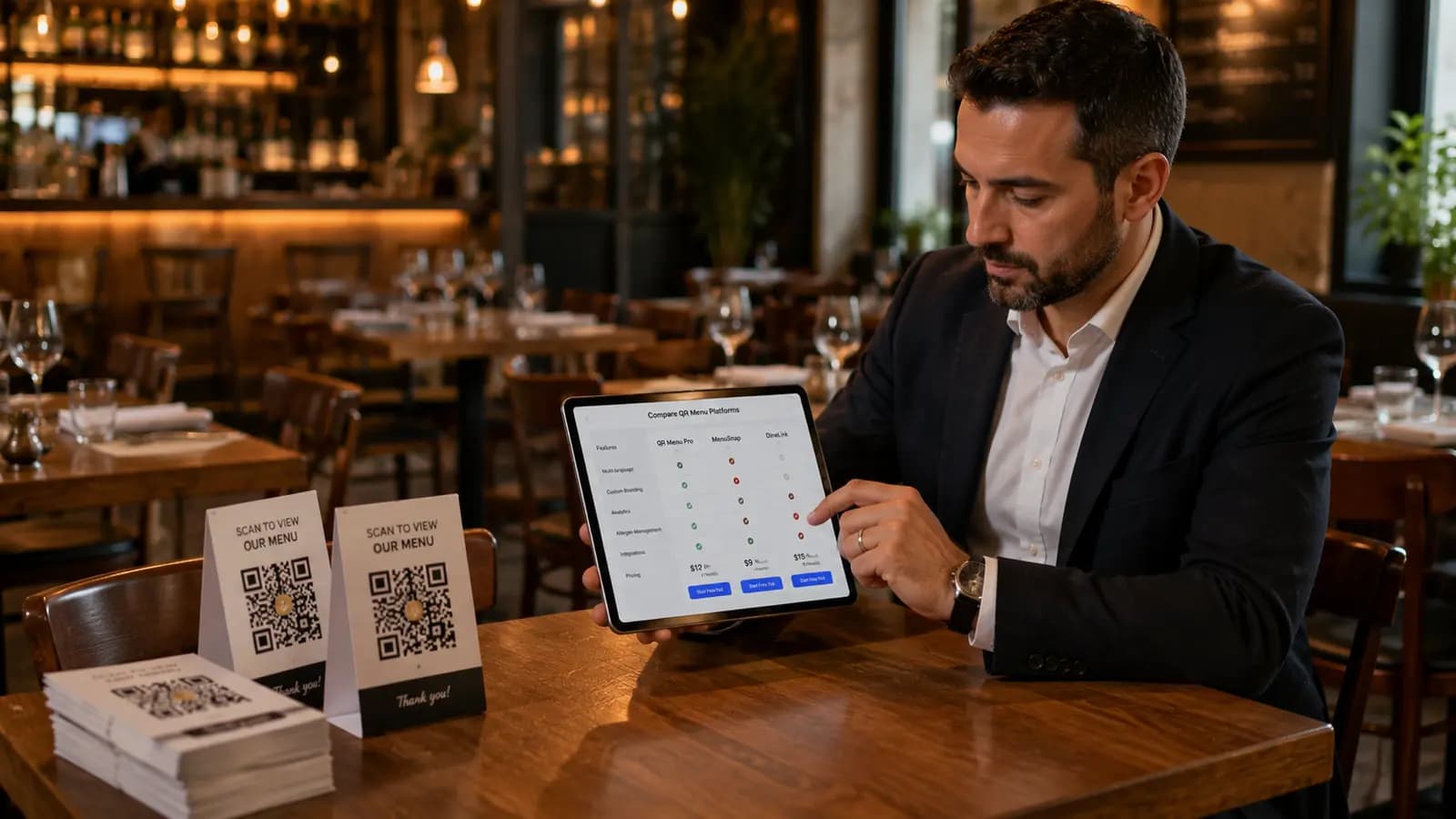
For a broader paid-platform shortlist, see our QR code menu platform comparison. If you already have a PDF, compare PDF and editable QR menus before choosing a builder.
What changed in this review
The previous version mixed free plans, trials and paid-only products under a free-menu heading. This revision narrows the shortlist to five advertised free options, removes unverified competitor prices and corrects the GloriaFood commission description. Existing links to this article still work.
Frequently Asked Questions
- Can I create a QR code menu for free?
- Yes. QR Menu Generator includes one restaurant, five categories, 20 products and 10,000 monthly menu views on its free plan. Other options in this comparison have different limits; a QR-only generator also requires you to host the menu elsewhere.
- Does a free QR code expire?
- A static QR code encodes a fixed address and has no built-in expiry. The page at that address must still remain online. A provider-managed redirect may depend on an active plan, so check both the QR service and menu hosting terms.
- Can I change prices without reprinting the QR code?
- Yes, if you edit the menu at the same address. Keep that public URL stable. Generating a new QR code is only necessary when the encoded destination changes and the old URL no longer leads to your menu.
- Is a QR menu the same as an ordering system?
- No. A menu displays dishes and prices. Ordering adds a cart, order handling and potentially payments. Choose a tool for the workflow you need and check payment processing costs separately.
About the author
Evrenus Fırat Polat
Restaurant technology expert and founder of QR Menu Generator. Passionate about helping restaurant owners harness digital tools to grow their business.