Online Restaurant Menu Maker: The Ultimate Guide to Boosting Revenue
In the fast-paced world of hospitality, agility is everything. The days of sending PDF files to a printer, waiting days for proofs, and spending hundreds of dollars every time you need to change a price are over. Enter the online restaurant menu maker—a tool that has revolutionized how food and beverage businesses interact with their customers.
Whether you run a bustling fine-dining establishment, a cozy cafe, or a high-traffic food truck, migrating to a digital system is no longer just a trend; it is a necessity for operational efficiency. A robust digital menu allows you to update items instantly, hide unavailable dishes, and present your offerings with mouth-watering visuals that paper simply cannot match.
In this comprehensive guide, we will explore everything you need to know about choosing and using an online restaurant menu maker to maximize your revenue and streamline your operations.
Table of Contents
What is an Online Restaurant Menu Maker?
An online restaurant menu maker is a software platform, typically cloud-based (SaaS), that allows restaurant owners to build, manage, and publish their menus digitally. Unlike static PDF menus or physical booklets, these tools generate dynamic, mobile-responsive web pages that customers can access via their smartphones.
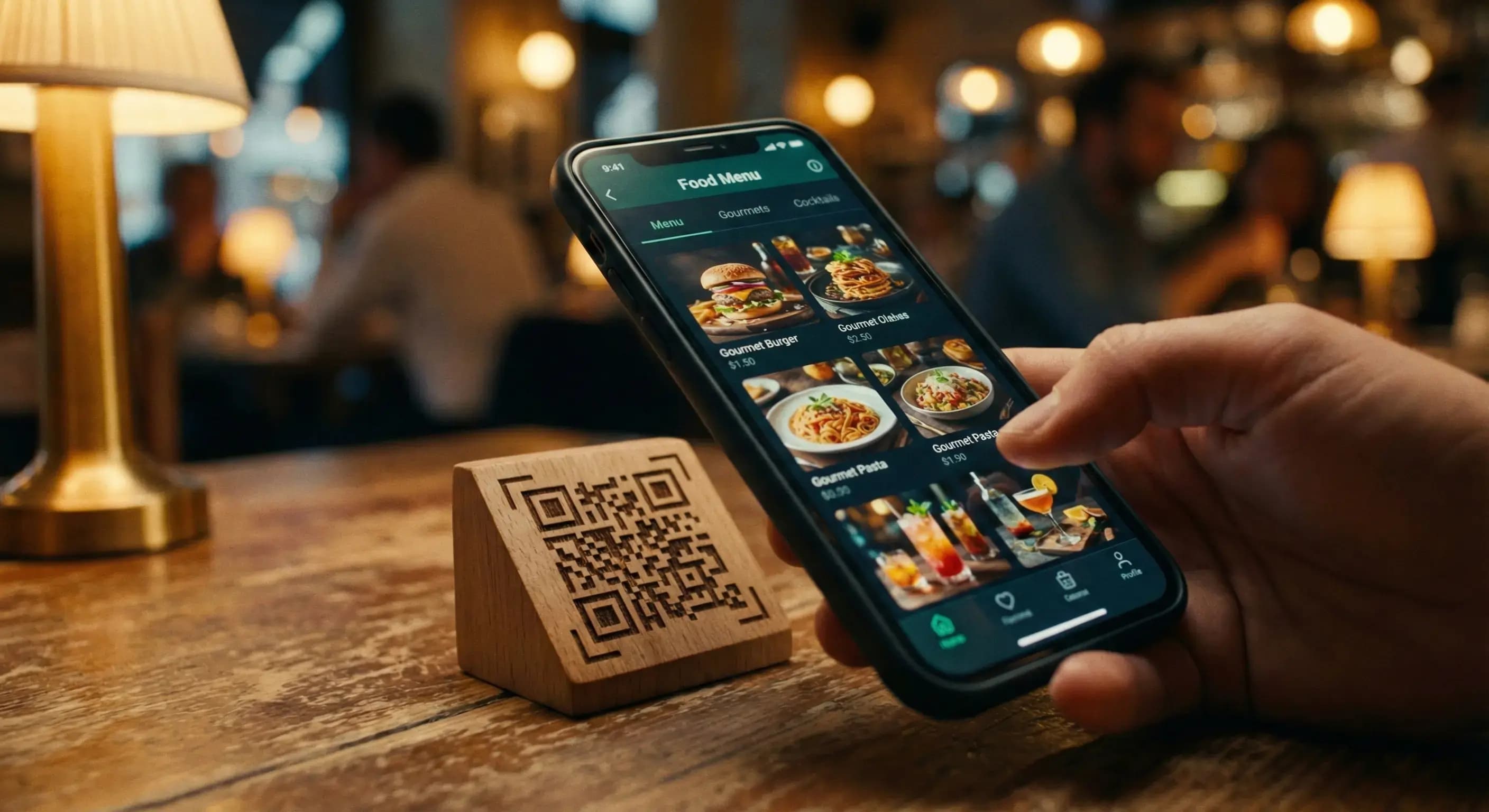
The technology is usually paired with QR code technology. Customers scan a unique code placed on their table, and the digital menu instantly loads on their browser—no app download required. This seamless experience reduces friction and puts the power of ordering directly into the hands of your guests.
Modern platforms like QR Menu Generator have taken this a step further by offering intuitive dashboards where you can manage categories, allergens, ingredient lists, and high-resolution images with zero coding knowledge.
Why You Should Switch to Digital Menus
Transitioning to an online system offers tangible benefits that directly impact your bottom line. Here is why successful restaurateurs are making the switch:
1. Real-Time Updates and Flexibility
Ingredient costs fluctuate, and supply chain issues can cause sudden stockouts. With a physical menu, you are forced to use ugly stickers or explain to disappointed customers that a dish is unavailable. With an online restaurant menu maker, you can toggle items off or change prices in seconds.
2. Enhanced Visual Appeal
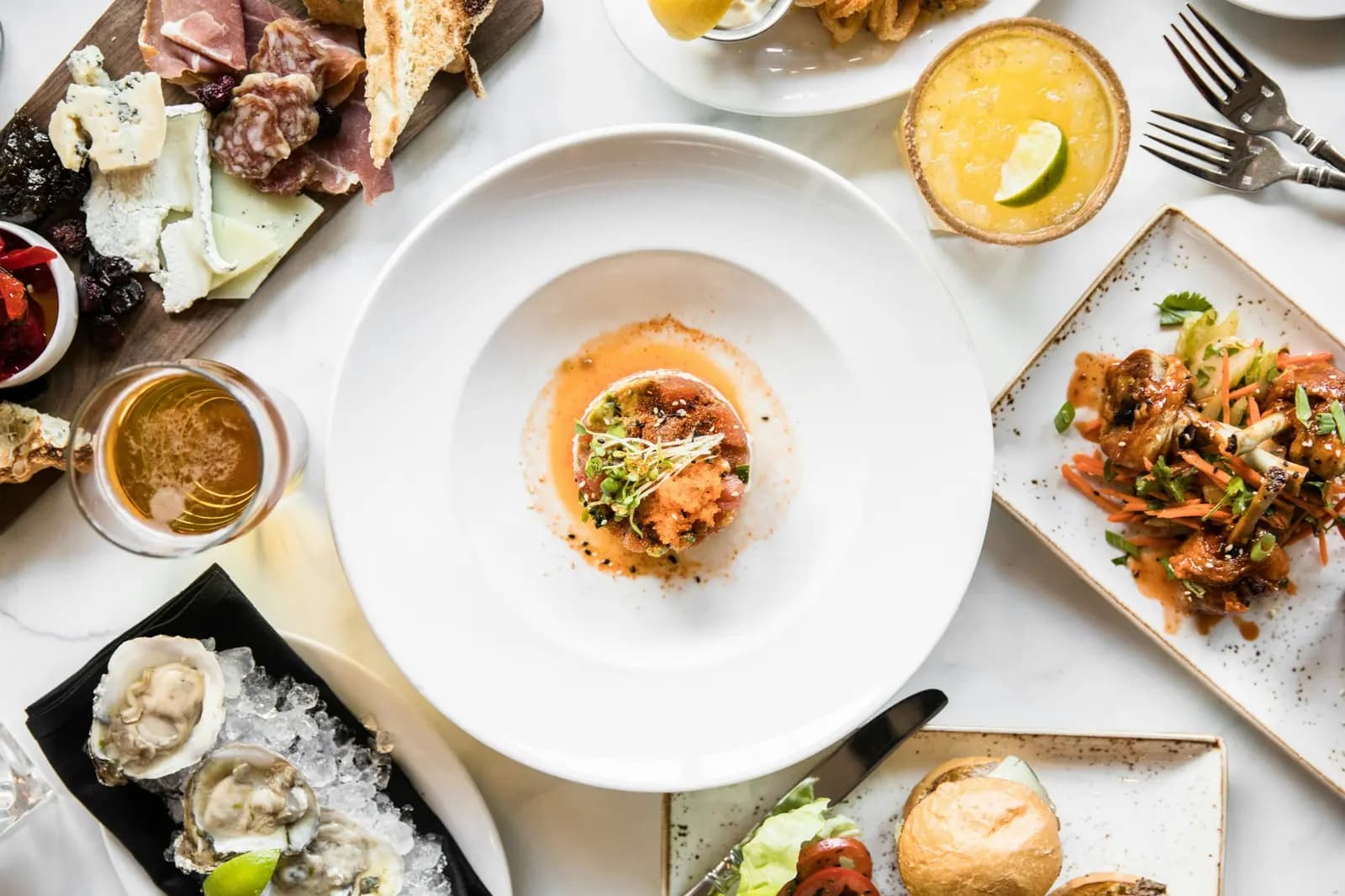
They say we eat with our eyes first. Physical menus limit you to text and perhaps a few small photos due to printing space constraints. Digital menus allow you to upload high-quality, vibrant photos for every single item. This visual confirmation gives customers confidence and has been proven to increase order values.
3. Cost Savings
Printing is expensive. Laminating is expensive. Re-printing because of a typo is frustrating. By moving to a digital platform, you eliminate these recurring costs entirely. A subscription to a service like QR Menu Generator often costs less per month than a single run of printed menus.
4. Contactless and Hygienic
Post-pandemic standards for hygiene remain high. Customers appreciate not having to touch a sticky menu that has passed through dozens of hands. A personal device approach is cleaner, safer, and faster.
Key Features to Look For
Not all menu makers are created equal. When evaluating software, ensure it includes these critical features:
- Mobile Responsiveness: The menu must look perfect on all screen sizes, from small iPhones to large Android devices.
- Category Management: The ability to organize items into clear sections (Starters, Mains, Desserts, Drinks) is essential for navigation.
- Allergen Information: A good system allows you to tag dishes with allergens (Gluten, Dairy, Nuts) to protect your customers and your business.
- Multi-Language Support: If you are in a tourist area, automatically translating your menu is a game-changer.
- Fast Loading Speed: Customers are impatient. Your menu needs to load instantly, even on slower 4G connections.
- Analytics: Understanding which items are viewed most frequently can help you optimize your menu engineering.
Step-by-Step Guide to Creating Your Menu
Ready to get started? Here is how simple the process is when using a modern online restaurant menu maker.
Step 1: Account Setup
Head over to QR Menu Generator and sign up for an account. The onboarding process is designed to be quick, asking for basic details about your establishment.
Step 2: Define Your Categories
Before adding specific dishes, map out your menu structure. Create categories such as "Appetizers," "Signature Cocktails," "Vegan Options," and "Chef's Specials." This hierarchy helps customers find what they want quickly.
Step 3: Add Items and Photos
This is the most crucial step. For each item, add a compelling title, a mouth-watering description, the price, and a high-quality image. Be descriptive—instead of "Burger," try "Grass-Fed Angus Burger with Aged Cheddar and House Sauce."
Step 4: Generate and Print QR Codes
Once your content is live, the system will generate a unique QR code for your menu. You can download this in high resolution to print on table tents, stickers, or window displays.
Best Practices for Menu Design
Using the tool is easy, but mastering the psychology of the menu takes a bit of strategy. Here are expert tips to ensure your online restaurant menu maker delivers maximum ROI:
Use High-Quality Images: Blur or dark photos are worse than no photos. Invest in a professional food photographer or use a high-end smartphone with good lighting. The image should make the viewer salivate.
Highlight Your Stars: Use the "Featured" or "Popular" tags available in your software to pin high-margin items to the top of the category. Guide the customer's choice toward dishes that are profitable for you.
Keep Descriptions Concise yet Evocative: Focus on flavors and textures. Words like "crispy," "creamy," "zesty," and "slow-cooked" evoke sensory responses that drive sales.
Comparison: Traditional vs. Digital
Let's look at a direct comparison to see why digital is winning.
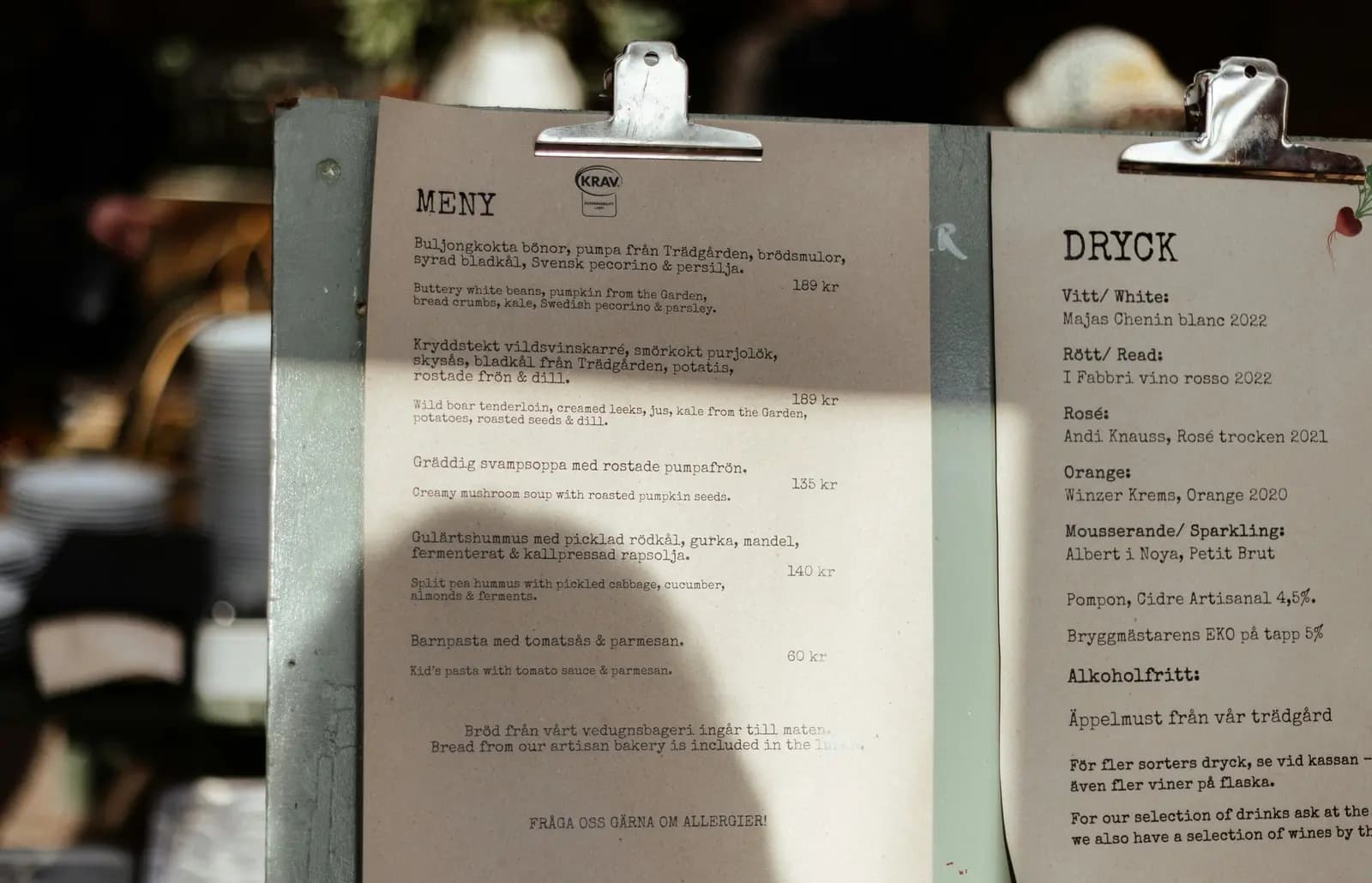
| Feature | Traditional Paper Menu | Online Restaurant Menu Maker |
|---|---|---|
| Updates | Requires re-printing (Days/Weeks) | Instant (Seconds) |
| Cost | High recurring printing costs | Low monthly subscription |
| Imagery | Limited space, few photos | Unlimited photos for every item |
| User Experience | Static, hard to read in dim light | Interactive, backlit, searchable |
| Data | No insights | View counts and analytics |
How to Boost Sales with Your Digital Menu
An online menu isn't just a list; it is a sales tool. By utilizing the flexibility of digital, you can run dynamic promotions that were impossible with paper.
Happy Hour Automation: You can create a specific "Happy Hour" category that only appears during certain times of the day, or simply adjust prices instantly at 5 PM. This prevents confusion and streamlines staff operations.
Upselling via Visuals: Place high-margin add-ons (like truffle fries or extra cheese) next to main courses. The visual cue on a digital screen is a powerful prompt for impulse buys.
Seasonal Rotations: Test new items without commitment. Add a "Summer Special" to your digital menu for a week. If it sells well, keep it. If not, delete it with a click. No printing waste, no risk.
Conclusion
The transition to an online restaurant menu maker is more than just a technological upgrade; it is a strategic business decision. It empowers you to react to market changes instantly, reduces your overhead costs, and provides a superior experience for your guests.
In an industry where margins are tight and competition is fierce, the ability to control your menu in real-time is a superpower. Don't let outdated paper menus hold your business back.
Ready to Transform Your Menu?
Join thousands of restaurants boosting their revenue with beautiful, instant digital menus. Start your journey today and say goodbye to printing costs forever.
Create Your Free Menu NowFrequently Asked Questions
- How much does an online restaurant menu maker cost?
- Most online menu makers operate on a SaaS model, ranging from free basic tiers to premium plans costing between $10 to $50 per month, depending on features like unlimited views and advanced analytics.
- Can I update my menu prices instantly?
- Yes, one of the primary benefits of an online restaurant menu maker is the ability to update prices, descriptions, and availability in real-time without needing to reprint anything.
- Do customers need to download an app to view the menu?
- No. Modern online menu makers generate a web-based menu accessible via a standard web browser. Customers simply scan the QR code to view the menu instantly.
- Is it possible to add photos to every item?
- Absolutely. Digital menus allow for high-resolution images for every single dish, which significantly helps in increasing appetite appeal and order volume.
About the author
Evrenus Fırat Polat
Restaurant technology expert and founder of QR Menu Generator. Passionate about helping restaurant owners harness digital tools to grow their business.