Top 5 Design Best Practices for High-Converting Digital Menus: Ultimate 2026 Strategy
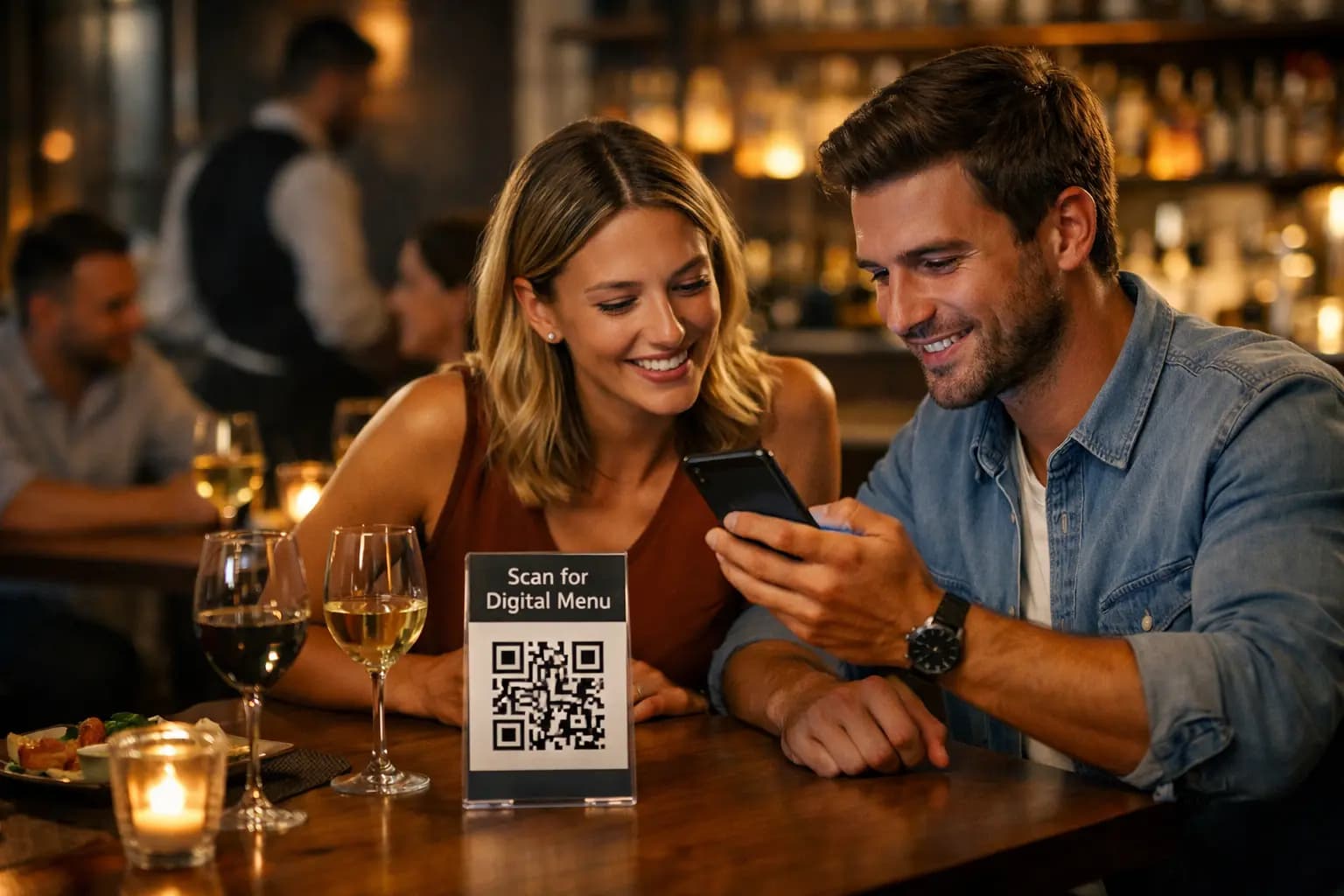
Restaurants are no longer asking whether they should use digital menus. The real question is: How do you design one that actually converts?
A poorly structured QR menu can overwhelm guests, reduce engagement, and lower average order value. A well-designed one increases menu views, highlights best-sellers, and improves customer satisfaction — all without printing costs.
If you want to Get Started for Free, you can create your digital menu in minutes at /register.
Key Takeaways
- Keep navigation simple and category-focused.
- Use visual hierarchy to guide customer attention.
- Optimize for mobile-first readability.
- Leverage analytics to refine best-performing items.
- Maintain brand consistency using customizable themes.
1. Prioritize Simplicity and Navigation
The best digital menu design tips always start with clarity.
- Clear categories (Starters, Main Courses, Drinks, Desserts)
- Minimal scrolling
- Logical grouping of products
- Readable product names and concise descriptions
With QR Menu Generator, you can easily create structured categories and manage products inside the /features section.
Rule of thumb: If a guest cannot find a product within 5 seconds, your UX needs refinement.
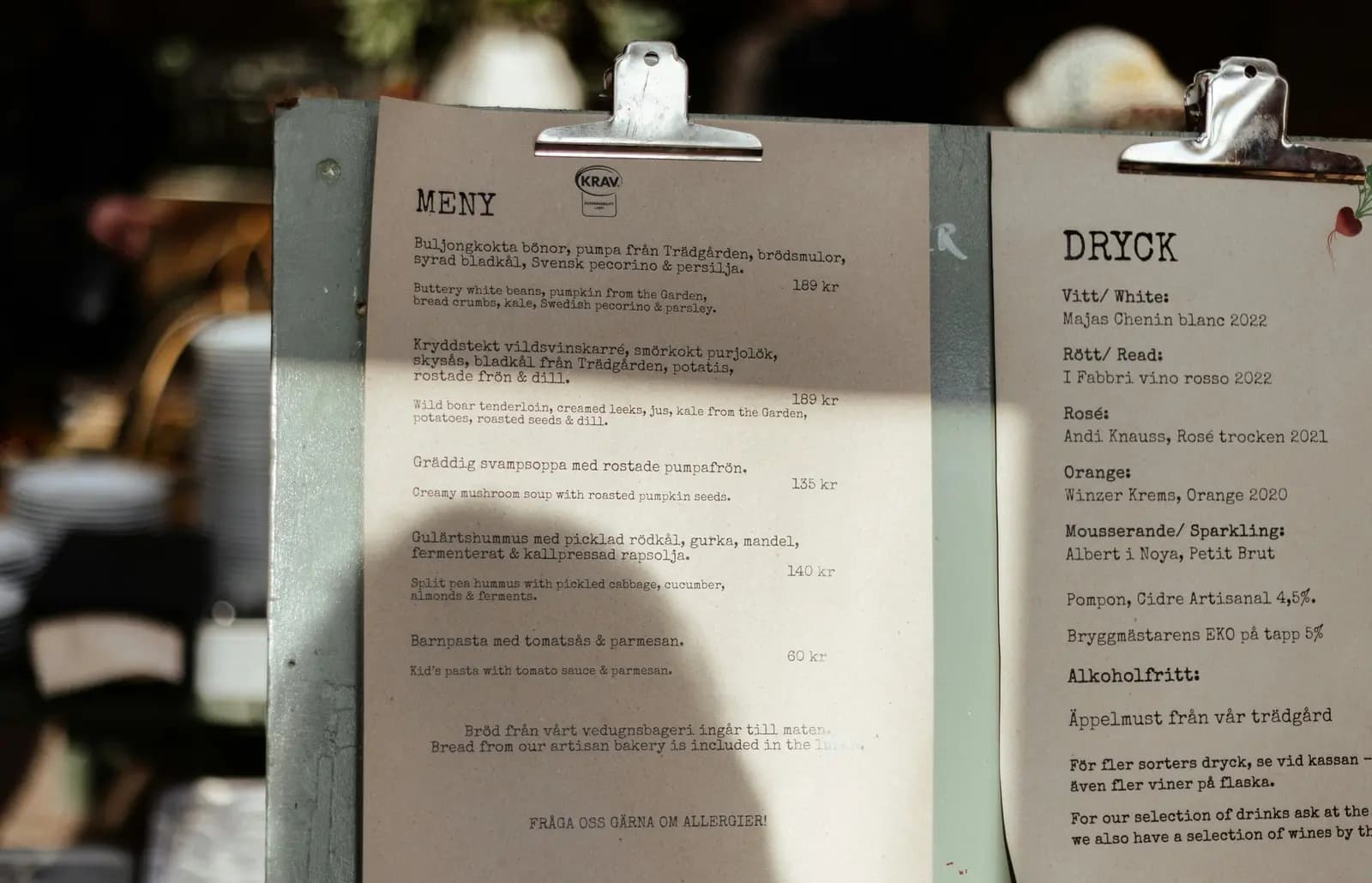
[Insert an infographic comparing digital vs. paper menus here]
2. Use Visual Hierarchy to Drive Attention
High-converting digital menus use visual cues strategically.
- Highlight best-selling items at the top
- Use consistent font sizing
- Add product images for premium items
- Use spacing to reduce cognitive overload
QR Menu Generator offers 6 customizable premium themes where you can adjust layout, fonts, and colors to align with your brand identity.
[Insert a screenshot of the 6 premium themes here]
Pro Insight: Strategic placement of high-margin items increases visibility and perceived popularity.
3. Optimize for Mobile-First UX
Your guests are scanning a QR code using smartphones. That means your design must be mobile-first.
- Large, tappable buttons
- Legible typography
- Fast loading pages
- No app download required
QR Menu Generator ensures compatibility with all modern iOS and Android devices. Guests scan, view, and browse instantly.
[Add a video demo of menu navigation here]
In digital menu UX best practices, friction is the enemy. The faster customers access your menu, the higher the engagement.
4. Design for Speed and Instant Updates
One of the biggest advantages over paper menus is instant flexibility.
- Update prices in seconds
- Add or remove seasonal items instantly
- Upload new product images without reprinting
This agility not only saves money but also protects your margins. You can explore these capabilities in detail under /features.
When comparing digital solution vs traditional paper menus, the ability to implement instant updates is a clear competitive advantage.
5. Use Data to Continuously Improve
The most overlooked restaurant QR menu optimization tip is analytics.
- Track menu views
- Identify popular products
- Optimize placement of underperforming items
Pro and Pro Plus plans provide detailed statistics so you can make informed decisions based on real usage data. You can review plan differences on the /pricing page.
Data transforms design from guesswork into strategy.
Conclusion: Design with Intention, Convert with Confidence
A high-converting digital menu is not about flashy visuals. It is about clarity, structure, usability, and data-driven refinement.
By applying these best digital menu design tips, you improve user experience, strengthen brand perception, and maximize engagement.
You can Get Started for Free today and build your first contactless digital menu at /register. No credit card required. Start optimizing your menu the smart way.
Frequently Asked Questions
- What is a high-converting digital menu?
- A high-converting digital menu is a mobile-optimized QR-based menu designed to guide customer attention, highlight popular items, and improve engagement. It uses structured navigation, visual hierarchy, and analytics insights to maximize menu views and customer interaction.
- How can I get started with QR Menu Generator for free?
- You can start immediately by creating a free account at /register which includes 1 restaurant and 10k monthly views.
- Is a digital menu cost-effective for small restaurants?
- Yes. Digital menus eliminate recurring printing costs and allow instant price updates. With affordable plans and even a free option, restaurants can manage unlimited products while optimizing performance through analytics.
- How does a digital menu compare to traditional paper menus?
- Digital menus offer instant updates, mobile accessibility, theme customization, and performance tracking. Unlike paper menus, they do not require reprinting when prices change and can be optimized using real-time statistics.
- How do I create and customize my QR digital menu?
- Sign up, create your categories, add products with images and allergen information, select one of the six customizable themes, and publish your QR code. Guests can scan and access the menu instantly without downloading an app.
About the author
Evrenus Fırat Polat
Restaurant technology expert and founder of QR Menu Generator. Passionate about helping restaurant owners harness digital tools to grow their business.