QR Menu Creation Guide for EU Restaurants in 2025

Complete QR Menu Creation Guide for European Restaurants
Creating a QR menu for your restaurant has become essential in today's digital hospitality landscape. This comprehensive guide walks you through everything you need to know about QR menu creation, from understanding the technology to implementing a compliant solution that meets EU food information regulations.
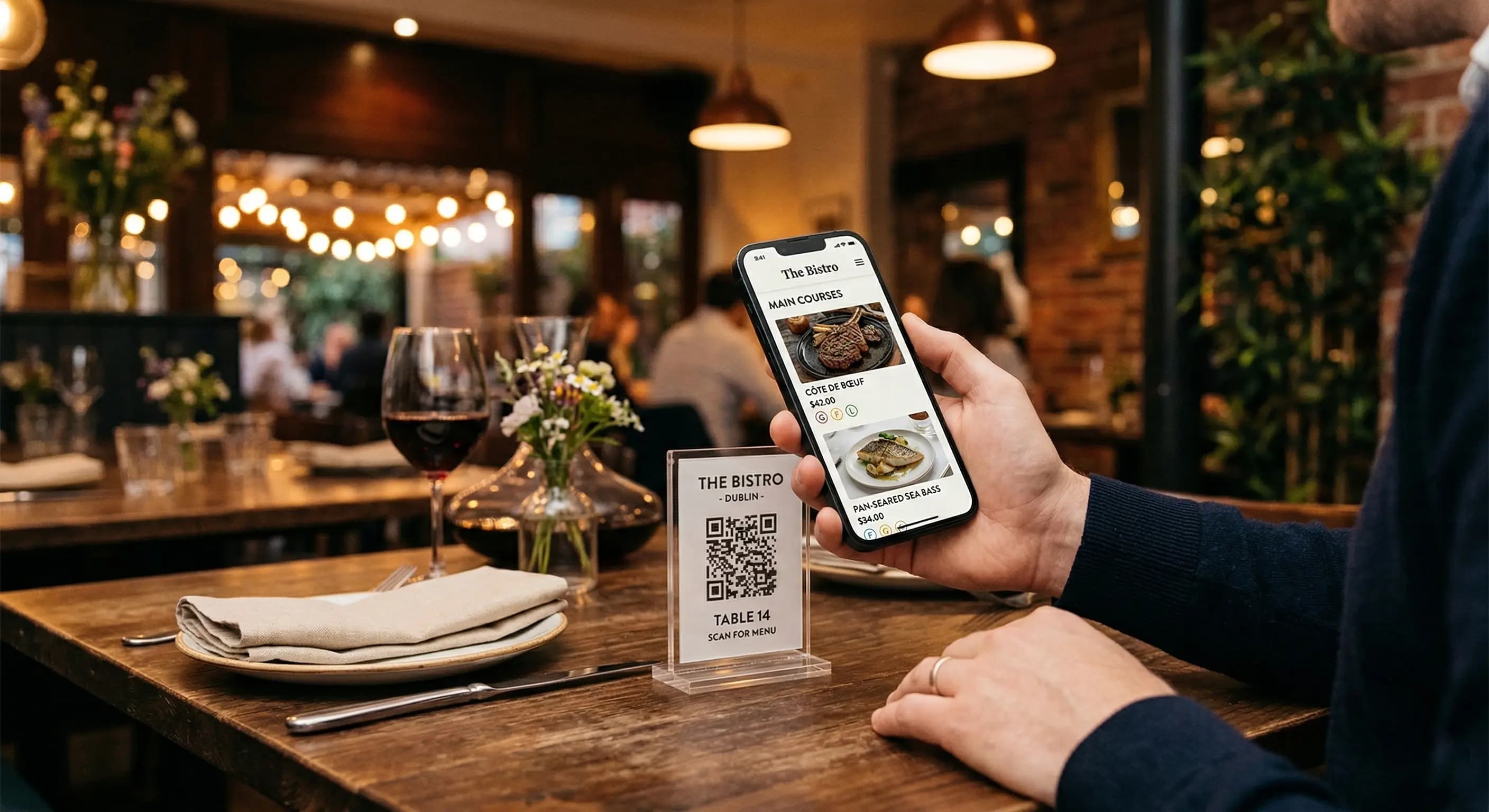
A QR menu system consists of three core components: a digital menu page hosted online, a public link that customers can access from any device, and a QR code that links directly to that page. When customers scan the QR code with their smartphone camera, they're instantly directed to your restaurant's digital menu without downloading any apps or creating accounts.
Understanding QR Menu Technology
QR codes (Quick Response codes) are two-dimensional barcodes that store information in a matrix pattern of black squares on a white background. For restaurant applications, these codes contain a URL that points to your digital menu. Modern smartphones have built-in QR code readers in their camera applications, making the technology accessible to virtually all customers.
The digital menu itself is a mobile-optimized webpage displaying your restaurant's offerings. Unlike traditional PDF menus, properly designed digital menus adapt to different screen sizes, load quickly on mobile networks, and can be updated instantly without reprinting physical materials.
The Two Main Approaches to QR Menu Creation
Restaurant owners typically have two options when creating QR menus. Option 1 is the simple and fast approach: use a dedicated QR menu generator platform that handles everything from menu design to QR code generation. This method requires no technical knowledge and can have your QR menu operational within minutes.
Option 2 involves building a custom solution, which is better for restaurants with specific branding requirements or complex menu structures. However, this approach requires web development expertise, ongoing maintenance, and careful attention to mobile optimization and compliance requirements.
EU Allergen Compliance Requirements
For restaurants operating in the European Union, EU Regulation 1169/2011 mandates specific food information requirements. This regulation, which governs food information to consumers, requires that allergen information be clearly provided for non-prepacked foods, including restaurant meals.
Your QR menu must display information about 14 major allergens: cereals containing gluten, crustaceans, eggs, fish, peanuts, soybeans, milk, nuts, celery, mustard, sesame seeds, sulphur dioxide and sulphites, lupin, and molluscs. According to the regulation's Article 44, this information must be easily accessible to consumers before they make their purchasing decision.
Digital menus offer significant advantages for allergen compliance. Unlike printed menus that require costly reprints when recipes change, digital menus can be updated immediately to reflect accurate allergen information. The European Commission's food safety guidelines emphasize that information provided through digital means must be as clear and accessible as traditional formats.
Step-by-Step QR Menu Creation Process
Creating your QR menu involves several straightforward steps. First, organize your menu content by categories such as appetizers, main courses, desserts, and beverages. Include detailed descriptions, accurate pricing, and comprehensive allergen information for each item. High-quality food photography enhances the customer experience but isn't mandatory for a functional QR menu.
Next, choose your QR menu platform. For most restaurants, a specialized service like QR Menu Generator provides the fastest path to implementation. These platforms offer pre-designed templates optimized for mobile viewing, built-in allergen management tools, and automatic QR code generation.
Once you've selected your platform, input your menu data. Most modern QR menu generators provide intuitive interfaces where you can add items, set prices, upload images, and mark allergens with simple checkboxes. The system automatically formats this information for optimal mobile display.
Generating and Testing Your QR Code
After building your digital menu, the platform generates a unique QR code linked to your menu's public URL. This QR code can be downloaded in various formats suitable for different applications: high-resolution PNG or SVG files for professional printing, or smaller JPEG files for digital displays.
Before deploying your QR menu, thoroughly test it across different devices and operating systems. Scan the code with both iOS and Android devices to ensure compatibility. Check that all menu items display correctly, prices are accurate, allergen information is clearly marked, and images load quickly even on slower mobile connections.
QR Menu Design Best Practices
Effective QR menu design prioritizes readability and navigation. Use clear category headers that allow customers to quickly find what they're looking for. Item names should be prominent and easy to read, with descriptions in slightly smaller text below. Price information must be unambiguous and positioned consistently across all items.
Mobile optimization is critical because approximately 90% of QR menu users access menus on smartphones. Design for vertical scrolling rather than horizontal navigation. Ensure touch targets (buttons and links) are large enough for easy tapping, typically at least 44×44 pixels. Use legible fonts sized at minimum 16 pixels for body text and 20-24 pixels for headers.
Color contrast plays a crucial role in accessibility. Dark text on light backgrounds provides optimal readability in various lighting conditions. Avoid light gray text, which becomes difficult to read in bright restaurant environments or outdoor seating areas.
Allergen Information Display
Allergen information should be immediately visible without requiring customers to tap additional buttons or navigate to separate pages. Many successful QR menus use icon systems where small symbols next to each dish indicate which allergens are present. A legend at the menu's top or bottom explains what each icon represents.
Alternatively, allergen information can be integrated into item descriptions using clear formatting such as bold text or color coding. For example: "Contains: gluten, dairy, eggs" in a distinct color that stands out from the regular description text.
Implementing Your QR Menu in Your Restaurant
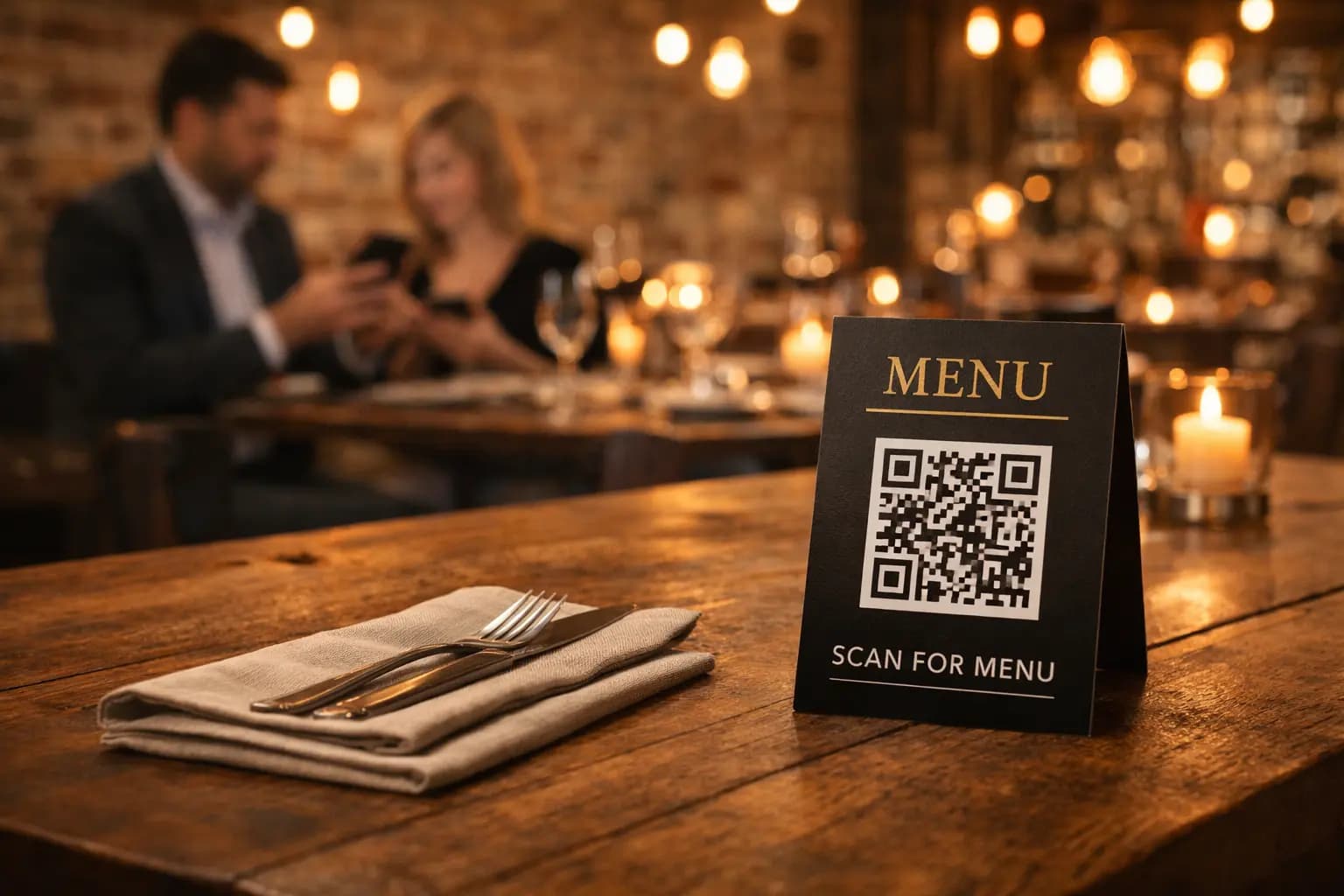
Physical placement of QR codes significantly impacts customer adoption. The most effective locations include table tents or stands placed centrally on each table, laminated cards included with table settings, posters near the entrance or waiting area, and stickers on bar counters or ordering stations.
QR code size matters for scanability. Codes printed smaller than 2×2 centimeters become difficult for smartphone cameras to read, especially in dim lighting. For table tents, 4×4 to 6×6 centimeters provides an ideal balance between visibility and space efficiency. Larger posters can feature codes up to 10×10 centimeters for easy scanning from a distance.
Include brief instructions for customers unfamiliar with QR codes. A simple "Scan with your phone camera to view menu" message alongside the code increases usage rates, particularly among older demographics less comfortable with smartphone technology.
Staff Training and Customer Support
Train your staff to explain the QR menu system to customers who need assistance. Staff should understand how to scan QR codes themselves and be able to guide customers through the process. Keep a few physical menus available as backup for customers who prefer traditional formats or experience technical difficulties.
Monitor customer feedback during the initial implementation period. Some customers may request specific features like filtering options for dietary restrictions or the ability to view menu items in different languages. Modern QR menu platforms often support these features and can be enabled based on customer demand.
Maintaining and Updating Your QR Menu
One of the primary advantages of digital menus is the ability to update content instantly without reprinting costs. Establish a regular review schedule to ensure all information remains accurate. Update prices immediately when they change, add seasonal specials as they become available, and remove discontinued items promptly.
Menu updates should reflect changes in ingredient sourcing that affect allergen information. If a supplier changes and a previously gluten-free item now contains wheat, update the allergen information immediately. This real-time updating capability helps maintain compliance with EU regulations while protecting customers with food allergies.
Track which menu items generate the most views through analytics provided by your QR menu platform. This data reveals customer preferences and can inform menu planning decisions. High-engagement items might warrant more prominent placement, while low-performing items could be candidates for replacement or recipe improvement.
Advanced QR Menu Features
Beyond basic menu display, advanced QR menu systems offer features that enhance the customer experience and streamline restaurant operations. Multi-language support allows international tourists to view your menu in their preferred language, expanding your potential customer base without creating multiple physical menus.
Dietary filter options let customers view only items that meet their specific requirements. A vegan customer can filter to see only plant-based options, while someone with celiac disease can view exclusively gluten-free items. This functionality improves the customer experience while reducing the burden on service staff to answer dietary questions.
Some QR menu platforms integrate with ordering and payment systems, enabling customers to place orders directly from their phones. While this requires additional setup and integration with your point-of-sale system, it can significantly reduce order times and improve table turnover during peak periods.
Why Choose QR Menu Generator
QR Menu Generator provides a complete solution specifically designed for European restaurants navigating digital transformation while maintaining regulatory compliance. The platform handles all technical aspects of QR menu creation, from mobile-optimized design to automatic QR code generation, allowing restaurant owners to focus on their core business rather than technology management.
The system includes built-in allergen management tools that simplify compliance with EU Regulation 1169/2011. Mark allergens with simple checkboxes, and the platform automatically displays this information in a clear, customer-friendly format. Updates take effect immediately across all QR codes, ensuring customers always see current allergen information.
No technical expertise is required to create or maintain your QR menu. The intuitive interface guides you through menu creation with step-by-step instructions. Upload menu items, set prices, add descriptions, mark allergens, and your professional mobile-optimized menu is ready within minutes.
Getting Started with QR Menu Generator
Beginning your QR menu journey is straightforward. Visit QR Menu Generator to create your first digital menu. The platform provides templates optimized for different restaurant types, from fine dining establishments to casual cafes, ensuring your menu matches your brand identity.
The free tier allows you to explore the platform's capabilities and create a basic menu without any financial commitment. As your needs grow, premium features like advanced analytics, multiple language support, and custom branding become available through affordable subscription plans designed for restaurants of all sizes.
Join thousands of European restaurants that have successfully transitioned to QR menus while maintaining full compliance with EU food information regulations. Your customers gain instant access to detailed menu information, and you gain the flexibility to update offerings in real-time without printing costs or compliance concerns.
Start creating your compliant, mobile-optimized QR menu today at https://qrmenugenerator.io and transform your restaurant's menu experience within minutes.
Frequently Asked Questions
- What are the essential components of a QR menu system?
- A QR menu system consists of three core components: a digital menu page hosted online that displays your restaurant offerings, a public link that customers can access from any smartphone or device, and a QR code that directly links to that menu page. When customers scan the QR code with their phone camera, they're instantly directed to your mobile-optimized menu without needing to download apps or create accounts.
- How does a QR menu help with EU allergen compliance?
- QR menus simplify compliance with EU Regulation 1169/2011 by allowing instant updates to allergen information across all customer touchpoints. Unlike printed menus that require costly reprinting when recipes change, digital menus can be updated immediately to reflect accurate allergen data for all 14 major allergens required by EU law. The information remains easily accessible to customers before they make purchasing decisions, meeting the regulation's Article 44 requirements.
- How long does it take to create a QR menu for my restaurant?
- Using a dedicated QR menu generator platform, you can create a fully functional QR menu in as little as 15-30 minutes. This includes entering your menu items, setting prices, marking allergen information, and generating your QR code. The simple approach requires no technical expertise and provides immediate deployment, while custom-built solutions may take weeks or months to develop and implement.
- What size should I print my QR codes for restaurant tables?
- For optimal scanability, QR codes on table tents should be printed between 4×4 and 6×6 centimeters. Codes smaller than 2×2 centimeters become difficult for smartphone cameras to read, especially in dim restaurant lighting. Larger posters or entrance displays can feature codes up to 10×10 centimeters for easy scanning from a distance, ensuring customers can access your menu comfortably from various positions.
- Can customers view my QR menu without downloading an app?
- Yes, modern QR menus work directly through smartphone web browsers without requiring any app downloads. Customers simply open their phone's camera app, point it at the QR code, and tap the notification that appears to open your menu in their web browser. This seamless experience works on both iOS and Android devices, making QR menus accessible to virtually all smartphone users without technical barriers.
- How do I update my QR menu when prices or items change?
- Digital QR menus allow instant updates through your menu management platform. Simply log into your account, edit the relevant menu items, prices, or allergen information, and save your changes. Updates take effect immediately across all QR codes without needing to reprint or redistribute anything. This real-time updating capability eliminates the costs and delays associated with traditional printed menus while ensuring customers always see current information.
- Do I need to keep physical menus as backup with a QR menu system?
- While QR menus work for most customers, it's recommended to keep a few physical menus available as backup. Some customers may prefer traditional formats, elderly guests might be less comfortable with smartphone technology, and occasional technical issues like dead phone batteries can occur. Having 2-3 laminated physical menus ensures you can accommodate all customer preferences while primarily operating with your efficient digital QR menu system.
About the author
Evrenus Fırat Polat
Restaurant technology expert and founder of QR Menu Generator. Passionate about helping restaurant owners harness digital tools to grow their business.