Menu Creator Online Free: The Ultimate Guide to Designing Stunning Digital Menus
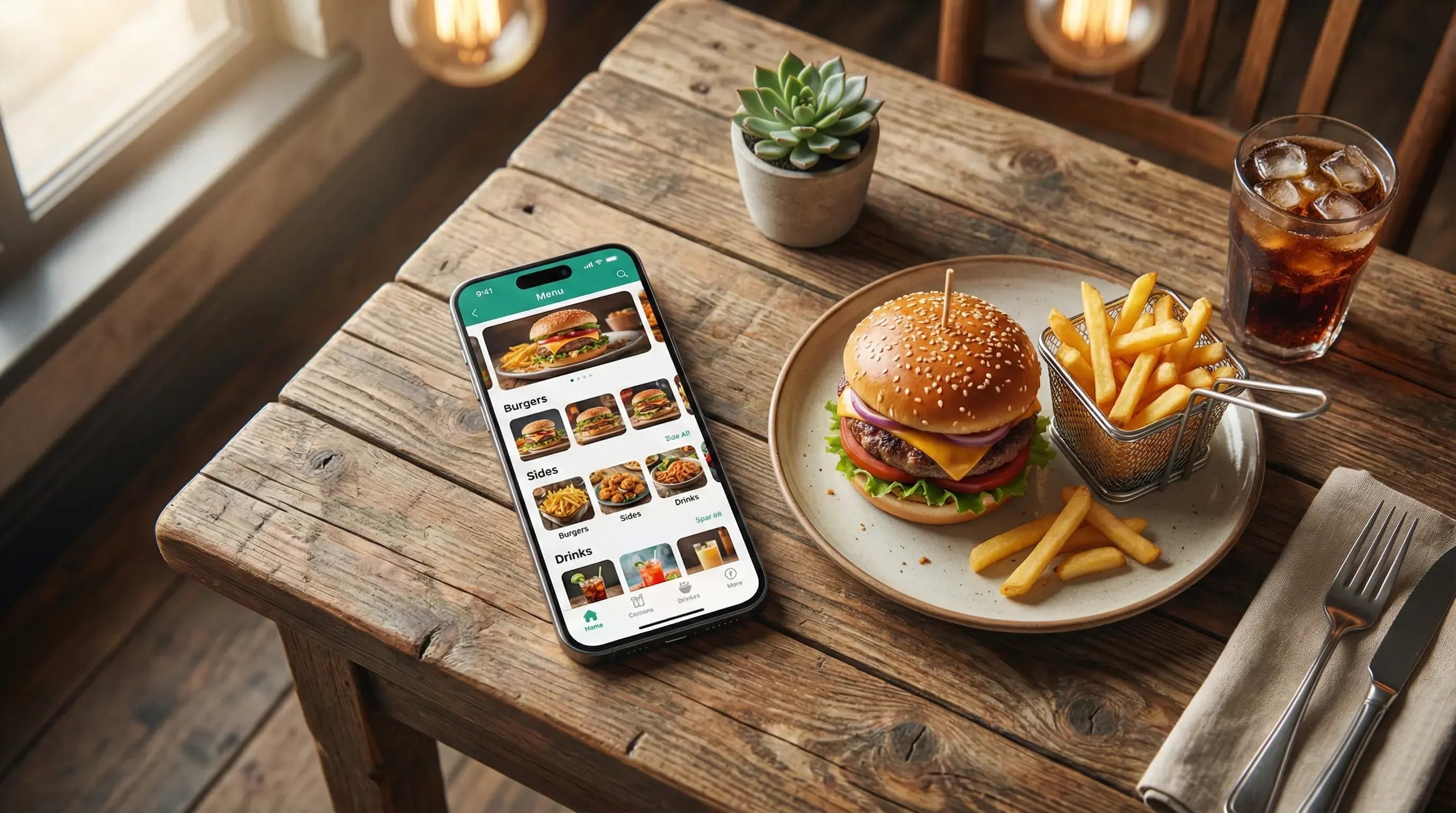
In the fast-paced world of hospitality, the static paper menu is becoming a relic of the past. Whether you run a bustling cafe, a fine dining establishment, or a trendy food truck, the ability to update your offerings instantly is crucial. This is where a menu creator online free tool becomes your greatest asset. By switching to a digital platform, you not only save on printing costs but also offer a modern, seamless experience for your customers.
Imagine changing a price, hiding an out-of-stock item, or adding a daily special in seconds—all from your phone. A robust digital menu solution empowers you to do exactly that. In this comprehensive guide, we will explore how to leverage a free online menu creator to transform your restaurant's operations, improve customer satisfaction, and drive higher revenue.
Table of Contents
Why Use a Menu Creator Online Free?
The hospitality industry operates on thin margins. Hiring a professional graphic designer every time you change your seasonal offerings can be prohibitively expensive. A menu creator online free tool democratizes design, allowing restaurateurs with zero technical skills to build professional-grade menus.
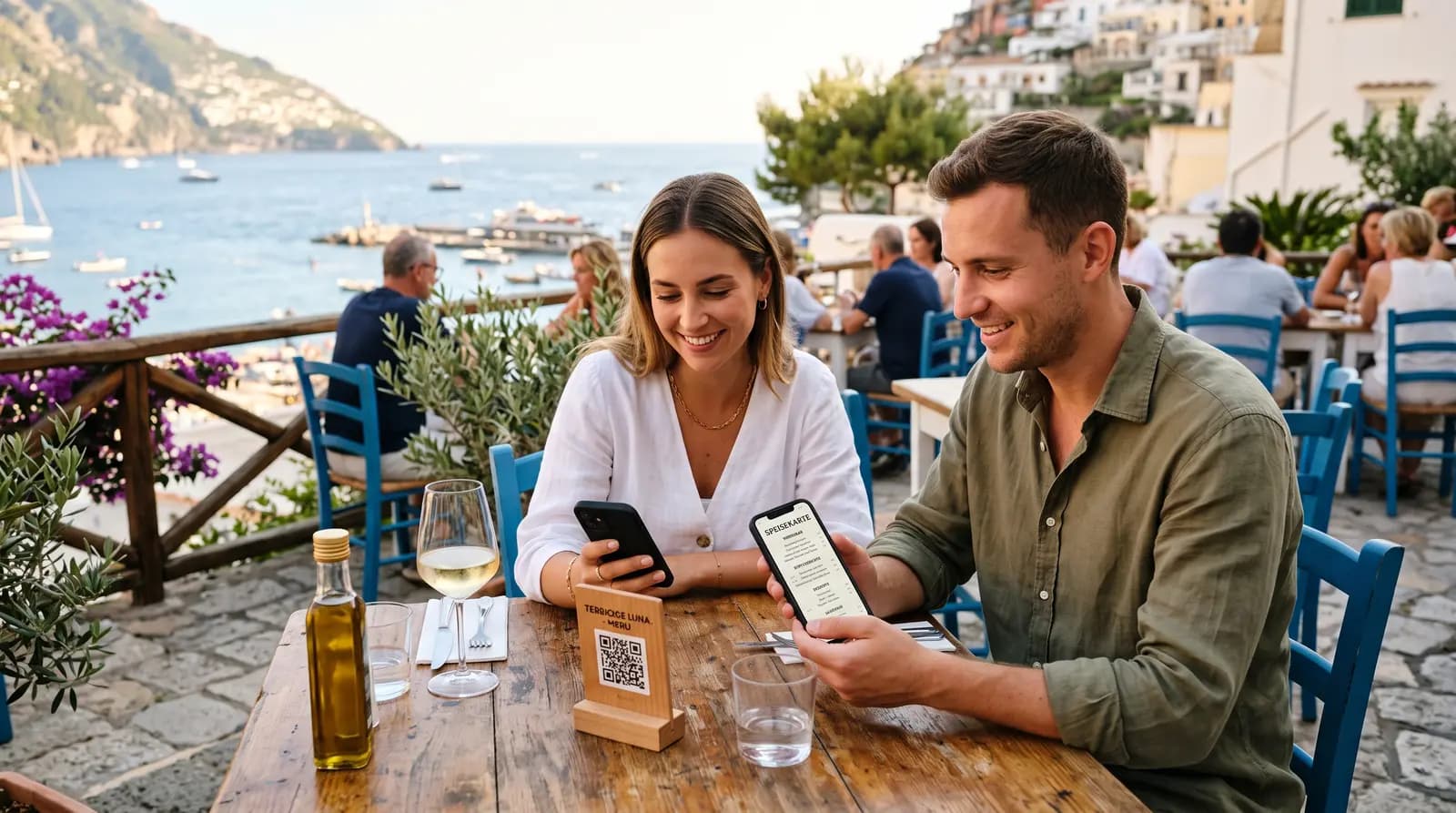
Furthermore, the shift towards contactless ordering—accelerated by global health concerns—has made digital menus a standard expectation. Customers appreciate the hygiene and convenience of scanning a QR code to view the menu on their own devices. Using a QR Menu Generator ensures you stay competitive without breaking the bank.
Immediate Cost Savings
Printing costs add up. Between the high-quality paper, lamination, and the inevitable re-prints due to coffee spills or price changes, physical menus are a constant drain on your budget. An online creator eliminates these costs entirely. You simply update the digital file, and the changes are reflected instantly across all QR codes.
Real-Time Flexibility
Did you run out of avocados for your signature toast? With a paper menu, you have to awkwardly tape over the item or apologize to disappointed guests. With a digital tool, you can toggle the item's visibility instantly. This real-time flexibility helps manage customer expectations and streamlines kitchen operations.
Key Features to Look For in a Free Menu Creator
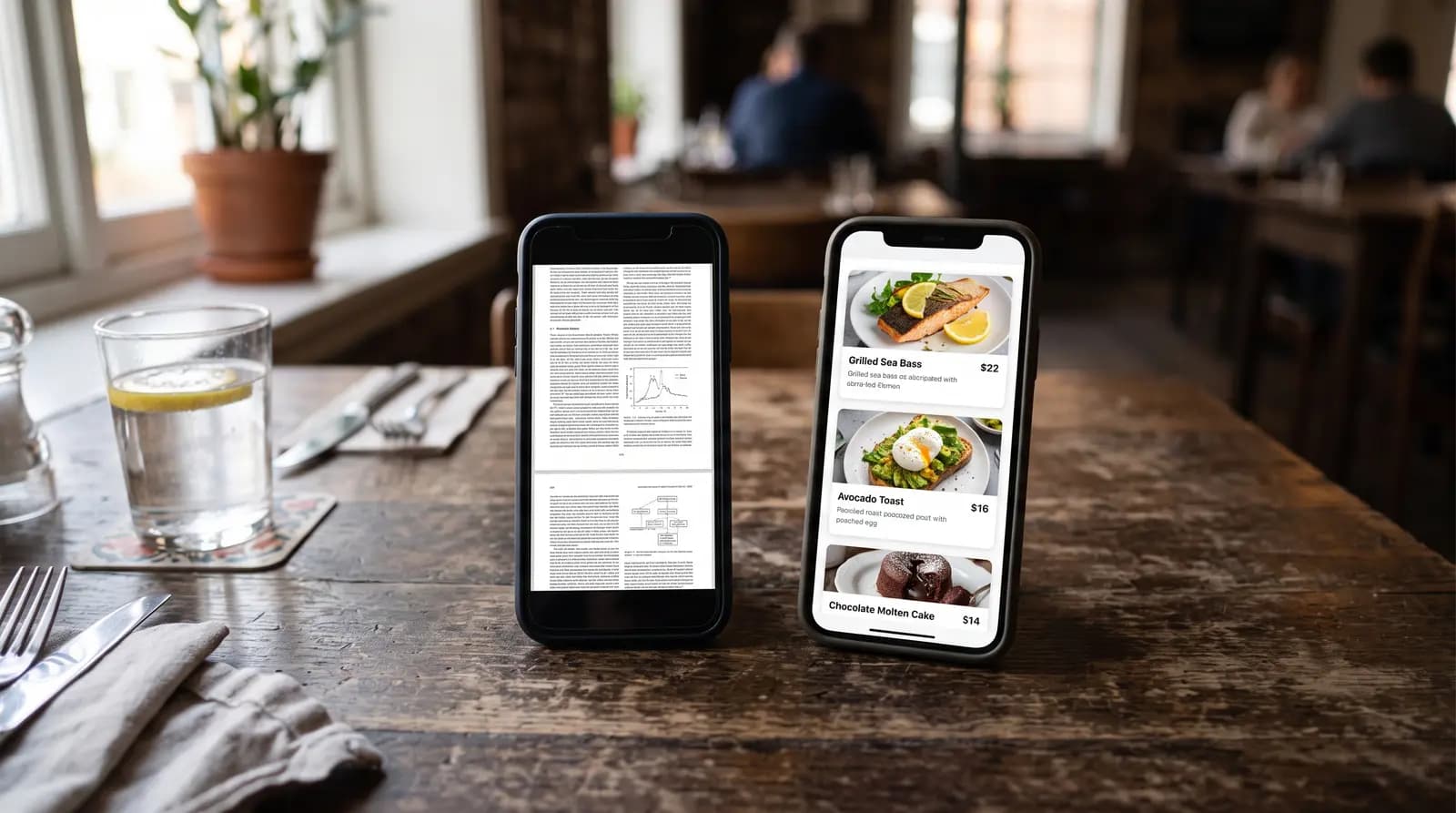
Not all tools are created equal. When searching for the best menu creator online free, you should prioritize specific features that add value to your business. A simple PDF viewer is often not enough; you need an interactive experience.
- QR Code Generation: The tool should automatically generate a unique, printable QR code linked to your menu.
- Mobile Responsiveness: Your menu must look perfect on all devices, from iPhones to Android tablets.
- Category Management: The ability to organize items into clear sections like "Starters," "Mains," and "Drinks" is essential for navigation.
- Image Support: Food is visual. The ability to upload high-quality images of your dishes can significantly increase order value.
- Allergen Information: A good system allows you to tag items with allergen warnings (Gluten-Free, Vegan, Nut-Free), building trust with your patrons.
Platforms like QR Menu Generator offer these advanced features, ensuring your digital menu is not just a list of items, but a powerful marketing tool.
Step-by-Step Guide to Building Your Menu
Ready to get started? Creating a digital menu is easier than you might think. Follow this simple process to launch your new menu in under 30 minutes.
Step 1: Account Setup
First, navigate to a reputable platform. Sign up for an account to ensure your data is saved. This allows you to return and edit your menu whenever necessary.
Step 2: Define Your Categories
Structure is key. Before adding individual items, set up your categories. Common structures include Breakfast, Lunch, Dinner, Beverages, and Desserts. Clear categorization helps customers find what they want quickly, reducing friction in the ordering process.
Step 3: Add Menu Items
This is where the magic happens. For each item, you will want to include:
- Name: Keep it catchy but clear.
- Description: Use sensory words. Instead of "Burger with cheese," try "Juicy beef patty topped with melted cheddar and caramelized onions."
- Price: Be transparent with your pricing.
- Image: Upload a mouth-watering photo. Studies show that visual menus can increase sales by over 30%.
Step 4: Customize the Branding
Your digital menu should feel like an extension of your restaurant. Use a menu creator online free that allows you to customize colors, fonts, and upload your logo. Consistency in branding reinforces your restaurant's identity.
Step 5: Generate and Print QR Codes
Once you are happy with the design, generate your QR code. Place these on tables, at the counter, or even in your window for passersby to scan. Ensure the print quality is high and the code is large enough to be scanned easily in dim lighting.
Design Tips for Higher Conversions
A tool gives you the capability, but your design choices drive the sales. Here are professional tips for maximizing the impact of your digital menu.
Use High-Quality Photography
We eat with our eyes first. Invest time in taking good photos of your signature dishes. Natural lighting is your best friend here. Avoid using flash, which can make food look unappealing. If you can't photograph everything, focus on your high-margin items.
Highlight Your Best Sellers
Use visual cues to draw attention to your most profitable items. Some menu creator online free tools allow you to add "Chef's Choice" or "Popular" badges to specific items. This subtle psychological nudge can steer customer choices effectively.
Keep Descriptions Concise yet Descriptive
Avoid walls of text. Your customers are likely skimming. Use bullet points or short sentences to describe ingredients and flavors. Focus on the benefits—taste, freshness, texture—rather than just a list of components.
Digital vs. Print: The Comparison
Is it time to ditch paper completely? Let's compare the two formats to see why digital is winning.
| Feature | Physical Menu | Digital Menu |
|---|---|---|
| Update Speed | Slow (Requires re-printing) | Instant |
| Cost | High (Paper, Ink, Lamination) | Low / Free |
| Hygiene | Low (Touched by many) | High (Contactless) |
| Images | Limited space | Unlimited & Vibrant |
Frequently Asked Questions
Still have questions about using a menu creator online free? Here are some common queries from restaurateurs.
Is a free menu creator really free?
Many platforms offer a "freemium" model. This means the core features—creating a menu, adding items, and generating a QR code—are free. Advanced features like online payments or multi-location management might require a premium upgrade.
Do customers need an app to scan the menu?
No. Modern smartphones (both iOS and Android) have built-in QR code scanners in their camera apps. Customers simply open their camera, point it at the code, and the menu opens in their browser.
Can I update the menu after printing the QR code?
Yes! This is the biggest advantage of dynamic QR codes used by services like QR Menu Generator. You can change the content of the menu as many times as you like, and the QR code on your table will remain the same.
Ready to Transform Your Restaurant?
Stop wasting money on paper menus. Create a beautiful, mobile-friendly digital menu in minutes with our easy-to-use tool.
Create Your Free Menu NowFrequently Asked Questions
- How do I create a QR code menu for free?
- You can create a free QR code menu by signing up for a service like QR Menu Generator, entering your menu items, and downloading the automatically generated QR code.
- Can I edit my menu after printing the QR code?
- Yes, with a dynamic menu creator, any changes you make in the dashboard are instantly updated on the customer's phone without needing to reprint the QR code.
- Is a digital menu better than a paper menu?
- Digital menus are generally more cost-effective, hygienic, and easier to update than paper menus, offering a better experience for both owners and customers.
- Do I need technical skills to use a menu creator?
- No, most online menu creators are designed to be user-friendly with drag-and-drop interfaces, requiring no coding or design skills.
About the author
Evrenus Fırat Polat
Restaurant technology expert and founder of QR Menu Generator. Passionate about helping restaurant owners harness digital tools to grow their business.