What are the best QR menu services for small restaurants? A 2026 Guide to Digital Dining
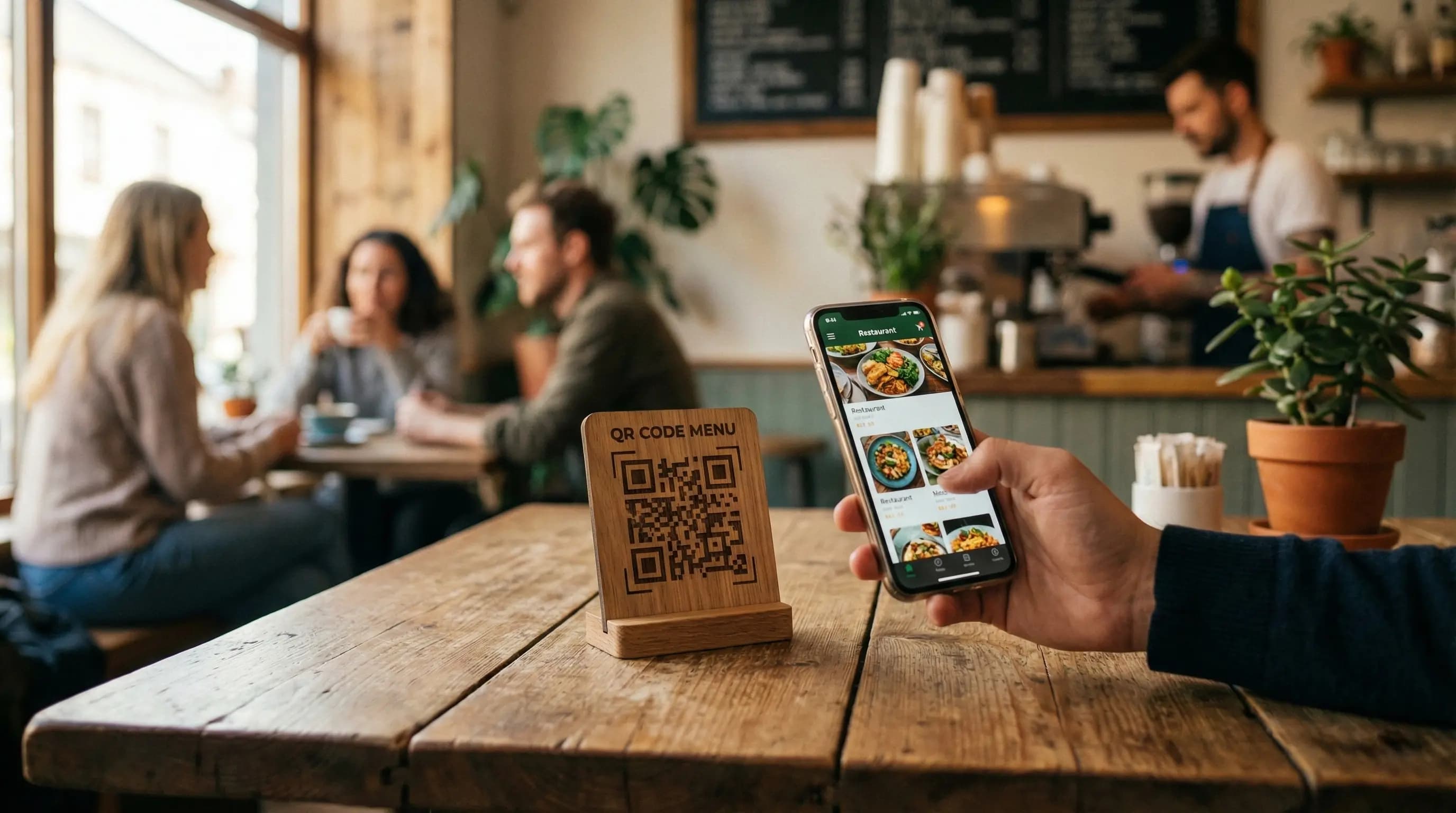
The restaurant industry has undergone a massive digital transformation in recent years. For small restaurant owners, keeping up with technology while managing tight budgets and daily operations is a constant challenge. One innovation that has transitioned from a temporary safety measure to a permanent fixture is the QR code menu.
Gone are the days when bulky, laminated menus were the only option. Today, customers expect a seamless, contactless ordering experience. But for a small cafe, food truck, or independent eatery, finding the right tools without breaking the bank is crucial. You are likely asking yourself: What are the best QR menu services for small restaurants?
This comprehensive guide will navigate the crowded landscape of digital menu providers. We will identify the key features small businesses actually need, compare top contenders, and show you how easy it is to modernize your dining experience.
Table of Contents
Why Small Restaurants Need QR Menus in 2026
While large chains have dedicated IT departments to build custom apps, small restaurants need solutions that are quick to implement and easy to maintain. QR menus are no longer just about hygiene; they are about operational efficiency and customer experience.
Combatting Rising Printing Costs
For a small bistro with a seasonally changing menu, printing costs add up alarmingly fast. Every time you change a price, add a special, or remove an ingredient due to shortages, you have to reprint. A digital menu allows you to make instant updates at zero cost. Stop throwing money away on paper.
Meeting Customer Expectations
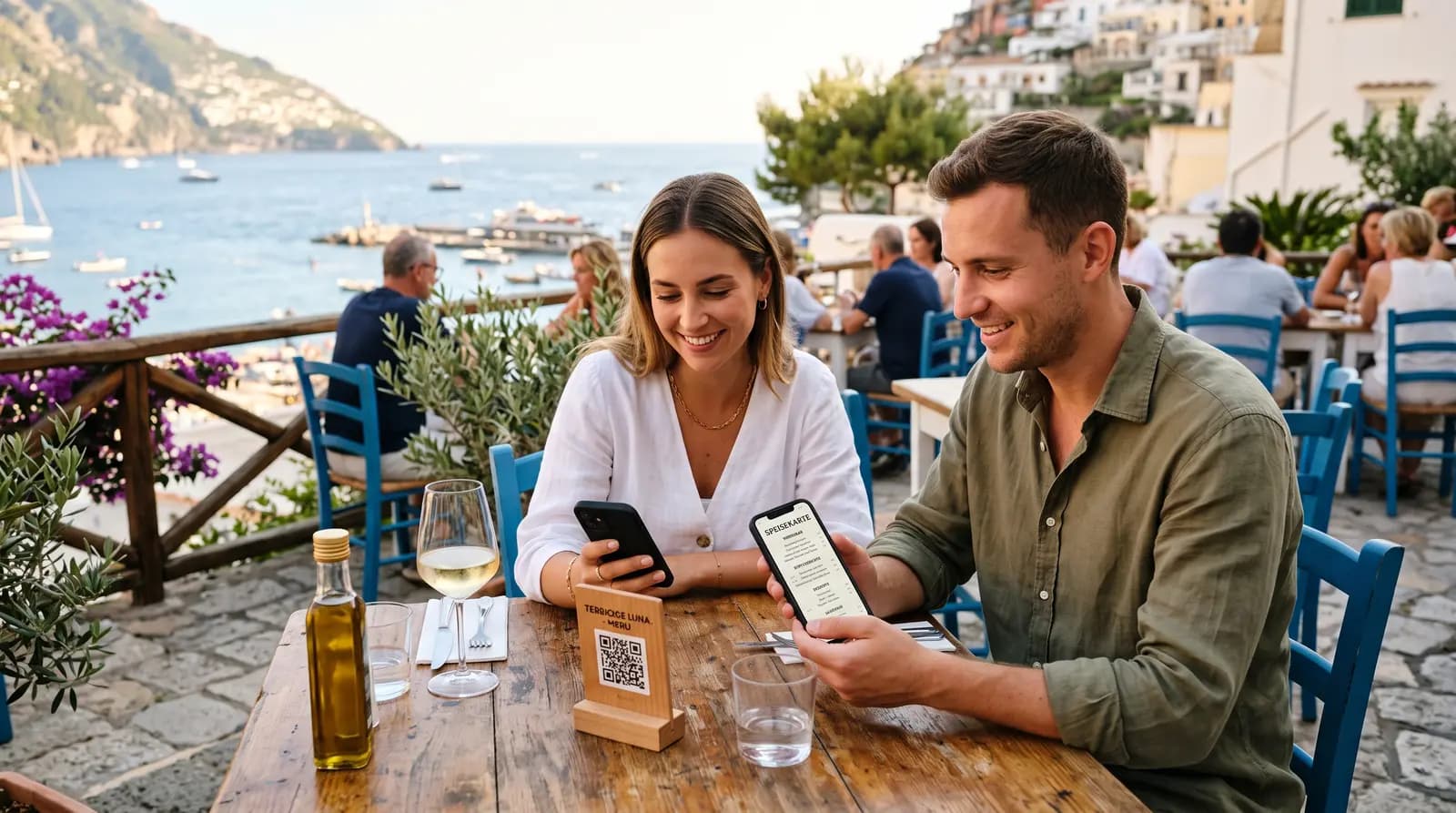
Modern diners, especially younger generations, prefer the convenience of viewing a menu on their phone immediately upon sitting down. They can zoom in on photos, read detailed descriptions without squinting in dim lighting, and make faster decisions. It speeds up table turnover, which is vital for smaller venues with limited seating.
Flexibility and Speed
Did you run out of the daily special by 7 PM? With a traditional menu, you have to awkwardly inform every table or use tape to cross it out. With a QR menu service, you can hide the item instantly from your phone. This real-time inventory management avoids customer disappointment.
Key Features Checklist for Small Businesses
When evaluating the question, "What are the best QR menu services for small restaurants?", you shouldn't just look for the cheapest option. You need a balance of functionality and simplicity. Here are the features that matter most for small operations.
- User-Friendly Interface: You are a restaurateur, not a web developer. The platform must be intuitive. You should be able to upload photos, change descriptions, and update prices in seconds without reading a manual.
- Mobile Optimization: The menu must look flawless on any smartphone. If customers have to pinch and zoom excessively to read your PDF menu, they will get frustrated. The best services offer responsive, app-like mobile web views.
- Custom branding: Your digital menu should feel like an extension of your restaurant, not a generic webpage. Look for services that allow you to upload your logo, choose your brand colors, and customize the design of the QR code itself.
- Affordable Pricing Structure: Small restaurants have tight margins. Avoid services with high monthly fees designed for enterprise chains. Look for freemium models or low-cost tiers that offer essential features without hidden transaction fees.
- Reliable Hosting and Speed: When a hungry customer scans the code, the menu must load instantly. Slow loading times lead to frustration before the meal even begins.
Top QR Menu Services Compared
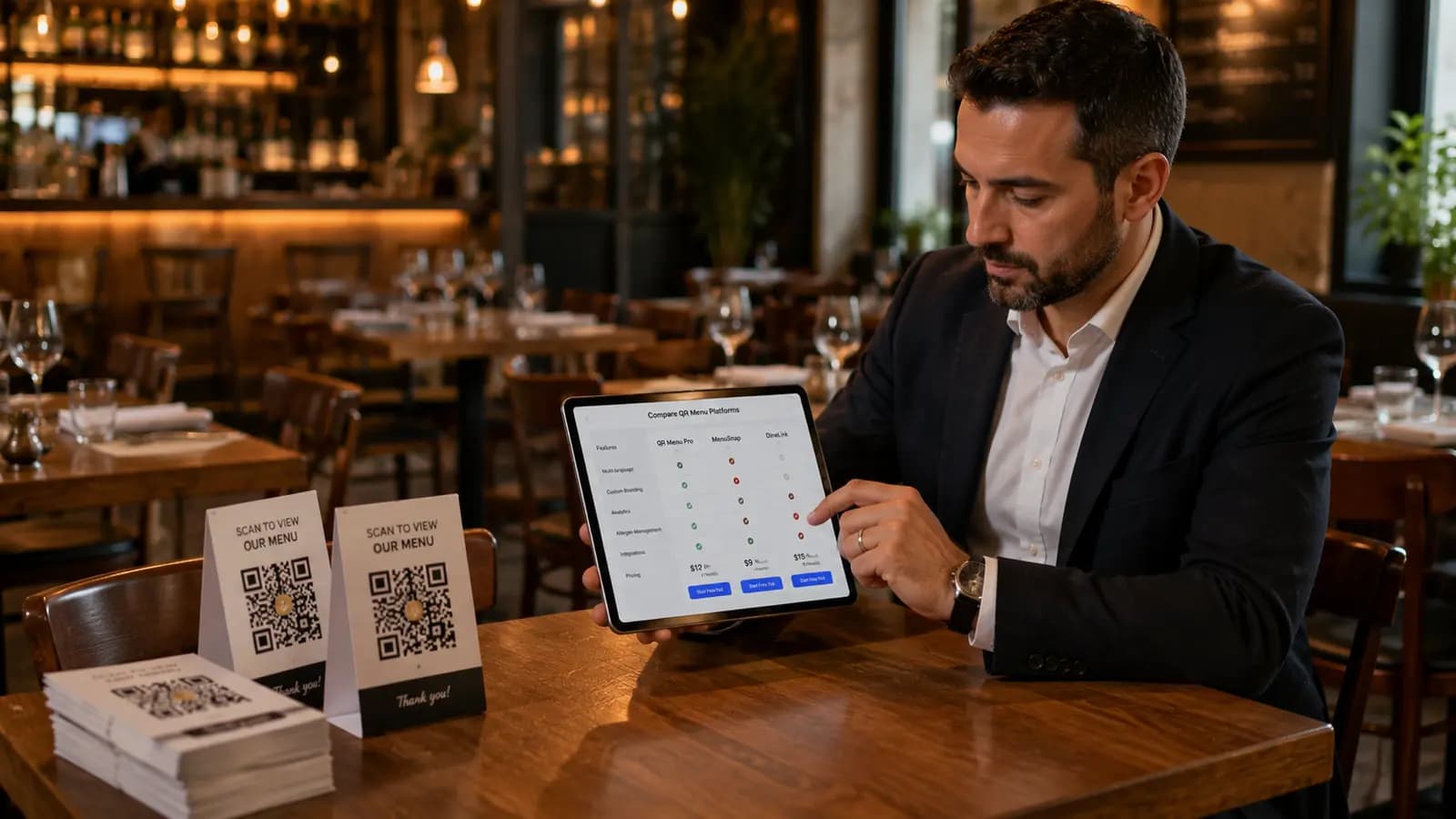
There are hundreds of providers out there. We have narrowed down the options based on the specific needs of small to medium-sized independent restaurants.
1. QR Menu Generator (Best Overall Value for Small Biz)
For small restaurants looking for the perfect blend of simplicity, powerful features, and affordability, QR Menu Generator stands out as a top contender. It is designed specifically to help smaller establishments transition to digital without the headache.
Why it excels for small restaurants: It offers an incredibly intuitive dashboard. You don't need any technical skills to create a beautiful, mobile-optimized digital menu. It moves beyond simple PDF hosting to create an interactive menu experience where you can add photos and detailed descriptions easily. Their pricing is transparent and tailored for tight budgets, making it a sustainable long-term solution.
2. Simple PDF Hosting Services
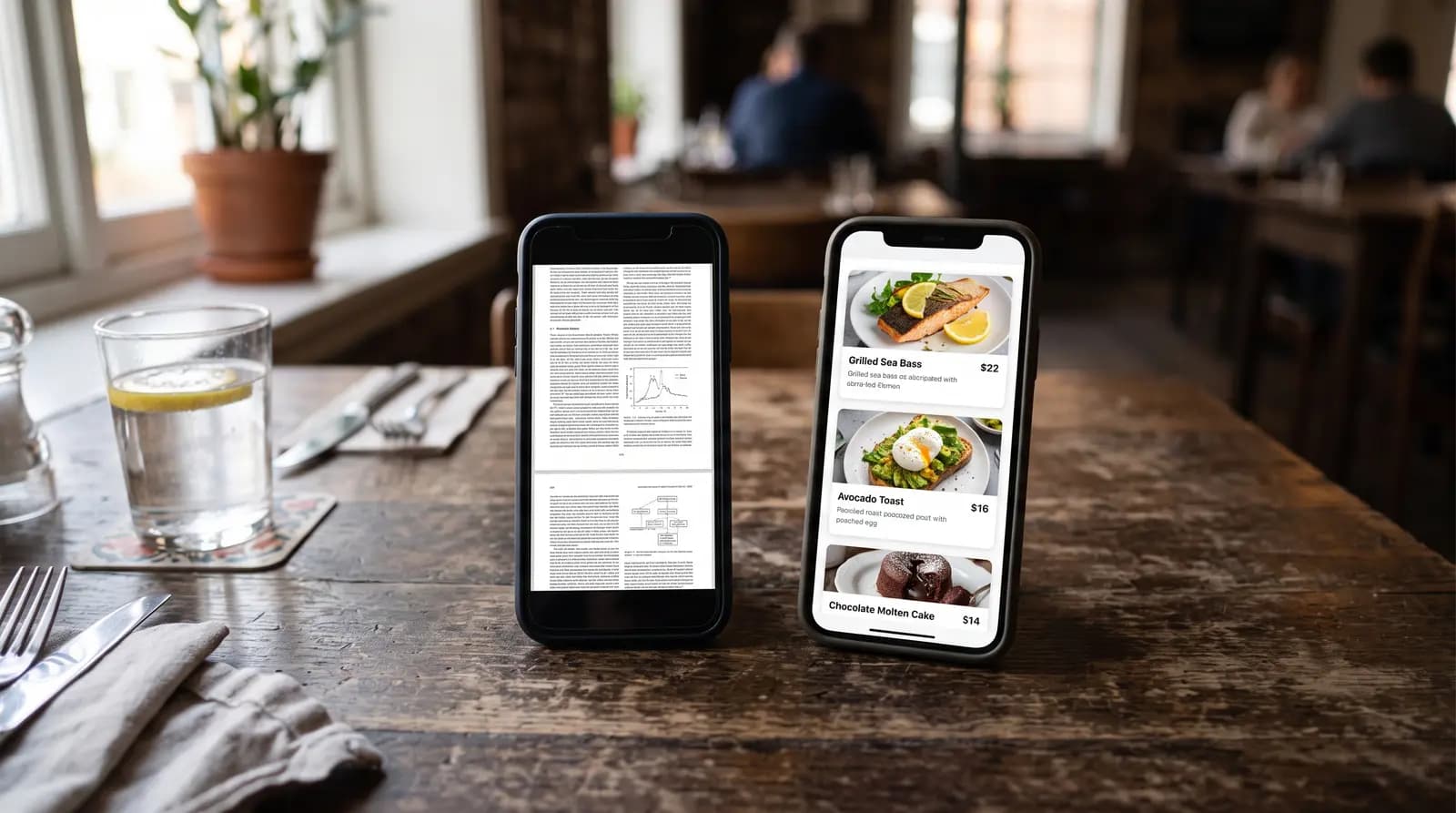
Many small restaurants start by simply uploading a PDF of their existing menu to their website or a free file host and turning that link into a QR code. While this is the most basic answer to "What are the best QR menu services for small restaurants?", it is rarely the best experience.
Pros: It is usually free and very fast to set up initially. Cons: PDFs are terrible on mobile devices. Customers have to zoom in and scroll sideways to read. Furthermore, if you need to change one price, you have to re-upload the entire document. It lacks professionalism.
3. POS-Integrated Systems (e.g., Toast, Square)
If you already use a modern Point-of-Sale system like Toast or Square, they often have built-in QR ordering add-ons.
Pros: Seamless integration. Orders sent via the phone go straight to the kitchen ticket printer. Cons: These can be expensive. They often require transaction fees on every order processed through the QR code, cutting into already thin margins. For a very small cafe that just wants to display a menu digitally, this is often overkill.
Step-by-Step: Setting Up Your First Menu
Modernizing your restaurant doesn't have to be an all-day project. Using a dedicated tool, you can be up and running in under an hour. Here is how simple the process is with a user-friendly platform like QR Menu Generator.
Step 1: Create Your Account and Profile
Sign up and enter your basic restaurant details: name, location, and currency. Upload your logo to ensure branding consistency right from the start.
Step 2: Build Your Menu Categories
Organize your menu logically just as you would on paper. Create categories such as "Appetizers," "Main Courses," "Desserts," and "Beverages." Good organization is key to a good user experience.
Step 3: Add Items and Mouth-Watering Photos
This is where digital menus shine. Populate your categories with dishes. Write enticing descriptions and, most importantly, upload high-quality photos. Studies show that high-quality images can significantly increase sales of high-margin items.
Step 4: Generate and Print Your QR Codes
Once your menu is built, the service will generate a unique QR code for you. Customize the design of the code to match your aesthetic. Download the high-resolution image and print it on table tents, stickers for tables, or posters at the entrance.
The Hidden Benefits of Going Digital
Beyond saving paper, switching to one of the best QR menu services for small restaurants unlocks new opportunities.
You gain agility. Want to test a new appetizer for just one weekend? Add it digitally on Friday, and remove it on Monday. You also gain the ability to upsell more effectively through visual cues and strategic placement of items on the digital screen, something harder to achieve with static paper menus.
Ultimately, the best service is one that solves your immediate problem—displaying your menu digitally—while being easy enough for you to manage yourself daily. For most small restaurants, specialized generators offer the best balance of cost and features over clunky PDFs or expensive POS integrations.
Ready to Modernize Your Small Restaurant?
Stop worrying about printing costs and start offering the seamless digital experience your customers expect. Create a beautiful, mobile-friendly menu in minutes.
Frequently Asked Questions
- Do QR menus save small restaurants money?
- Yes, significantly. They eliminate ongoing graphic design and printing costs associated with updating physical menus for price changes, seasonal items, or out-of-stock dishes.
- Are QR menus difficult for older customers to use?
- While adoption is near-universal among younger demographics, some older patrons may struggle. It is always best practice for small restaurants to keep a few laminated physical menus on hand as a backup for those who prefer them.
- What is the difference between a PDF QR menu and a digital QR menu?
- A PDF menu is just a static digital picture of your paper menu, requiring customers to zoom in and scroll awkwardly on their phones. A true digital QR menu is a mobile-optimized, interactive webpage designed for small screens, offering a much better user experience.
About the author
Evrenus Fırat Polat
Restaurant technology expert and founder of QR Menu Generator. Passionate about helping restaurant owners harness digital tools to grow their business.