Traditional Paper Menus: Ultimate 2026 Strategy to Stop Losing Restaurant Money
Paper menus feel familiar. But they quietly drain your margins every week. Reprints. Wasted stock. Slow updates. Confused guests. When prices change, allergens update, or items run out, paper turns into a liability.
If you want a faster, cleaner way to present your menu, Get Started for Free and test a contactless digital menu with no credit card required.
Table of Contents
Key Takeaways
- Paper menus create recurring costs through reprints, design edits, and wasted inventory.
- Slow updates cause revenue leakage when sold-out items, wrong prices, or missing allergens lead to friction and comps.
- A QR code menu reduces operational drag because edits go live in seconds and guests always see the latest version.
- Start small: keep a few printed backups and roll out QR menus table-by-table.
The real cost of paper menus
Most restaurant owners only count the printing bill. That is the visible line item. The bigger damage is the invisible waste around it.
Paper menus trigger a cycle: update prices, reprint, distribute, discover a mistake, reprint again. Each loop costs time, money, and guest trust.
[Insert real statistic on restaurant printing costs from a trusted source here]
Why traditional paper menus are costing you money
1) Reprints happen more often than you think
Supplier prices change. Seasonal items rotate. New promos launch. A single menu update forces you to pay again, even if only 10% of items changed.
Every reprint is sunk cost. The old menus become trash the moment they are outdated.
2) Outdated prices create awkward moments and lost margin
When the menu shows the wrong price, you face two bad options. You honor the printed price and lose margin. Or you correct the guest and risk a negative review.
This is not rare. It is structural. Paper cannot keep up with real operations.
3) Sold-out items waste staff time and reduce table turns
Guests order what they see. If a dish is unavailable, staff must explain, suggest replacements, and restart decision-making.
That delay compounds. Longer decisions slow ordering. Slower ordering slows service. Slower service reduces table turns.
4) Allergy and ingredient clarity becomes a liability
Paper menus struggle with allergen updates. Even one missing allergen note can cause serious guest harm and brand damage.
With a digital menu, you can add allergen notifications per item and keep them current through your menu management workflow.
[Insert hygiene or allergen-risk data regarding paper menus or menu handling here]
5) Paper menus wear down and degrade your brand
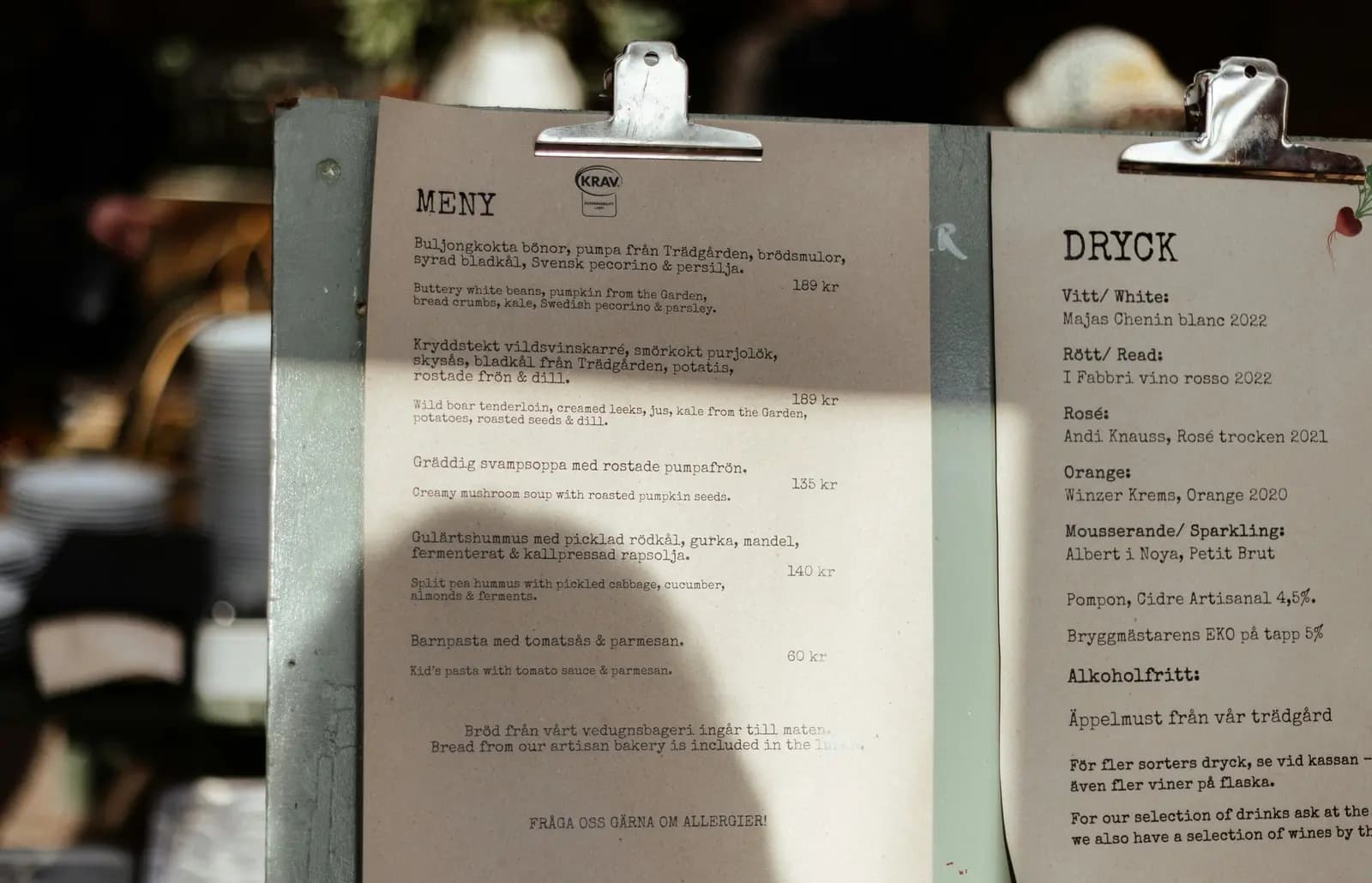
Creased menus, stains, fading ink, and mismatched versions send a subtle signal: “details are not controlled here.”
Brand perception affects pricing power. Guests forgive less when the menu looks tired.
How digital menus reduce cost and friction
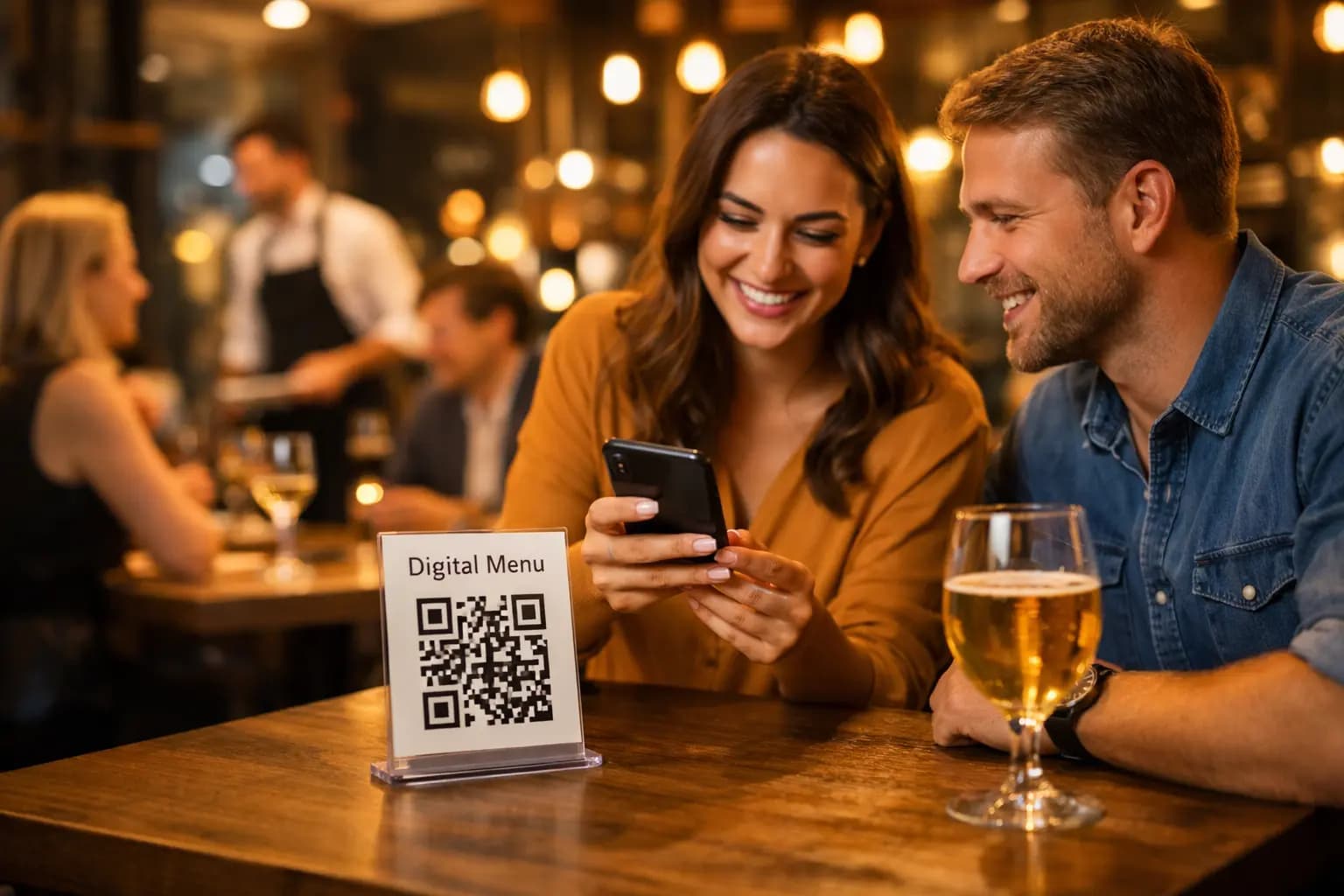
A contactless digital menu flips the entire system. Guests scan a QR code and see your latest menu instantly, with no app download needed.
Instant updates eliminate the reprint loop
When you change a price, product name, or photo, it goes live in seconds. That means fewer mistakes and less waste.
QR Menu Generator was built for exactly this: fast menu control without operational chaos. Learn how it works on /features.
Premium themes improve readability and sales psychology
Layout and clarity matter. A menu is a sales interface. With six customizable premium themes (color, font, layout), you can present items cleanly and guide attention without redesigning from scratch.
Better readability reduces decision fatigue. Faster decisions improve ordering speed and guest satisfaction.
Built-in statistics show what guests actually view
Paper menus cannot tell you what is working. Digital menus can. Tracking views and popular items helps you spot winners, test pricing, and optimize categories based on real behavior.
[Insert real statistic on how menu design/visibility impacts sales or decision-making from a trusted source here]
Multi-branch control (only when you need it)
If you run a chain, menu consistency becomes harder. Pro Plus includes multi-branch support so you can manage multiple locations without duplicating work. For details, see /pricing.
How to switch without confusing guests
Switching does not need drama. Do it in a controlled rollout.
Step 1: Create your menu structure
Set up categories, add products, upload images, and include allergen notifications. Keep names consistent with how guests order.
Step 2: Pick a theme that matches your brand
Choose one of the premium themes and adjust the visual style so your menu looks intentional, not improvised. You can review these options on /features.
Step 3: Place QR codes where decisions happen
Tables, counters, and hotel lounges are prime spots. Guests should see the code at the moment they are ready to order.
Step 4: Keep a small backup for edge cases
Have a few printed menus available for guests who prefer them. Over time, demand usually drops as scanning becomes normal.
ROI: where the savings come from
ROI is not just “printing cost avoided.” The real gains stack up:
- Lower recurring costs by removing frequent reprints and design edits.
- Fewer comps and disputes due to outdated prices and items.
- Faster ordering because guests always see what is available now.
- Smarter decisions using statistics and popular-item insights (Pro and above).
If you want to compare plans based on your needs and expected savings, review /pricing.
Conclusion
Traditional paper menus cost more than they look like they cost. They force reprints, create mistakes, slow service, and weaken trust when details are outdated. A contactless digital menu makes your menu accurate, fast to update, and easier for guests to use across modern iOS and Android devices.
Stop paying for the same menu over and over. Get Started for Free and launch your first branch with 10k monthly views and unlimited products, then scale only when it makes financial sense.
Frequently Asked Questions
- What is a contactless digital menu?
- A contactless digital menu is a menu guests open by scanning a QR code with their phone camera. It shows the latest items, prices, and details instantly in a browser, with no app download required, making menu updates faster and more reliable for restaurants.
- How do I get started with QR Menu Generator for free?
- You can start immediately by creating a free account at /register which includes 1 restaurant and 10k monthly views.
- Is switching from paper menus to a QR menu worth the cost?
- In most restaurants, yes. The savings come from reducing frequent reprints, avoiding outdated-price disputes, and cutting staff time spent explaining sold-out items. With QR Menu Generator, you can begin on the Free plan and upgrade later via /pricing only when the ROI is clear.
- How does a digital QR menu compare to traditional paper menus?
- Paper menus are static and become outdated fast, which creates recurring printing costs and guest friction. A digital QR menu stays current because edits go live in seconds, supports images and allergen notes, and works on modern iOS and Android devices with no app download required.
- How can I implement a QR menu in my restaurant step-by-step?
- First, create categories and add products with images and allergen notifications. Second, choose one of the six premium themes to match your brand. Third, print and place QR codes on tables and counters. Finally, keep a few printed backups while guests adapt, and refine using view statistics.
About the author
Evrenus Fırat Polat
Restaurant technology expert and founder of QR Menu Generator. Passionate about helping restaurant owners harness digital tools to grow their business.