How to Create a Free QR Code Menu in 5 Minutes No Coding: The Ultimate Guide for Busy Restaurateurs
In the high-stakes world of hospitality, time is your most valuable commodity. Between managing staff, ensuring food quality, and maintaining customer satisfaction, finding time to redesign and reprint physical menus whenever a price changes or an ingredient runs out is a massive headache. Enter the digital revolution: the QR code menu.
Gone are the days when creating a digital menu required expensive web developers or complex coding knowledge. Today, the barrier to entry is non-existent. If you can send an email, you can revolutionize your ordering process. This guide is dedicated to one singular, transformative goal: showing you exactly How to Create a Free QR Code Menu in 5 Minutes No Coding.
We will walk you through why this shift is essential, the undeniable benefits for your bottom line, and provide a foolproof, step-by-step process using QR Menu Generator's intuitive platform to get your restaurant digital today—completely free of charge.
Table of Contents
Why Knowing How to Create a Free QR Code Menu Matters Today
The hospitality industry has undergone a seismic shift in the last few years. Customer expectations have evolved rapidly toward convenience, speed, and hygiene. The traditional, leather-bound physical menu, while classic, is becoming a logistical burden and, increasingly, a customer friction point.
The Problem with Physical Menus
Think about the last time you had to update your menu. Perhaps ingredient costs skyrocketed, forcing a price adjustment. Or maybe a seasonal special sold out mid-service. With physical menus, you have two bad options: awkwardly tape over the old price, or spend hundreds of dollars and days of waiting to reprint everything. In the interim, your staff is forced to apologize to customers repeatedly.
Furthermore, physical menus are high-touch surfaces that require constant sanitization, adding another layer of labor to your front-of-house staff's already overflowing plate.
The Problem with Basic PDF Menus
Some restaurants attempted to pivot by simply uploading a PDF of their physical menu to a website and linking it to a QR code. While better than nothing, this is a poor user experience. Customers have to pinch-and-zoom on small screens to read tiny text. It’s static, hard to navigate on a mobile device, and doesn't allow for appetizing visuals of individual dishes.
The No-Code Solution
Learning How to Create a Free QR Code Menu in 5 Minutes (No Coding) solves these issues instantly. It democratizes access to powerful restaurant technology. It means a small cafe owner can offer the same slick, digital experience as a major national chain without the enterprise-level budget. It turns your menu from a static cost center into a dynamic marketing tool that you control completely, in real-time from your smartphone or laptop.
Top Benefits of Switching to a Digital QR Menu System
Before we dive into the "how-to," it is crucial to understand the "why." Switching to a dynamic QR menu system isn't just about following a trend; it's a strategic business decision with tangible ROI, even when starting with a free tier.
1. Immediate Cost Elimination
The most obvious benefit is the immediate cessation of printing costs. No more design fees, no more printing costs, no more lamination expenses. Every time you need to change a price, fix a typo, or swap a seasonal item, it costs you $0. Over a year, these savings add up significantly, directly improving your profit margins.
2. Real-Time Agility and Control
Did you run out of the sea bass at 7:30 PM on a Friday? With a physical menu, you have to tell every server to inform every table, inevitably leading to disappointed customers who already set their hearts on that dish. With a digital menu created via QR Menu Generator, you log into your dashboard, toggle the item to "hidden" or mark it as "sold out," and it instantly updates on every customer's phone in the restaurant. You stand to gain complete control over your offerings instantly.
3. Enhanced Customer Experience and Increased Check Sizes
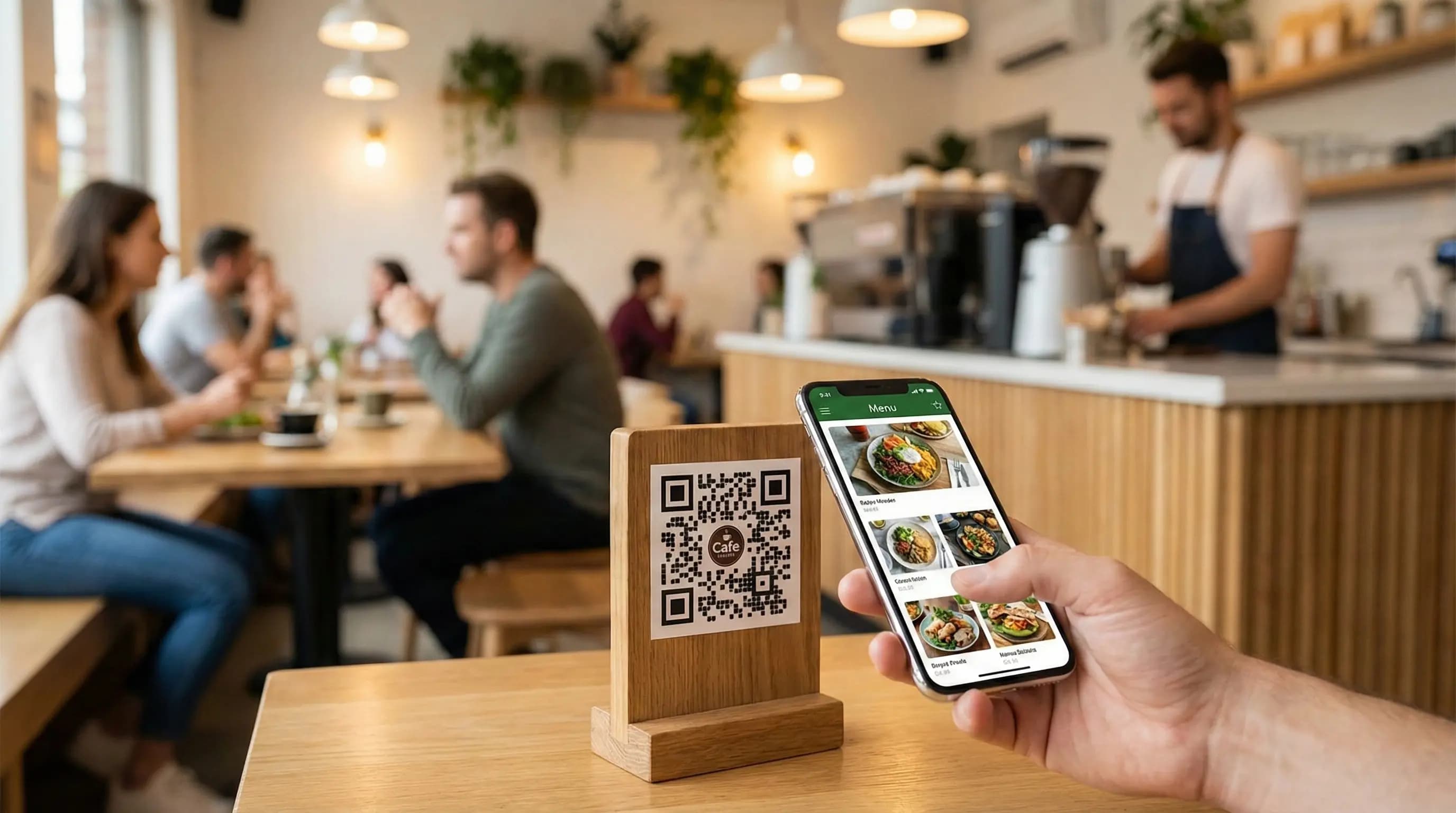
We eat with our eyes first. A well-structured digital menu allows you to upload high-quality, mouth-watering photos of your best dishes. Unlike a cramped physical menu where space is limited, a digital menu lets you showcase every item beautifully. Studies consistently show that menus with high-quality images can increase ordering rates and boost average check sizes as customers are enticed by visuals rather than just text descriptions.
4. Improved Operational Efficiency
When customers sit down and immediately scan a QR code to view the menu, it frees up your waitstaff. They don't need to spend the first five minutes dropping off menus and waiting for customers to browse. Customers are ready to order faster, turning tables quicker during peak hours. Furthermore, features like digital categories make navigation intuitive, reducing the number of questions servers need to answer.
Step-by-Step: How to Create Your Free QR Code Menu in 5 Minutes
This is the core of our guide on How to Create a Free QR Code Menu in 5 Minutes (No Coding). We have designed QR Menu Generator to be incredibly user-friendly. Follow these five steps, and you will have a live, functional digital menu ready for your first customer.
Note: Our Free Tier is generous, allowing for 1 Restaurant, 5 Categories, 20 Products, and 10,000 Views per month—perfect for small cafes, food trucks, or getting started.
Step 1: Sign Up for Your Free Account (30 Seconds)
Head over to our registration page to create your free account. You don't need a credit card to get started. Simply enter your name, email address, and create a secure password. You'll receive a verification email instantly. Click the link, and you are in your dashboard.
Step 2: Set Up Your Restaurant Profile (1 Minute)
Once logged in, the setup wizard will guide you. You'll need to input basic details about your establishment:
- Restaurant Name: This will appear at the top of your digital menu.
- Logo: Upload your restaurant's logo to keep the branding consistent.
- Currency: Select the currency you operate in.
- Cover Image (Optional): A nice header image that represents your venue's vibe.
This information frames your menu and assures customers they are looking at the right place.
Step 3: Create Categories and Add Products (3 Minutes)
This is where the magic happens. A good menu is organized logically. Think about how your physical menu is structured. Common categories include Appetizers, Mains, Desserts, and Drinks.
On the free tier, you can create up to 5 categories. Click "Add Category," name it (e.g., "Signature Burgers"), and add a small icon if you wish.
Next, start populating these categories with products (up to 20 total on the free plan). For each item, you will add:
- Name: e.g., "The Classic Cheeseburger"
- Description: Write an enticing description. Mention key ingredients and flavors.
- Price: Set your current price.
- Image: Crucial Step. Upload a high-quality photo of the dish. This is your best sales tool.
Repeat this for your top 20 items. Don't worry if you have more than 20 items; focus on your bestsellers for the free version to get started quickly.
Step 4: Customize Your QR Code (30 Seconds)
Your menu is now digitally created. Now you need the bridge to connect the physical world to it: the QR code. In your dashboard, navigate to the QR Code generator section.
You aren't stuck with a boring black-and-white pixelated square. QR Menu Generator allows you to customize the QR code to match your brand:
- Change the foreground and background colors.
- Add your logo to the center of the QR code for extra branding.
- Choose different frame styles and add a "Scan Me" call to action text.
Ensure the colors you choose have high contrast so cameras can scan them easily in dim restaurant lighting.
Step 5: Download, Print, and Deploy (Done!)
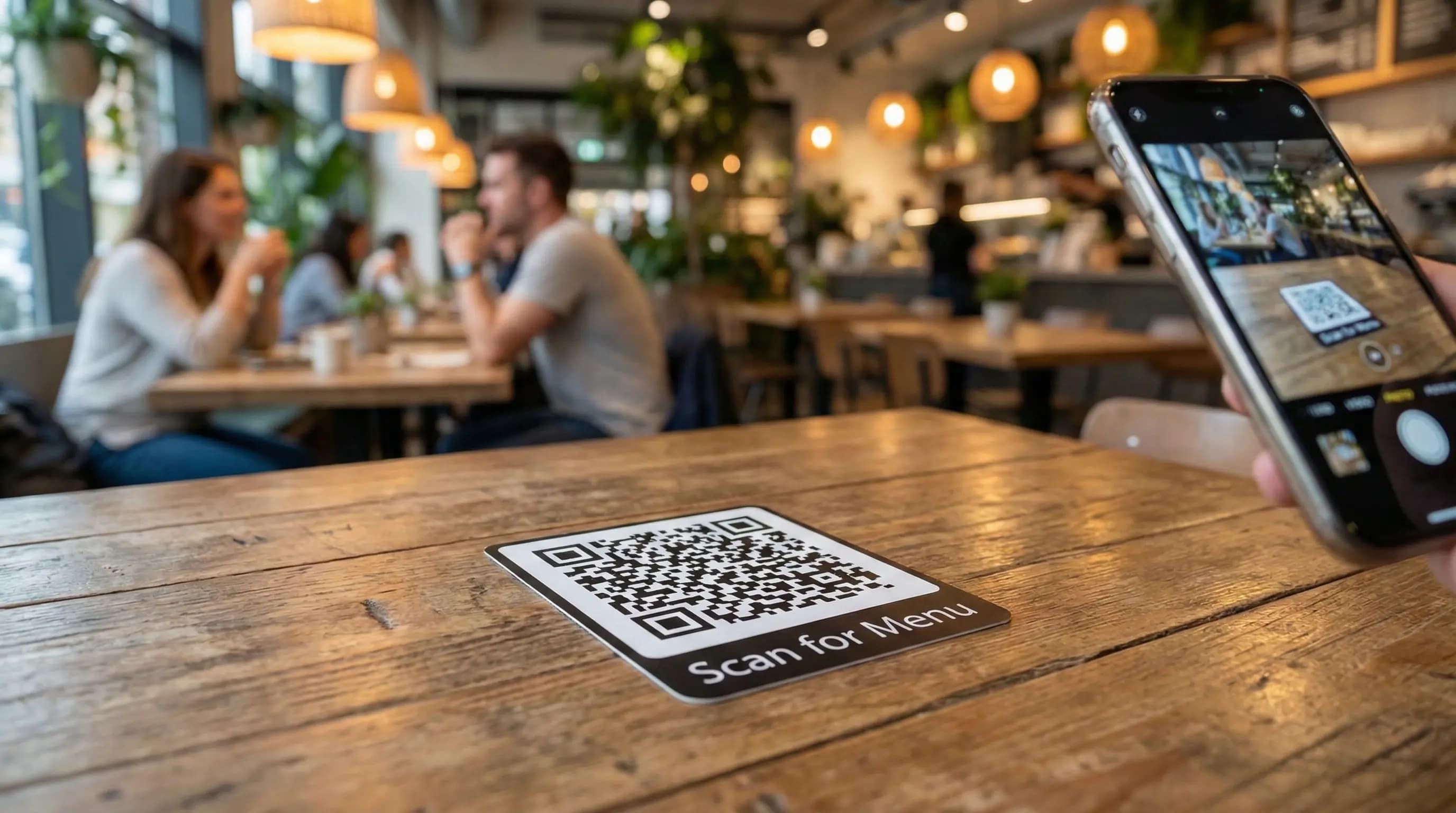
Once you are happy with the design, click "Download." You will get a high-resolution image file (PNG or SVG) of your unique QR code. Now, you just need to place it where customers can easily scan it. Common placements include:
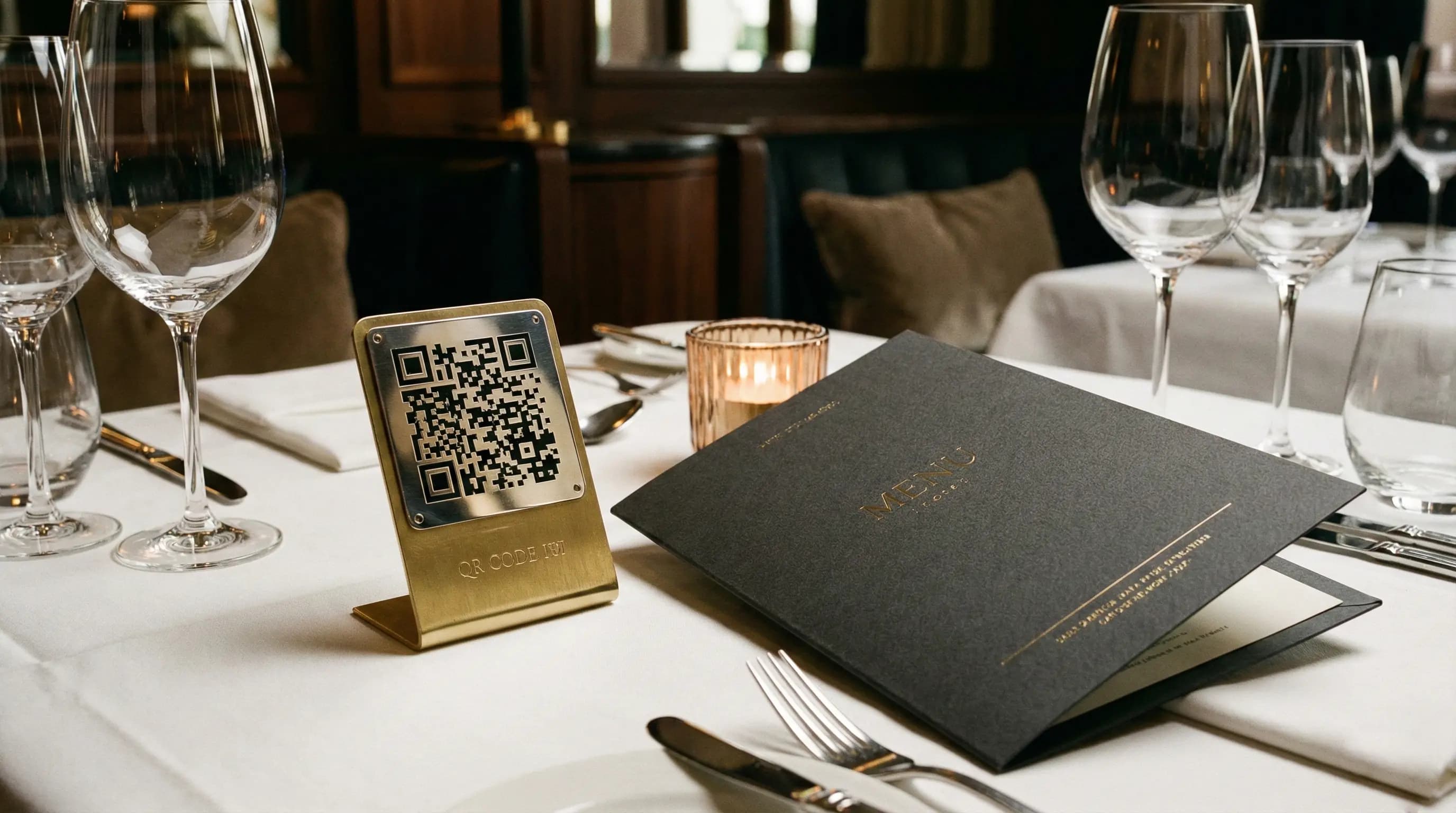
- Printed on small table tents or stands.
- In stickers adhered to the table surface.
- At the host stand or entrance.
- On coasters.
Congratulations! You have successfully completed the process of How to Create a Free QR Code Menu in 5 Minutes (No Coding). Your menu is live, editable in real-time, and ready for service.
Looking Ahead: When to Upgrade Your Digital Menu
The free tier of QR Menu Generator is a fantastic starting point and fully functional for many small businesses. However, as you realize the benefits of the digital platform, you might find your needs growing. Mastering "How to Create a Free QR Code Menu in 5 Minutes (No Coding)" is just the beginning of your digital journey.
You might consider upgrading to our Pro or Pro Plus tiers if:
- You exceed 20 items: If your menu is extensive, the unlimited product feature on the Pro plan becomes essential.
- You have high footfall: The free tier covers 10,000 views a month. If you are a busy venue exceeding this, you'll need the higher view limits of paid plans.
- You manage multiple locations: The Pro Plus plan allows you to manage up to 3 restaurants under one account, streamlining operations for multi-unit owners.
- You want data insights: Our paid tiers offer detailed analytics. You can see which items are viewed the most, peak scanning times, and customer behavior data, allowing you to optimize your menu engineering for higher profits.
You can review the full breakdown of features on our pricing page. But remember, there is absolutely no pressure to upgrade until you are ready.
Conclusion: Start Your Digital Transformation Today
The restaurant industry is demanding, but your technology shouldn't be. We have broken down exactly How to Create a Free QR Code Menu in 5 Minutes (No Coding) because we believe every restaurant, regardless of size or budget, deserves access to tools that make their operations smoother and their customers happier.
By switching to a digital menu today, you are saving money on printing, gaining the flexibility to adapt instantly to changing circumstances, and providing a modern experience your guests expect.
Don't let another day of expensive reprints or outdated menus go by. The process is risk-free, cost-free, and takes less time than brewing a fresh pot of coffee.
Ready to revolutionize your restaurant's ordering experience? Click here to create your free account at QR Menu Generator and build your menu in minutes!
Frequently Asked Questions
- What is meant by 'How to Create a Free QR Code Menu in 5 Minutes (No Coding)'?
- This refers to using a simplified SaaS platform, like QR Menu Generator, that allows restaurant owners to input their menu items into a user-friendly interface. The system then automatically generates a unique QR code and a mobile-optimized digital menu website without the user needing to write a single line of HTML, CSS, or programing code.
- Is the free QR code menu really free forever?
- Yes, at QR Menu Generator, our 'Free' tier is permanently free. It includes 1 restaurant, 5 menu categories, 20 product items, and up to 10,000 menu views per month. There are no hidden charges, and you only need to upgrade if your needs exceed these limitations.
- How does QR Menu Generator help me create a menu without coding?
- QR Menu Generator provides a visual dashboard. You simply fill in text fields for item names and descriptions, upload images, and set prices, similar to posting on social media. Our backend technology handles all the coding to turn that information into a beautiful, functional mobile website accessible via a QR code.
- Can I update my menu after I have printed the QR code?
- Absolutely. This is the biggest benefit of a dynamic digital menu. You can log into your QR Menu Generator dashboard anytime to change prices, hide out-of-stock items, or add new specials. These changes reflect instantly on the digital menu whenever a customer scans the existing QR code printed on your tables. You do not need to reprint the QR code.
About the author
Evrenus Fırat Polat
Restaurant technology expert and founder of QR Menu Generator. Passionate about helping restaurant owners harness digital tools to grow their business.