How to update your seasonal menu offerings instantly without printing a single sheet of paper: A Modern Guide for Restaurants
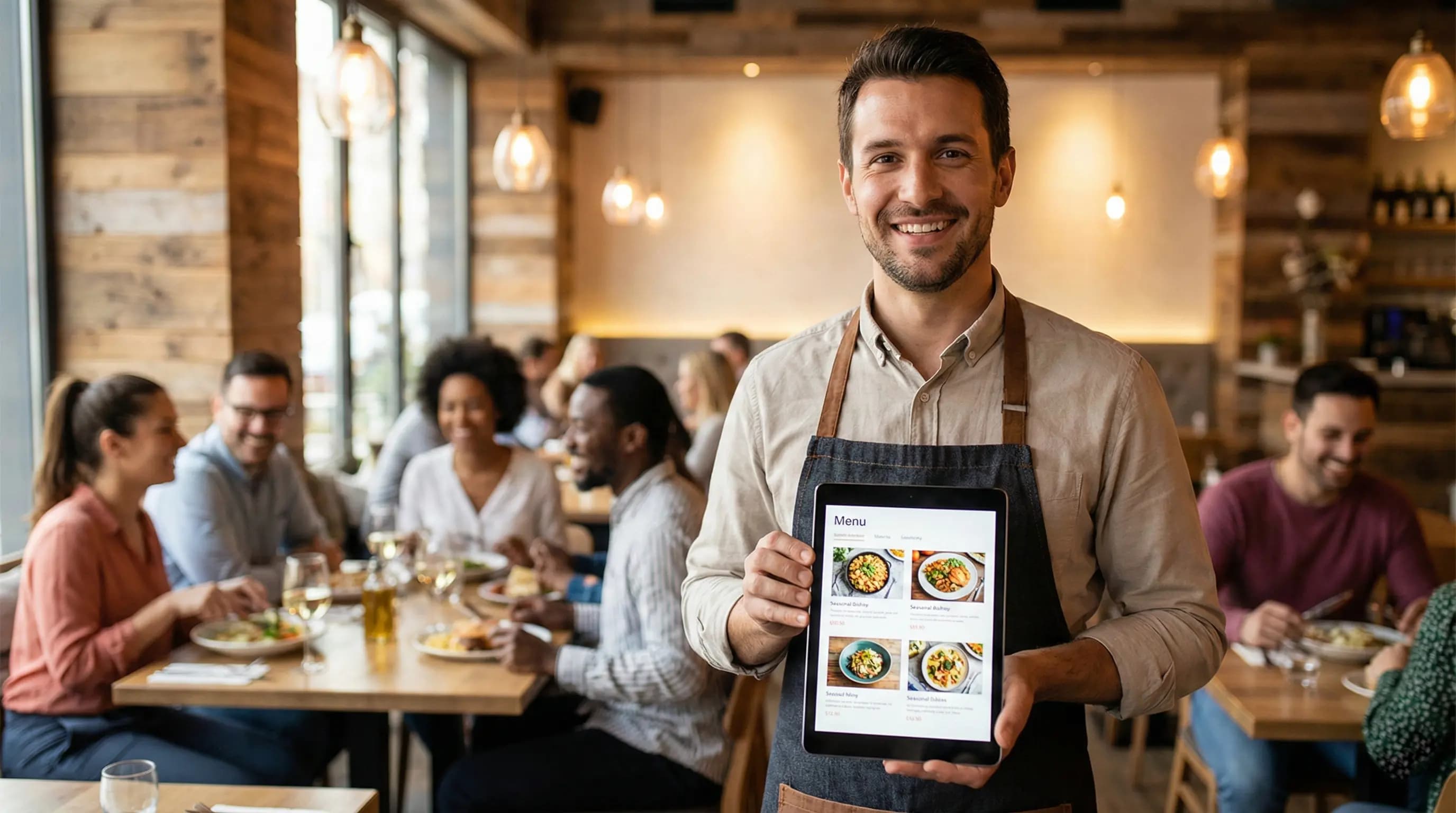
The changing of seasons brings an exciting opportunity for restaurateurs: fresh ingredients, holiday specials, and the chance to revitalize your brand. However, for decades, this opportunity came with a frustrating logistical burden. You draft the menu, send it to the designer, wait for proofs, approve them, send them to the printer, and pay a hefty fee—only to realize a week later that supplier prices have changed or an ingredient is out of stock. If you are wondering how to update your seasonal menu offerings instantly without printing a single sheet of paper, you have arrived at the definitive solution.
Table of Contents
The Hidden Costs of Static Menus
Before diving into the solution, it is crucial to understand why the traditional method is draining your profit margins. Paper menus are not just an operational necessity; they are a recurring expense that limits your agility.
- Financial Cost: High-quality printing, lamination, and binding can cost hundreds or thousands of dollars per season.
- Environmental Impact: Throwing away outdated menus contributes to significant paper waste, which contradicts the growing consumer demand for sustainability.
- Time Lag: By the time your printed menus arrive, market trends may have already shifted.
The Digital Advantage: Speed and Flexibility
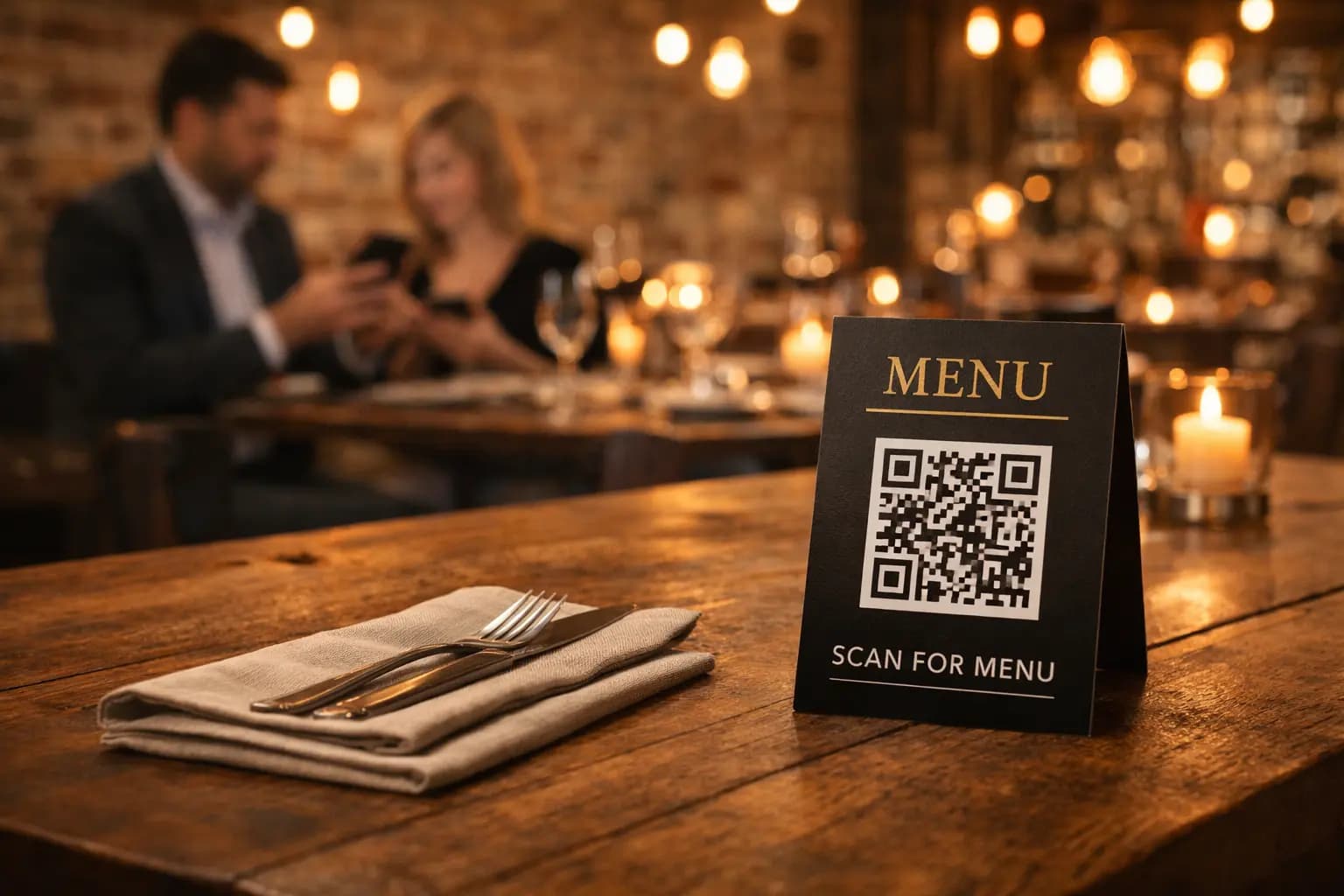
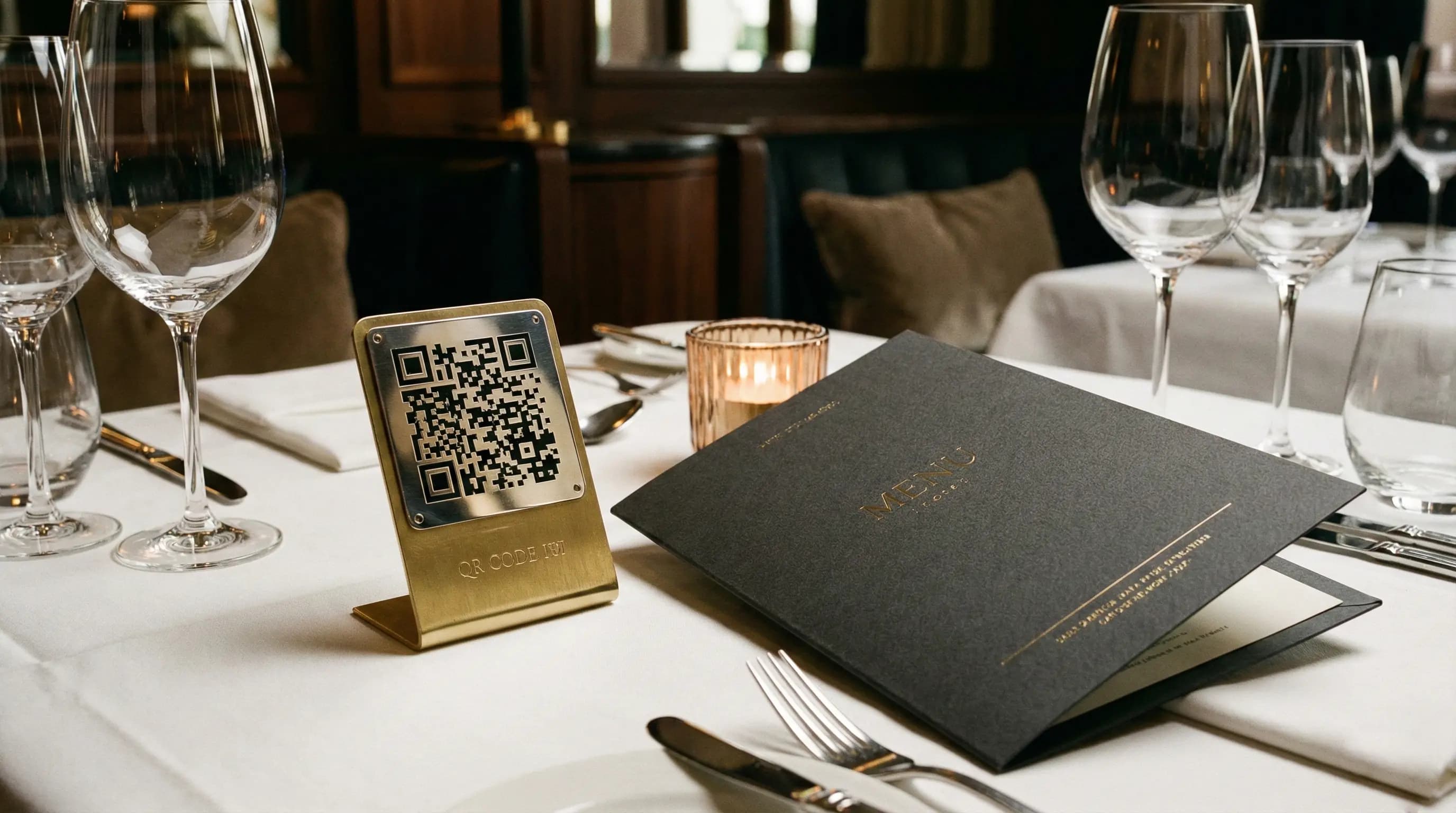
The answer to how to update your seasonal menu offerings instantly without printing a single sheet of paper lies in adopting a dynamic digital QR menu system. By transitioning to a platform like QR Menu Generator, you transform your menu from a static document into a living, breathing sales tool.
1. Real-Time Edits
Did you secure a great deal on fresh strawberries this morning? With a digital system, you can add a "Strawberry Basil Lemonade" to your menu in seconds. No reprints, no stickers over old prices, just immediate updates.
2. Dynamic Pricing
Seasonal ingredients often fluctuate in price. A digital menu allows you to adjust your dish prices instantly to protect your margins without waiting for a new print run.
3. Visual Appeal
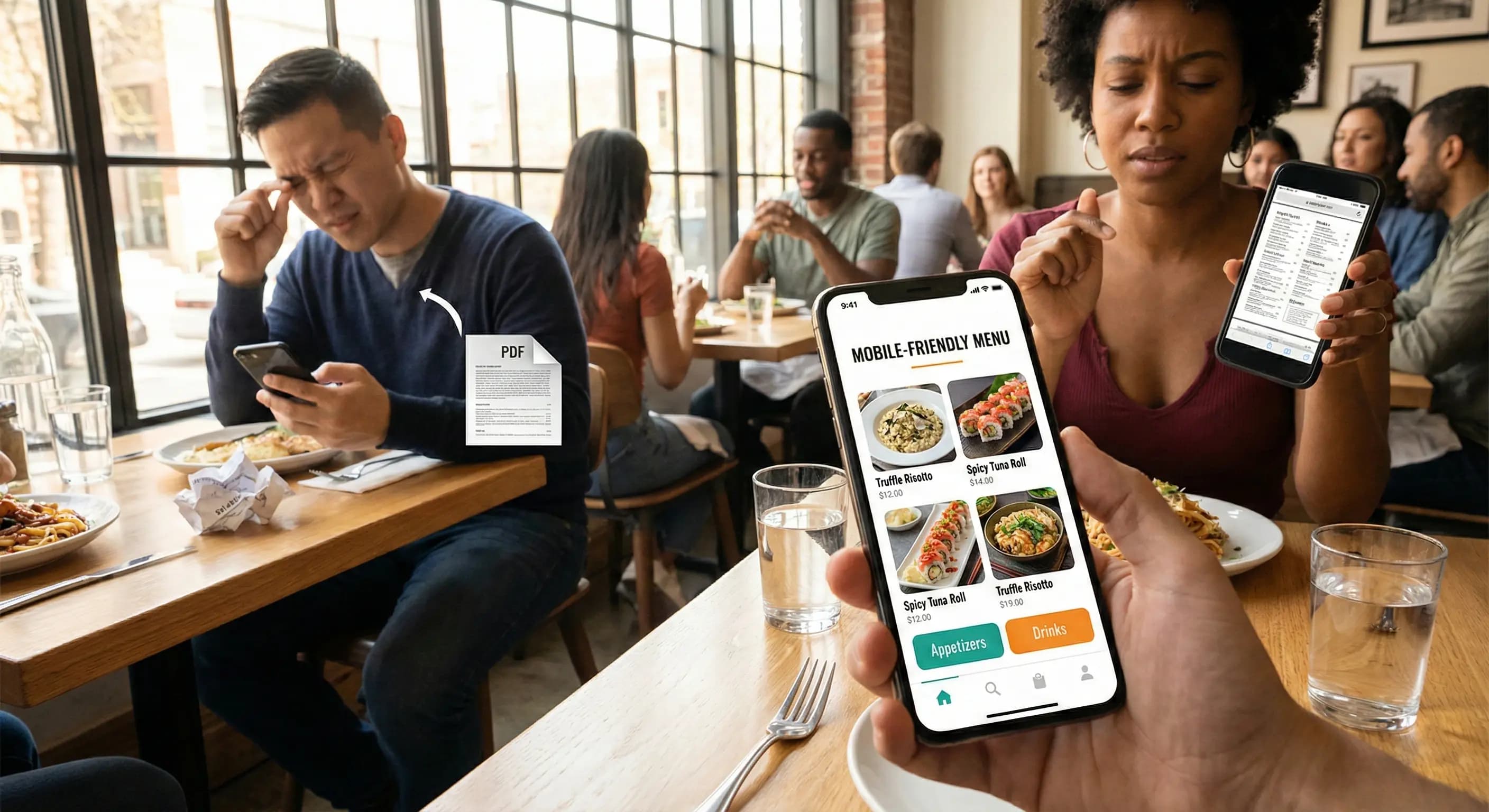
Unlike paper menus where space is limited, digital menus allow you to upload high-definition images of your new seasonal dishes, enticing customers to order more.
How to Implement Instant Updates
Implementing this change is easier than you might think. Here is a step-by-step guide on how to update your seasonal menu offerings instantly without printing a single sheet of paper using our platform.
Step 1: Create Your Digital Foundation
First, sign up for an account. If you are a small venue, our Free Tier is perfect, offering 1 restaurant, 10 categories, and 30 products. For larger establishments needing unlimited items, our Pro Plan ($9.90/mo) is the ideal upgrade.
Step 2: Build Your Seasonal Categories
Instead of mixing seasonal items with your standard fare, create a dedicated category at the top of your menu, such as "Autumn Specials" or "Summer Refreshers." This ensures high visibility.
Step 3: Toggle Availability
One of the most powerful features of QR Menu Generator is the ability to hide or show items. You can prepare your seasonal menu in advance and simply "unhide" the category when the season starts. When the season ends, you hide it again—no waste, no re-printing.
Strategies for Seasonal Success
Knowing how to update your seasonal menu offerings instantly without printing a single sheet of paper is just the first step. Utilizing this capability strategically is where the revenue growth happens.
Test and Iterate: Since there is no printing cost, you can A/B test different names for your dishes. Does "Grandma's Apple Pie" sell better than "Spiced Autumn Tart"? Change the name on the fly and see what works.
Limited Time Offers (LTOs): Create urgency by adding a countdown or specific availability notes in the product description. Digital menus allow you to highlight LTOs prominently without permanent commitment.
Using Analytics to Refine Your Offerings
With paper menus, it is difficult to know which items are catching your customers' eyes versus which ones are being ignored. Digital menus provide data.
Our Pro Plus ($17.99/mo) tier offers Advanced Analytics, allowing you to track views and interactions. This data helps you decide which seasonal items should become permanent fixtures and which should be retired. You can't improve what you don't measure.
Conclusion
The hospitality industry is evolving, and agility is the new currency. Learning how to update your seasonal menu offerings instantly without printing a single sheet of paper not only saves you money on printing costs but also gives you the freedom to experiment and optimize your menu in real-time.
Don't let static paper menus hold your restaurant back this season. Embrace the flexibility of digital solutions and watch your efficiency soar.
Frequently Asked Questions
- What is How to update your seasonal menu offerings instantly without printing a single sheet of paper?
- It refers to the process of using digital QR code menus to make real-time changes to your restaurant's food and drink lists, eliminating the need for physical re-printing and reducing waste.
- How does QR Menu Generator help with How to update your seasonal menu offerings instantly without printing a single sheet of paper?
- QR Menu Generator provides an easy-to-use dashboard where you can edit items, prices, and categories instantly. These changes reflect immediately on the customer's smartphone when they scan your QR code.
About the author
Evrenus Fırat Polat
Restaurant technology expert and founder of QR Menu Generator. Passionate about helping restaurant owners harness digital tools to grow their business.