Best practices for placing QR code stickers on tables to maximize customer engagement: The Ultimate Guide for Restaurants
In the modern hospitality landscape, the physical menu is rapidly being supplemented, and often replaced, by the digital QR menu. However, simply having a digital menu isn't enough; how you present it to your customers matters immensely. Implementing the best practices for placing QR code stickers on tables to maximize customer engagement is the difference between a seamless dining experience and a frustrated customer fumbling with their phone.
Whether you run a bustling cafe or a fine dining hotel restaurant, the placement, design, and durability of your QR stickers directly influence scan rates and order efficiency. In this guide, we will explore strategic placement techniques that ensure your digital menu is accessible, visible, and inviting.
Table of Contents
1. Visibility and Accessibility: The Golden Rules
When discussing the best practices for placing QR code stickers on tables to maximize customer engagement, visibility is paramount. If a customer sits down and has to search for the menu, you have already created friction in their journey.
Center vs. Corner Placement
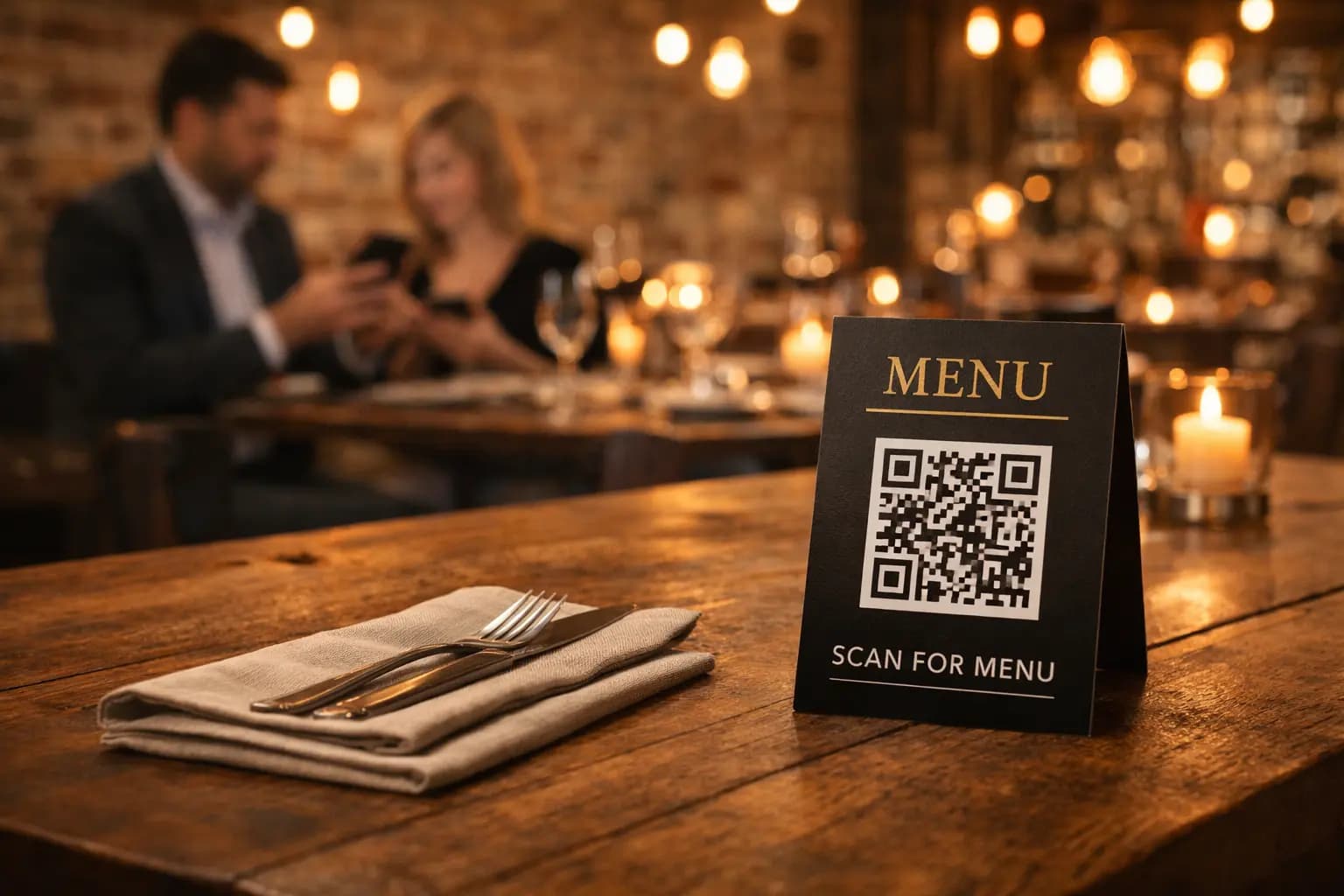
While corner placement seems unobtrusive, it often gets covered by cutlery, napkin dispensers, or personal items like phones and keys. Placing the QR sticker near the center of the table, or on a dedicated stand, ensures it remains the focal point of the setting.
Lighting Considerations
QR codes require contrast to be scanned effectively by smartphone cameras. Ensure that your table placement is not in a permanent shadow. If your restaurant has mood lighting (dim environments), consider using a larger QR code size or placing the sticker under a direct light source.
2. Material Matters: Durability in High-Traffic Areas
Restaurant tables are high-traffic zones subject to spills, heat, and frequent cleaning with harsh chemicals. A paper sticker will deteriorate within days, leading to fading codes that are impossible to scan. This frustrates customers and hurts engagement.
- Waterproof and Oil-proof: Use vinyl or laminated stickers that can withstand spills.
- Scratch Resistance: Tables are often wiped down rapidly; ensure the print quality is robust.
- Matte Finish: Glossy finishes can reflect overhead lights, creating glare that prevents the camera from focusing on the QR code. A matte finish is a crucial part of the best practices for placing QR code stickers on tables to maximize customer engagement.
3. Design and Call to Action (CTA)
A bare QR code looks like a robotic inventory tag. To maximize engagement, your sticker needs to communicate value. Why should the customer scan it?
Include Clear Instructions
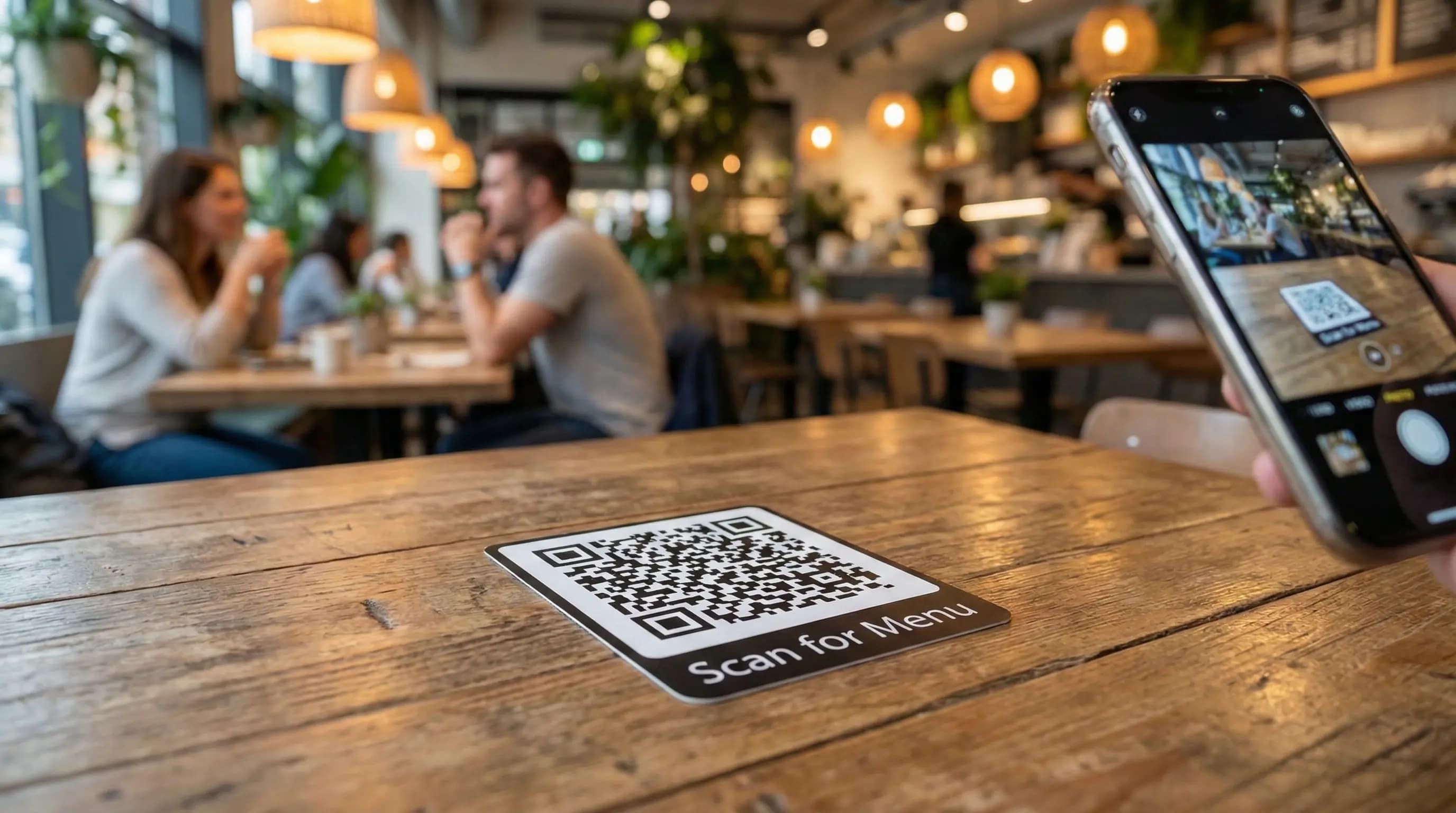
Not every customer is tech-savvy. Surrounding the QR code with a clear CTA like "Scan for Menu," "View Our Specials," or "Order & Pay Here" increases scan rates significantly. By using advanced features of your menu generator, you can ensure the landing page meets the promise of the CTA.
Branding Consistency
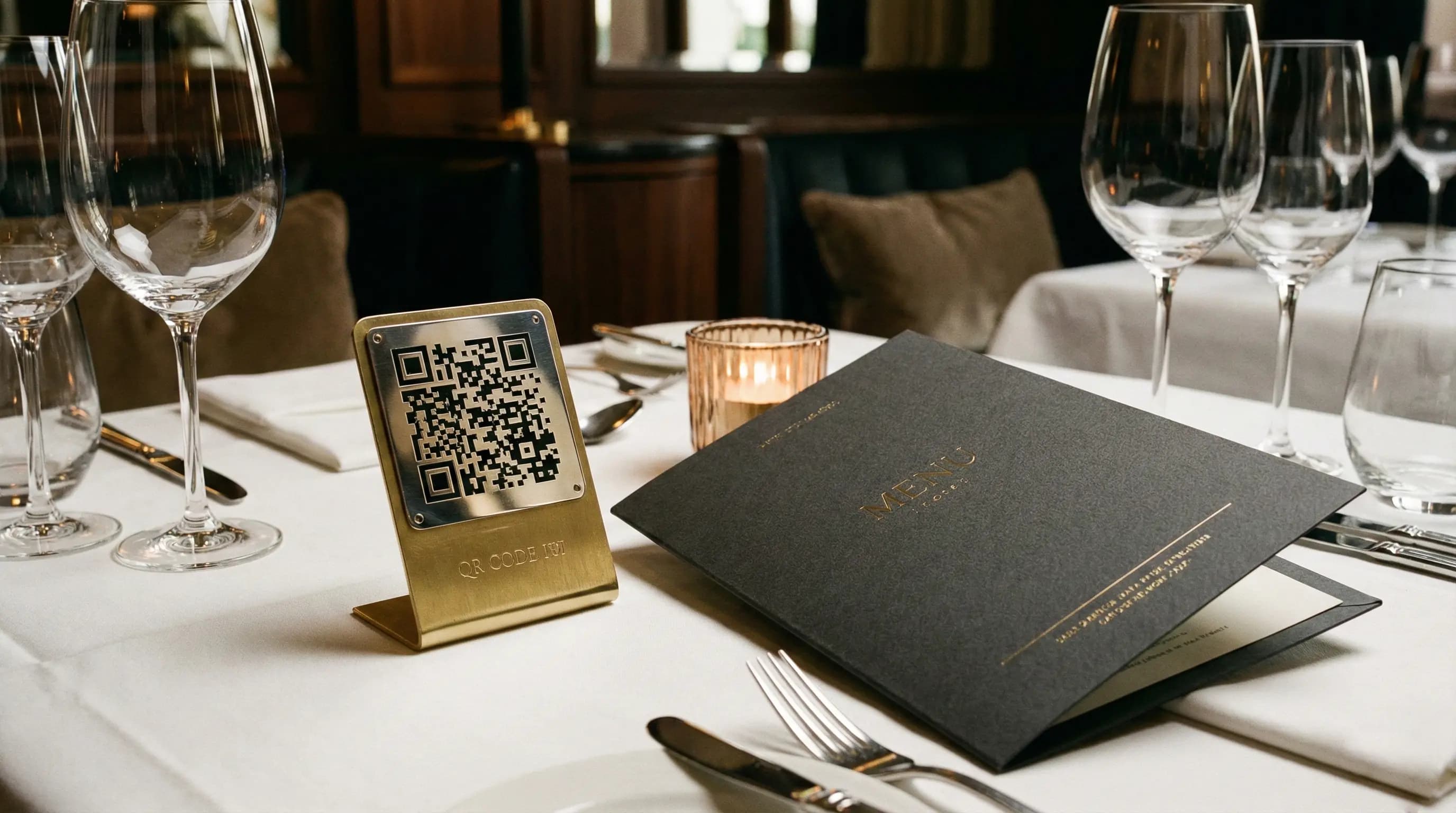
Your QR sticker should feel like part of your brand ecosystem. Incorporate your logo and brand colors without compromising the scanability of the code itself. This builds trust; customers are more likely to scan a branded code than a generic black-and-white square.
4. Leveraging Technology for Better Engagement
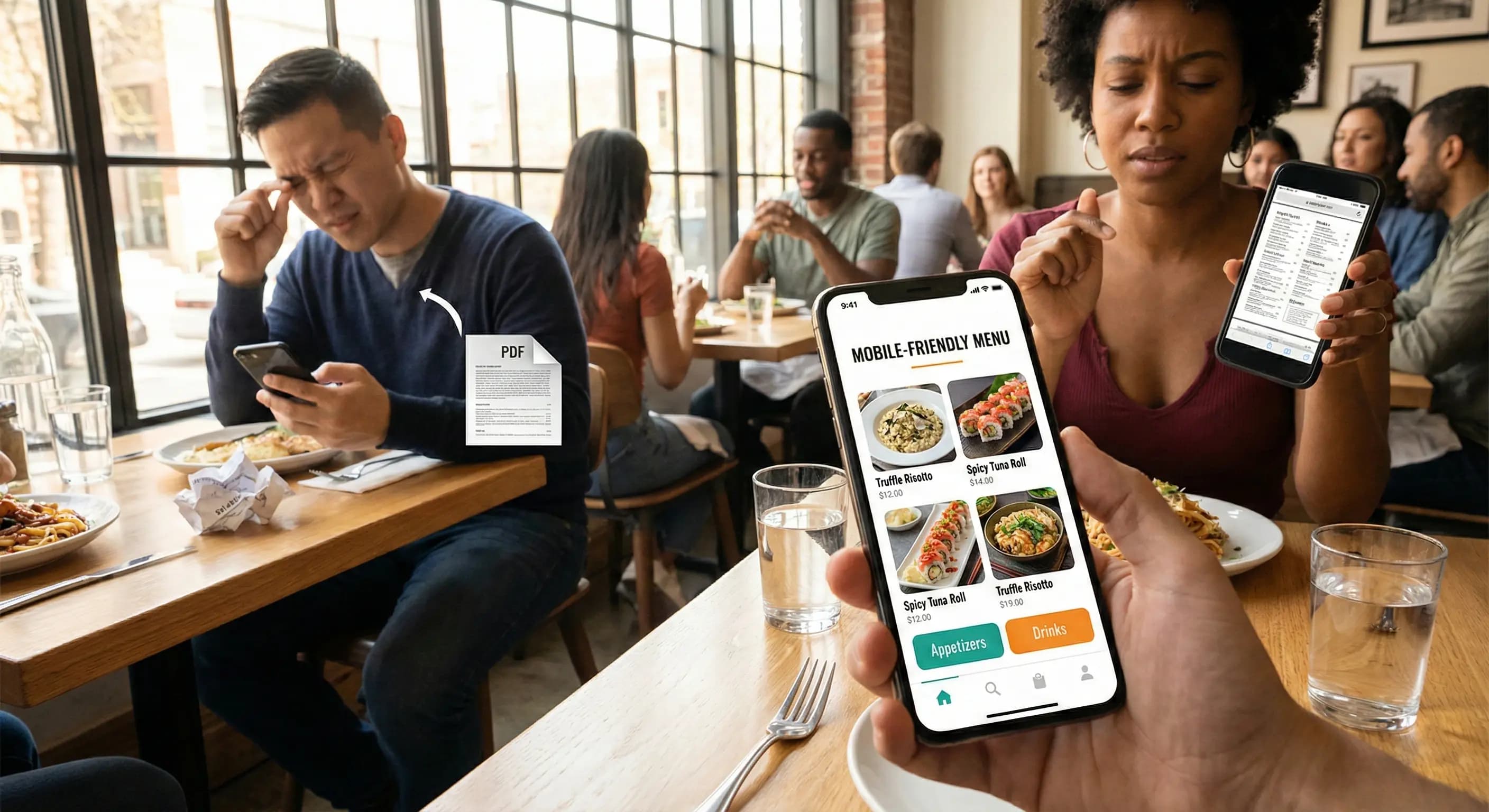
Adopting these placement strategies is only half the battle; the software behind the code is equally important. Using a robust platform like QR Menu Generator ensures that once the customer scans the code, the experience is flawless.
With our Pro and Pro Plus plans, you gain access to powerful analytics. You can track which tables are generating the most scans. Are the stickers on the patio tables fading? Is the corner booth too dark? Analytics provide the data to refine your placement strategy.
Testing and Iteration
Before rolling out stickers to all tables, print a few test versions. Sit at the table yourself. Try scanning it from different angles and with different phone models. This "dogfooding" process is essential to verify you are following the best practices for placing QR code stickers on tables to maximize customer engagement.
Conclusion
Maximizing customer engagement through QR codes is a blend of physical placement, material quality, and psychological design. By placing durable, matte-finish stickers in visible locations with clear calls to action, you streamline the ordering process and enhance the customer experience.
Ready to upgrade your restaurant's digital experience? Whether you are a small cafe needing a free menu or a hotel requiring advanced analytics across multiple venues, we have a tier for you.
Frequently Asked Questions
- What are the best practices for placing QR code stickers on tables to maximize customer engagement?
- The best practices include placing stickers in the center of the table to avoid clutter, using matte finishes to prevent glare, ensuring the area is well-lit, and including a clear Call to Action (CTA) like 'Scan for Menu'.
- How does QR Menu Generator help with maximizing engagement?
- QR Menu Generator provides high-speed, reliable digital menus. Our Pro and Pro Plus plans offer analytics that allow you to track scan rates, helping you identify if certain table placements are performing better than others.
About the author
Evrenus Fırat Polat
Restaurant technology expert and founder of QR Menu Generator. Passionate about helping restaurant owners harness digital tools to grow their business.