How to Create a Digital Menu for Your Restaurant in 2026 (Step-by-Step Guide)
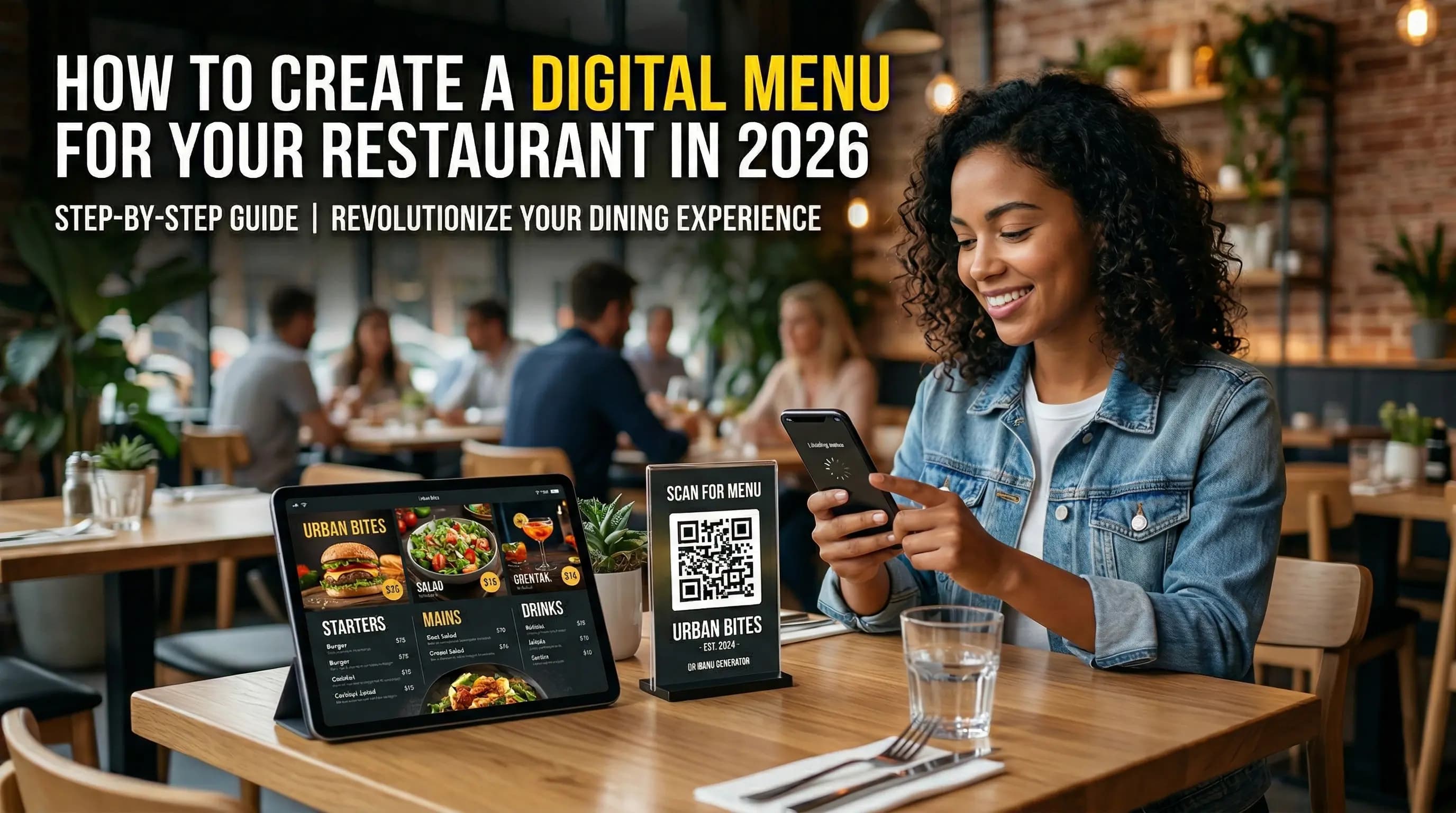
Printed menus are expensive to update, easy to damage, and increasingly out of step with how guests expect to interact with a restaurant in 2026. A digital menu solves all of that — it lives on your customers' phones, updates instantly, and costs a fraction of what you'd spend on reprints.
In this guide, we'll walk through exactly how to create a digital menu for your restaurant, step by step.
What Is a Digital Menu?
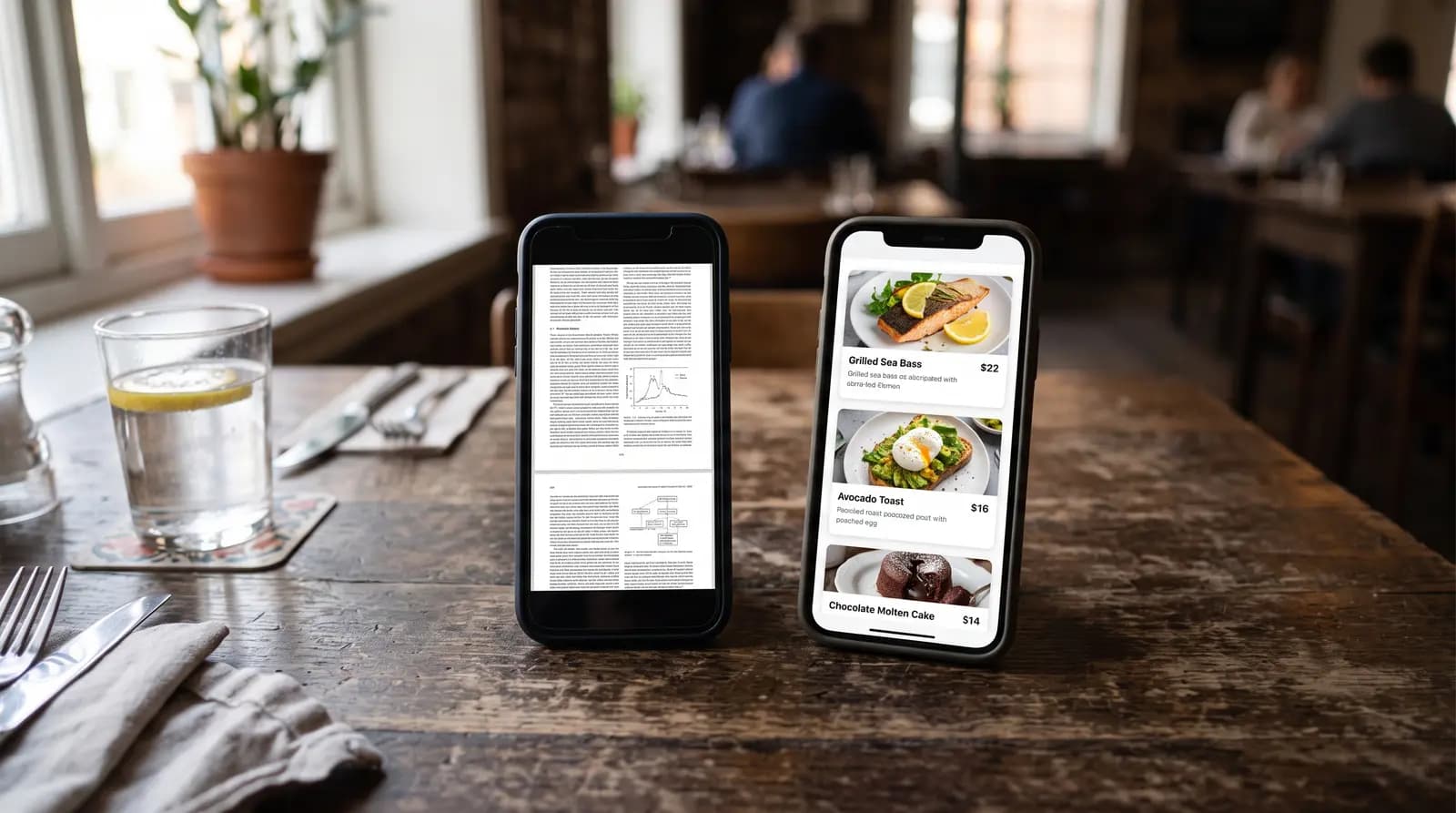
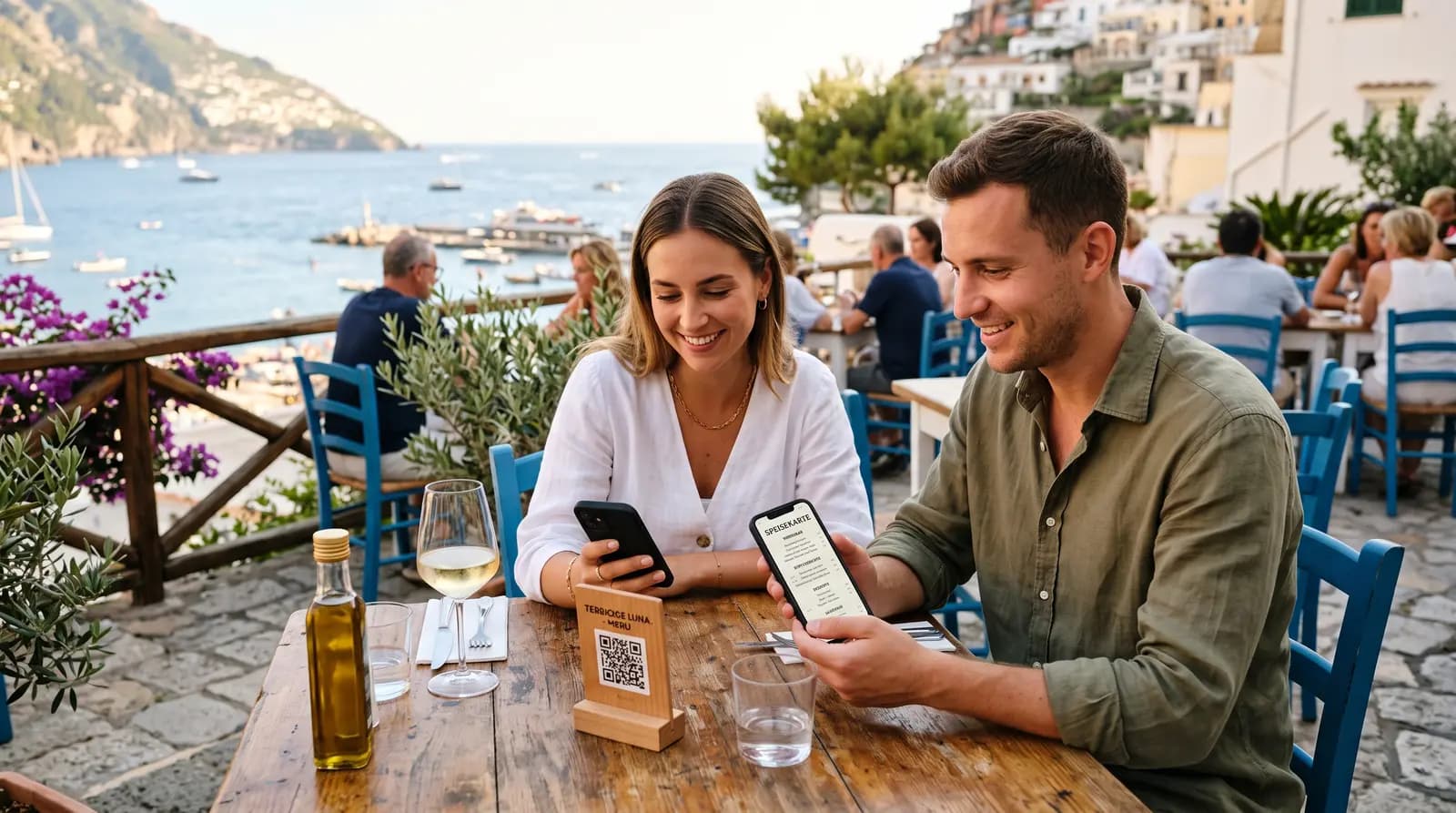
A digital menu is an online version of your menu that guests access by scanning a QR code with their smartphone. The menu opens directly in their browser — no app download required. They can browse categories, view item photos and descriptions, check prices, and see allergen or dietary information.
Unlike a PDF menu, a proper digital menu is designed for mobile screens, updates in real time, and can include photos, tags, and even promotional banners.
Why Restaurants Are Switching to Digital Menus
- No printing costs: Reprinting menus every season — or every time a price changes — adds up quickly. A digital menu eliminates that entirely.
- Real-time updates: Sold out of the soup? Remove it in seconds. Raising prices? Update once and it's live everywhere.
- Photos increase sales: Menu items with photos consistently sell better than text-only listings. A digital menu makes it easy to add a photo to every item.
- Allergen and dietary info: Add tags like Vegan, Gluten-Free, or Spicy to each item — guests with dietary restrictions will appreciate it, and in many countries it's legally required.
- Analytics: See which pages get the most views, when traffic peaks, and how guests are finding your menu.
Step-by-Step: How to Create a Digital Menu
Step 1: Choose a Platform
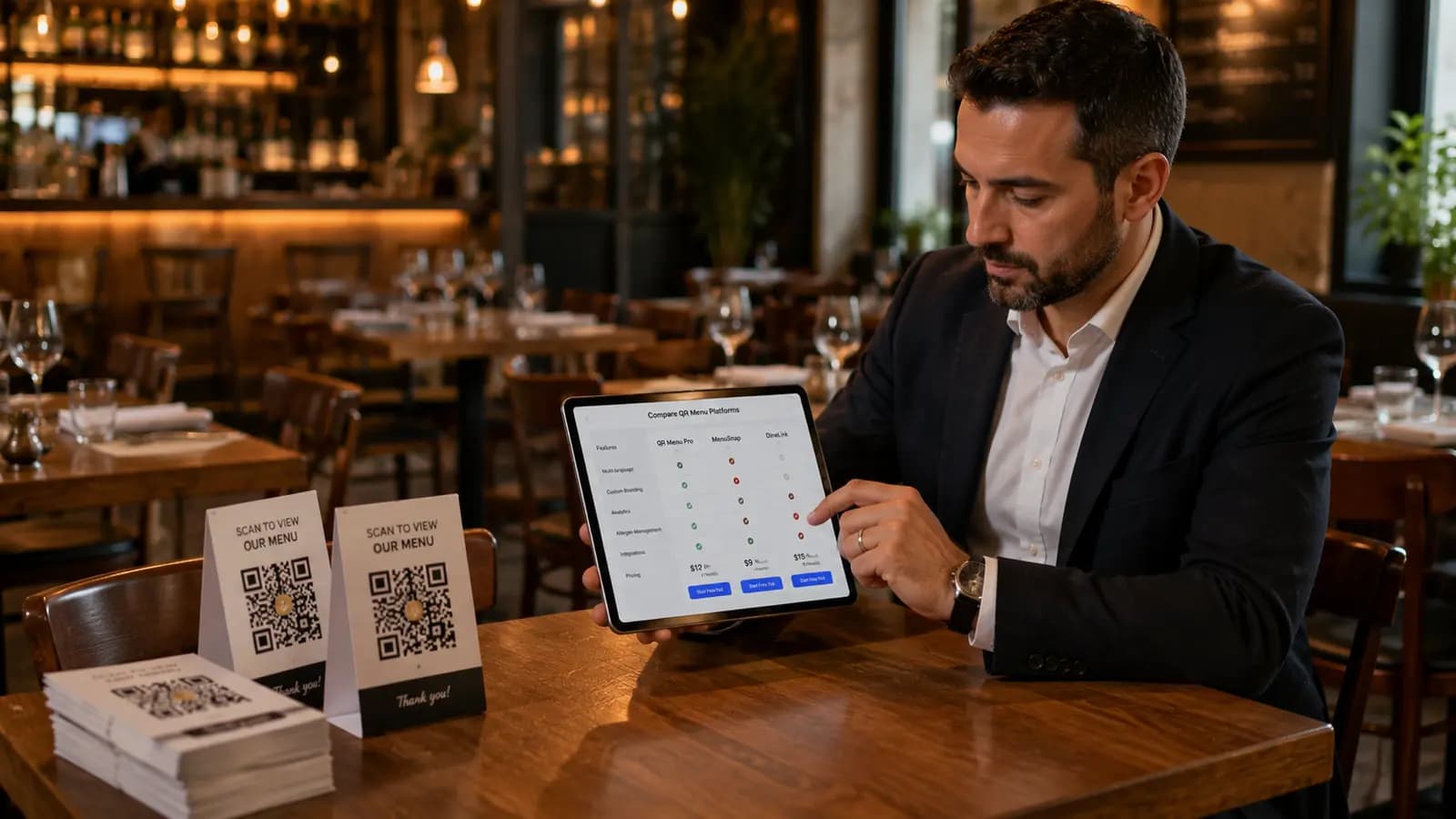
Start with a platform built specifically for restaurant digital menus. QR Menu Generator lets you get started for free — no credit card, no technical skills required. The free plan supports up to 5 categories and 20 products, which is enough to get your menu live and test the experience.
When evaluating platforms, look for:
- No app required for guests
- Mobile-first design
- Photo uploads per item
- Automatic QR code generation
- Ability to add allergen and dietary tags
Step 2: Set Up Your Restaurant Profile
After signing up, fill in your restaurant's details — name, address, phone number, and social media links. On the Pro plan, this information is displayed directly on your menu page so guests can contact you or find you on maps without leaving the menu.
Step 3: Build Your Menu Structure
Create your categories first, then add items within each one. A typical structure might look like:
- Starters
- Salads
- Main Courses
- Desserts
- Drinks
For each item, add a name, description, price, and photo. If you're on the Pro plan, you can also add allergen labels and dietary tags (Vegan, Gluten-Free, etc.) to each product.
Step 4: Add Photos
This step makes the biggest difference in order value. You don't need a professional photographer — a smartphone with decent lighting is enough. Upload a photo for every item if you can. The visual difference between a menu with photos and one without is immediately noticeable.
Step 5: Customize the Design
Your digital menu should reflect your restaurant's brand. QR Menu Generator offers multiple menu themes — choose one that fits your style, upload your logo, and adjust the colors to match your interior.
Step 6: Download Your QR Code
Once your menu is set up, your QR code is ready to download. Print it on table cards, stick it to the front door, add it to receipts, or share it on your social media profiles. When a customer scans it, your menu opens instantly.
Step 7: Test on Real Devices
Before going live, scan the QR code yourself on both an iPhone and an Android device. Check that photos load correctly, that text is readable, and that the menu feels fast even on a mobile connection.
Best Practices
Keep Your Menu Up to Date
One of the main advantages of a digital menu is how easy it is to update. Don't let it go stale — remove seasonal items when they're off, update prices as soon as they change, and mark sold-out items immediately rather than having staff explain it verbally all evening.
Use Concise, Appealing Descriptions
A one or two sentence description is ideal. Focus on the key ingredients and what makes the dish stand out. "Hand-cut fries with smoked paprika aioli" reads better than "Fries with dipping sauce."
Use Campaign Pop-Ups for Promotions
On the Pro plan, you can add a campaign pop-up to your menu — great for happy hour deals, seasonal specials, or a simple welcome message. Guests see it when they first open your menu, making it a low-effort way to promote offers.
Add Your Menu to Google Business Profile
Once your digital menu is live, add the link to your Google Business Profile. Customers searching for your restaurant on Google will be able to browse your menu directly from search results.
What Does a Digital Menu Cost?
| Plan | Price | Includes |
|---|---|---|
| Free | $0/month | 1 restaurant, 5 categories, 20 products, 10,000 monthly views |
| Pro | $9.90/month | Unlimited products & categories, allergen tags, analytics, campaign pop-ups, WiFi QR code, priority support |
| Pro Plus | $17.99/month | Everything in Pro + unlimited restaurants, multi-location management |
Even the Pro plan at $9.90/month costs less than a single round of menu reprints for most restaurants. The free plan is a genuine starting point — not a crippled demo.
Ready to Get Started?
Setting up a digital menu takes less than 30 minutes. Start for free on QR Menu Generator — no credit card required. Add your items, download your QR code, and your menu is live.
Frequently Asked Questions
- How much does it cost to create a digital menu for a restaurant?
- You can start for free with QR Menu Generator — no credit card required. The free plan covers up to 5 categories and 20 products, which is enough for most small menus. The Pro plan starts at $9.90/month and removes all limits, adding allergen tags, analytics, and more.
- How do I create a QR code for my restaurant menu?
- Sign up on QR Menu Generator, build your menu, and your QR code is generated automatically. Download it and print it on table cards, stickers, or receipts — customers scan it with their phone camera and your menu opens instantly, no app needed.
- Can I update my digital menu without reprinting anything?
- Yes. That's the biggest advantage of a digital menu. Update prices, add new dishes, or mark items as sold out in real time from any browser — no reprinting, no downtime.
- Do customers need an app to view a QR code menu?
- No. Customers scan the QR code with their smartphone camera and the menu opens directly in their browser. No app download is required.
- Is a digital menu better than a printed menu?
- For most restaurants, yes. Digital menus eliminate printing costs, allow instant updates, support photos that drive higher order values, and work in multiple languages — all things a printed menu can't do.
About the author
QR Menu Generator Team
Restaurant technology expert and founder of QR Menu Generator. Passionate about helping restaurant owners harness digital tools to grow their business.