8 Best QR Code Menu Apps for Cafés and Coffee Shops in 2026
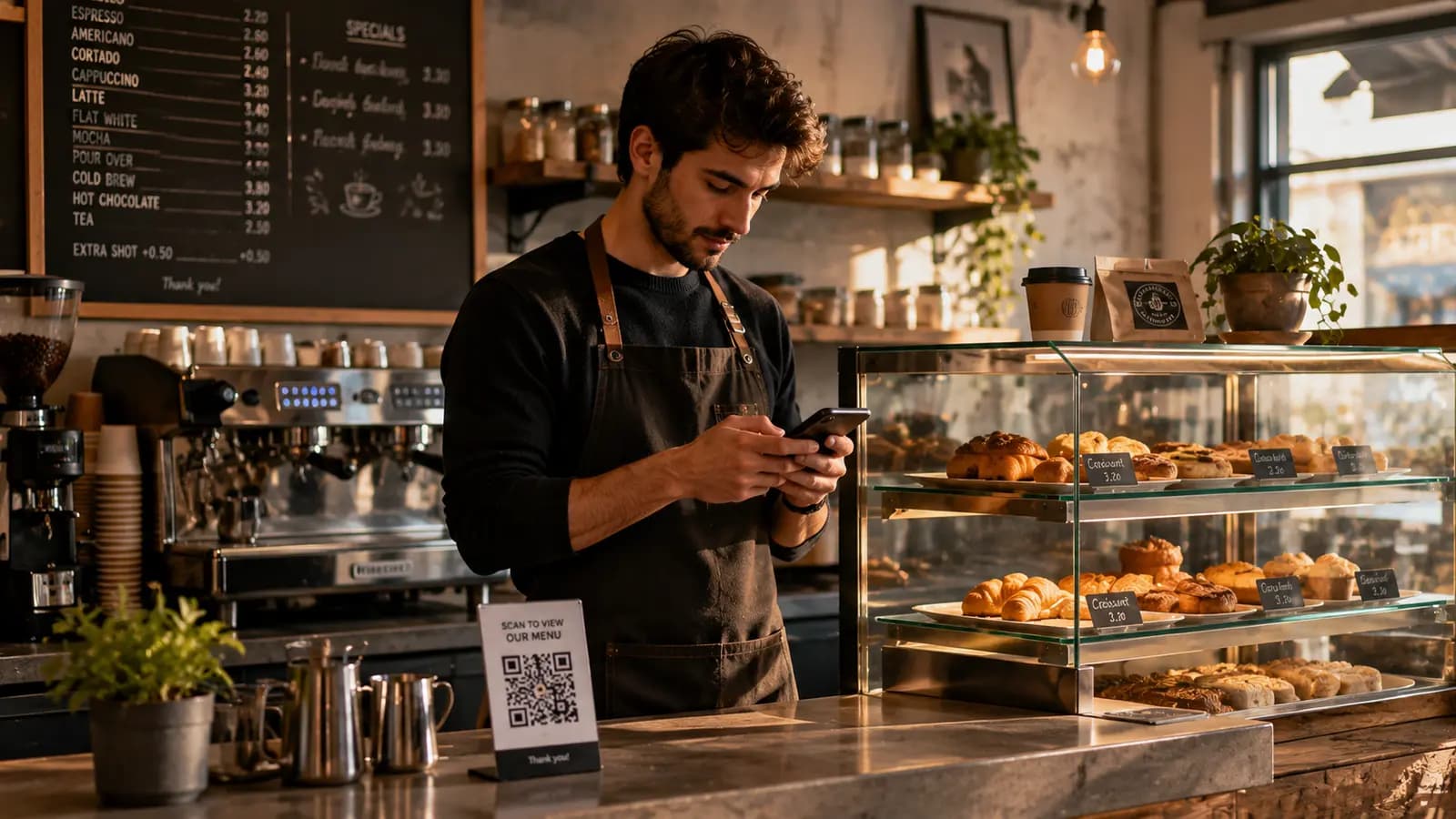
A café is not a small restaurant, and most QR menu platforms are built for restaurants. The best QR code menu app for a café is one that lets you change a single drink price from behind the counter in under a minute, works without table numbers, and does not charge you per table you do not have. Coffee shops change their menu more often than restaurants do — seasonal drinks, sold-out pastries, weekly bean rotations — so update speed matters more than feature depth.
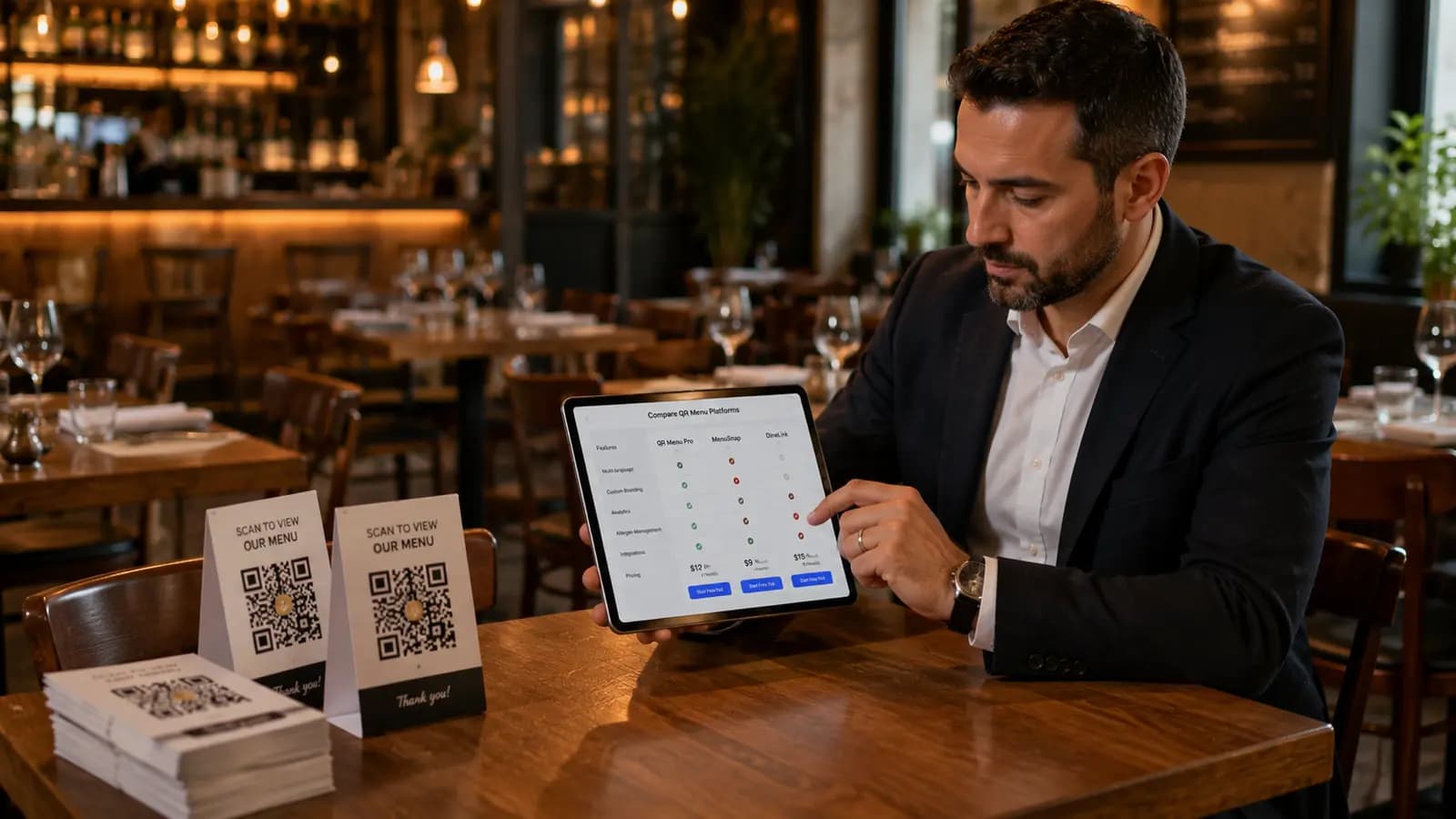
This guide ranks eight QR menu platforms specifically on how well they fit café operations in 2026, with prices as published in August 2026.
Key Takeaways
- Avoid per-table pricing. Cafés run counter service; paying per table is paying for a restaurant feature you will never use.
- Daily-update speed beats feature count. If marking a pastry sold out takes more than 30 seconds on a phone, staff will stop doing it.
- Milk alternatives are allergen data. Oat, soy and almond milk all sit on the EU's 14-allergen list, so a café menu needs structured allergen tags more than a steakhouse does.
- Free plans genuinely work for cafés because drink menus are short — the usual item caps rarely bite.
- Photos sell pastries. A platform without decent image support will cost you counter sales.
Table of Contents
What Actually Matters for a Café QR Menu
Cafés have a distinct operating profile, and it changes which features are worth paying for:
- Counter service, not table service. Table-numbered ordering flows add friction and cost. A café needs one code that works on every table, the counter and the window.
- High menu churn. Seasonal drinks, rotating single-origin beans and a pastry case that empties by mid-afternoon. Editing must be possible on a phone, mid-shift.
- Short menus. Most cafés run 30 to 60 items, which fits inside several free tiers.
- Allergen-heavy drinks. Milk, soy, nuts and gluten appear across the drink and pastry menu. Under EU Regulation 1169/2011 these must be declared and emphasised.
- Visual merchandising. Pastries and speciality drinks sell on photos.
1. QR Menu Generator — Best Overall for Cafés
Price: Free plan ($0 — 1 venue, 5 categories, 20 products, 10,000 monthly views). Pro $9.90/month or $99/year. Pro Plus $17.99/month or $179.90/year.
Flat-rate pricing with no table count anywhere in the plan, which is the right shape for counter service. Menu edits publish instantly and the QR code never changes, so the code on your table tents and window sticker stays valid permanently.
For cafés the standout is structured allergen and diet tagging on the Pro plan: milk, soy, nuts and gluten are fields on the item, not free text in a description, so an oat-milk flat white carries the right tags automatically. AI menu translation matters more in café settings than most operators expect, because tourist footfall is high and the menu is short enough to translate cleanly. Bulk price updates handle the annual bean price rise in one pass.
There is no online ordering and no POS integration — it is a menu product. For a café taking orders at the counter, that is exactly the scope you want. Start free.
Best for: independent cafés and coffee shops, especially in the EU. Limitation: if you want customers to order and pay from the table, look at GloriaFood or MenuTiger instead.
2. Menubly — Best If Instagram Is Your Storefront
Price: Free plan with Menubly branding. Pro $9.99/month, or $7.99/month billed annually.
Menubly builds a mini-website around your menu — hours, location, socials and links in one page — which suits cafés whose customers arrive via Instagram. Pro removes branding, adds a custom domain, converts a PDF menu to digital, and enables commission-free and WhatsApp ordering.
Best for: cafés that want one link covering everything, not just the menu. Limitation: no structured allergen fields, so milk and nut declarations live in dish descriptions and must be maintained by hand.
3. GloriaFood — Best Free Option If You Also Do Takeaway
Price: Core ordering system free, with unlimited orders and locations and no commission. Paid add-ons: online card payments $29/month, advanced promo marketing $19/month, POS $49/month per location.
If a meaningful share of your volume is takeaway coffee and pastries ordered ahead, GloriaFood's free tier is hard to argue with. Unlimited commission-free orders at zero base cost is the most generous free offer in this list.
Best for: cafés with a real takeaway or pre-order habit. Limitation: it is an ordering system first. As a browsing menu for people already sitting in your café, it is heavier than it needs to be, and taking card payments costs $29/month.
4. MenuTiger — Best If You Want In-Café Ordering
Price: Free (1 store, 10 tables, 200 QR orders/month, 7 categories, 7 items per category). Regular $17/month or $14.45/month annually (2 stores, 15 tables). Advanced $46/month. Premium $119/month.
MenuTiger does genuine QR ordering — guests scan, order and the ticket reaches the kitchen. For a café with table service or a busy terrace where queueing is the bottleneck, that can pay for itself.
Best for: cafés with table service or large terraces. Limitation: the pricing is per store and per table, which is the wrong shape for counter service. The free tier's 7 categories × 7 items cap is also tight once you list espresso drinks, brew methods, pastries and food.
5. MustHaveMenus — Best If You Print Specials Boards
Price: Free plan with limited features. Pro $49/month or $492/year. Digital signage +$20 per screen per month.
A menu design tool with a deep template library, where the QR menu is one output alongside print. Cafés that produce chalkboard-style specials, table tents, loyalty cards and window posters get real value from having one branded design system.
Best for: cafés with an active print and signage programme. Limitation: $49/month is roughly five times the cost of a dedicated QR menu tool, and it is not worth it for digital alone.
6. QR TIGER — Best for Tracking Scans Across Locations
Price: Free (3 dynamic codes, 500 scans per code). Paid tiers from roughly $7/month billed annually, up to about $89/month.
A QR code platform rather than a menu builder. Excellent code design, bulk generation and scan analytics — useful if you run several sites and want to know which window sticker actually gets scanned.
Best for: small chains measuring scan performance per location. Limitation: the menu behind the code is usually a PDF, which is poor on a phone and cannot carry structured allergen data.
7. UpMenu — Best for Loyalty-Driven Cafés
Price: From $49/month, including digital menu, commission-free ordering, loyalty programme, SMS marketing, push notifications and email campaigns.
Coffee is the most repeat-purchase category in hospitality, so a loyalty programme has more upside in a café than almost anywhere else. UpMenu bundles that with the menu.
Best for: cafés that will actually run a loyalty scheme and campaigns. Limitation: if nobody owns marketing, you are paying $49/month for a menu.
8. Popmenu — Best for Café Groups with a Marketing Budget
Price: From $179/month. Online ordering is a separate add-on at around $50/month plus roughly $1 per order.
A full marketing platform with dynamic menus, review management and automated campaigns. Genuinely capable, and aimed at operators replacing agency spend.
Best for: multi-site café groups with a marketing function. Limitation: far beyond what a single independent café needs to show a drinks list.
Comparison Table
Prices as published by each vendor in August 2026.
| Platform | Entry paid price | Per-table fees | Structured allergen tags | Best café use case |
|---|---|---|---|---|
| QR Menu Generator | $9.90/mo | No | Yes — all 14 EU allergens | Everyday counter-service menu |
| Menubly | $7.99/mo annual | No | No | Instagram-led mini-site |
| GloriaFood | $0 core | No | No | Takeaway and pre-order |
| MenuTiger | $14.45/mo annual | Yes | No | Table-service ordering |
| MustHaveMenus | $49/mo | No | No | Print plus digital |
| QR TIGER | ~$7/mo annual | No | Not applicable | Scan analytics |
| UpMenu | $49/mo | No | No | Loyalty and campaigns |
| Popmenu | $179/mo | No | No | Multi-site marketing |
Setting Up a Café QR Menu in One Shift
A café menu is short enough to build in an afternoon. A workable order of operations:
- Split the menu the way guests think. Espresso, filter and brew, cold drinks, pastries, food. Four or five categories beats a single long list.
- Photograph the pastry case, not the coffee. Drink photos rarely change a decision; a good croissant photo does.
- Tag allergens while you build, not afterwards. Milk, soy, nuts, gluten and sesame will cover most of a café menu. Retrofitting allergen data across 50 items is the job nobody finishes.
- Add milk alternatives as options with their own tags. Oat contains gluten in some products, soy and almond are separate allergens. Do not fold them into a description.
- Print one code, place it everywhere. Tables, counter, window, takeaway cups. Confirm the code is dynamic so it survives every future menu change.
- Give staff the edit link. Marking a pastry sold out should be a 15-second job on a phone, or it will not happen.
For most independent cafés the honest recommendation is to start on a free plan, build the full menu, and upgrade only when you hit the item cap or need allergen tags and branding removal. You can create a café QR menu for free, or see the café-specific overview and the pricing page for plan details.
Pricing verified against vendor pricing pages and help centres in August 2026. Check the vendor's own page before deciding.
Frequently Asked Questions
- What is the best QR code menu app for a café in 2026?
- For most independent cafés, a flat-rate platform with structured allergen tags and instant menu edits is the right choice, since cafés run counter service and change their menu frequently. QR Menu Generator, Menubly and GloriaFood all offer usable free plans to test with a full menu before paying.
- Should a café pay for per-table QR menu pricing?
- Usually not. Per-table pricing is designed for table-service restaurants and raises your bill as you add seats. Cafés running counter service get no benefit from table-numbered ordering, so a flat-rate plan is almost always cheaper and simpler.
- Do café menus need allergen labelling in the EU?
- Yes. EU Regulation 1169/2011 applies to all non-prepacked food and drink, including café menus. Milk, soy, nuts, gluten and sesame appear across most drink and pastry menus, and milk alternatives such as oat, soy and almond each carry their own declarations.
- Can a free QR menu plan handle a full café menu?
- Often yes. Café menus typically run 30 to 60 items, which fits within several free tiers. The usual reasons to upgrade are removing vendor branding from the customer-facing menu and unlocking structured allergen tags, not hitting item limits.
- Do I need to reprint my QR code when I change the café menu?
- No, provided the code is dynamic. A dynamic QR code points to a fixed URL, so seasonal drinks, price changes and sold-out items update without touching printed table tents, window stickers or takeaway cups.
- How fast should updating a café QR menu be?
- Marking an item sold out should take under 30 seconds on a phone. Cafés change their menu mid-shift, and if the edit flow requires a desktop login, staff stop using it and the menu drifts out of date within a week.
About the author
Evrenus Fırat Polat
Restaurant technology expert and founder of QR Menu Generator. Passionate about helping restaurant owners harness digital tools to grow their business.